

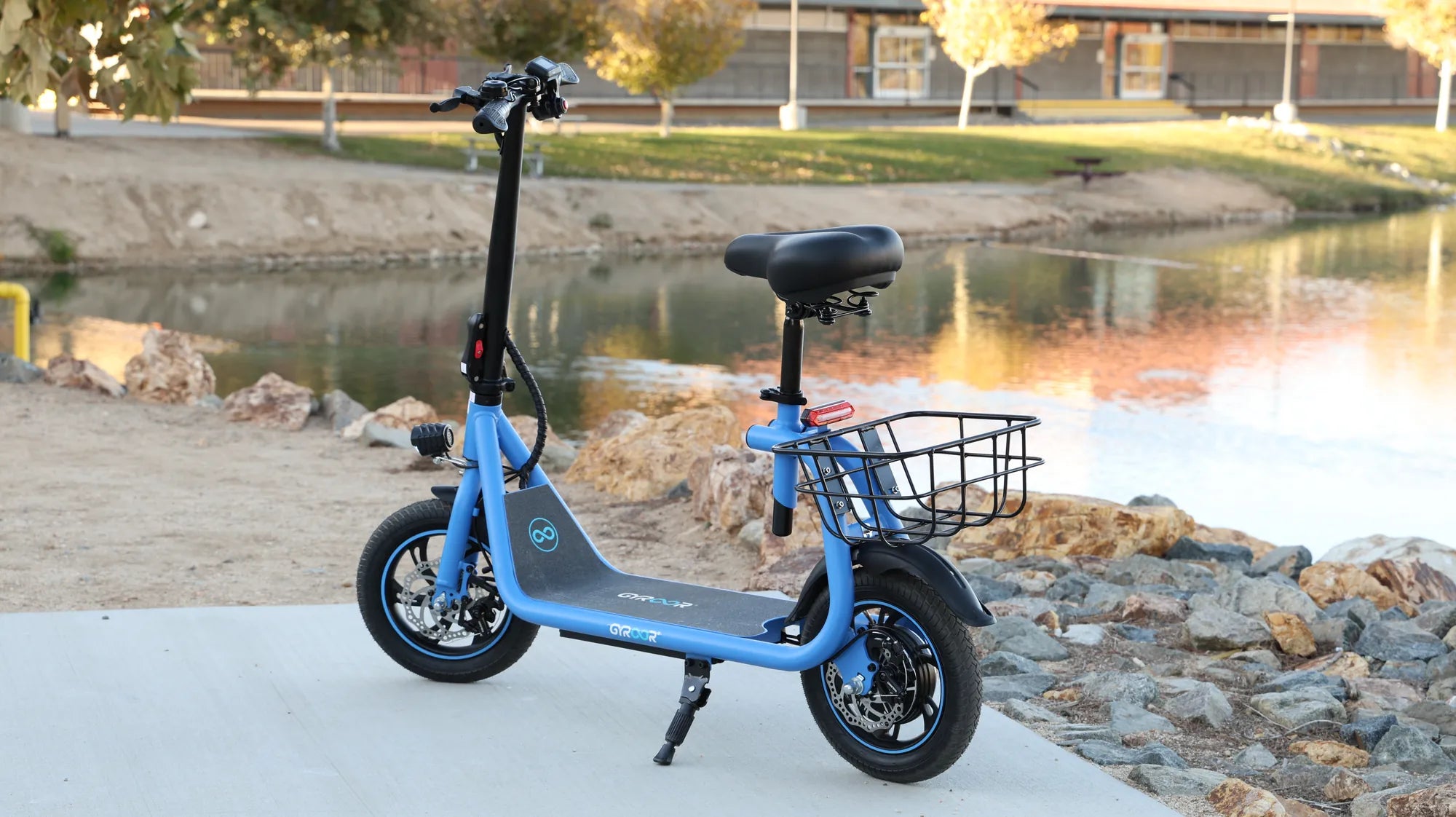
Are you tired of your e-scooter board LED lights constantly cycling through colors when you just want a single, steady hue? You're not alone. Many riders find the automatic color-changing feature distracting or simply prefer a consistent look. Fortunately, there are several ways to take control of your LED lights and stop them from changing colors. Whether you're a tech-savvy rider or a beginner, this guide will walk you through the steps to customize your e-scooter's lighting to match your style.
Understanding How E-Scooter Board LED Lights Work
Before diving into how to stop the color-changing feature, it's helpful to understand how these LED lights function. Most e-scooter board LED lights are designed with pre-programmed lighting modes, including static colors, flashing patterns, and automatic color cycles. These modes are typically controlled by a small circuit board or remote, depending on your scooter's design.
The color-changing feature is often the default setting because it's eye-catching and makes your scooter more visible at night. However, if you prefer a more subdued or personalized look, you'll need to override this default behavior.
Method 1: Using the Remote Control
Many e-scooters come with a remote control that allows you to adjust various settings, including the LED lights. Here's how to use it to stop the color-changing feature:
- Locate the button on your remote that controls the LED lights. This is often labeled "Light" or has an icon resembling a bulb.
- Press the button repeatedly to cycle through the available lighting modes. Most remotes will let you toggle between static colors, flashing patterns, and color cycles.
- When you reach the static color mode (usually indicated by a steady light), stop pressing the button. Your LED lights should now remain a single color.
- If your remote has color selection buttons, use them to choose your preferred hue.
If this method doesn't work, consult your e-scooter's manual for specific instructions related to your model.
Method 2: Manual Reset via the Power Button
Some e-scooters allow you to control the LED lights directly from the power button. Try this sequence:
- Turn on your e-scooter.
- Press and hold the power button for 5-10 seconds until the LED lights respond.
- Release the button and quickly press it again to cycle through lighting modes.
- Stop when you reach your desired static color setting.
This method varies by manufacturer, so you may need to experiment with different button combinations.
Method 3: Accessing the Control Panel
Higher-end e-scooters often have a digital control panel where you can adjust settings more precisely. To stop the color-changing feature:
- Navigate to the "Lighting" or "LED" section in the control panel menu.
- Look for an option labeled "Mode," "Effect," or "Color Cycle."
- Select "Static" or "Solid" to disable the color-changing feature.
- Choose your preferred color from the available palette.
- Save your settings before exiting the menu.
Method 4: Physical Modification (Advanced Users)
If your e-scooter doesn't offer software controls to stop the color-changing feature, you might consider physical modifications. This approach is more technical and may void your warranty, so proceed with caution.
- Locate the LED controller, usually found near the battery compartment or under the deck.
- Identify the wires connected to the controller - there should be separate wires for power, ground, and mode control.
- Consult a wiring diagram for your specific model to determine which wire controls the color-changing mode.
- You may need to disconnect or insulate the mode control wire to disable the automatic color cycling.
If you're uncomfortable with electronics, it's best to consult a professional or contact the manufacturer for assistance.
Troubleshooting Common Issues
Sometimes, even after following these methods, your LED lights might continue changing colors. Here are some troubleshooting tips:
- Check the battery: Low battery power can sometimes cause LED lights to malfunction or revert to default settings.
- Reset the system: Try turning off your e-scooter completely, waiting 30 seconds, and then turning it back on.
- Update firmware: Some e-scooters receive firmware updates that might include new lighting controls.
- Inspect connections: Loose wiring between the LED controller and lights can cause erratic behavior.
Safety Considerations When Modifying LED Lights
While customizing your e-scooter's LED lights can be fun, remember these safety tips:
- Never modify lights while the e-scooter is powered on.
- Avoid covering or obstructing lights that are essential for visibility and safety.
- Check local regulations regarding e-scooter lighting colors and brightness.
- Ensure any modifications don't interfere with the scooter's electrical system.
Taking control of your e-scooter board LED lights doesn't have to be complicated. With these methods, you can easily stop the color-changing feature and create a lighting setup that perfectly matches your riding style. Imagine cruising through the city streets with your custom-colored lights reflecting your personality - the possibilities are endless when you know how to take command of your e-scooter's visual appeal.
Electric Scooter Charger 12V: The Ultimate Guide to Safe and Efficient Charging
High Quality Electric Scooter 1200W: The Ultimate Urban Commuter