

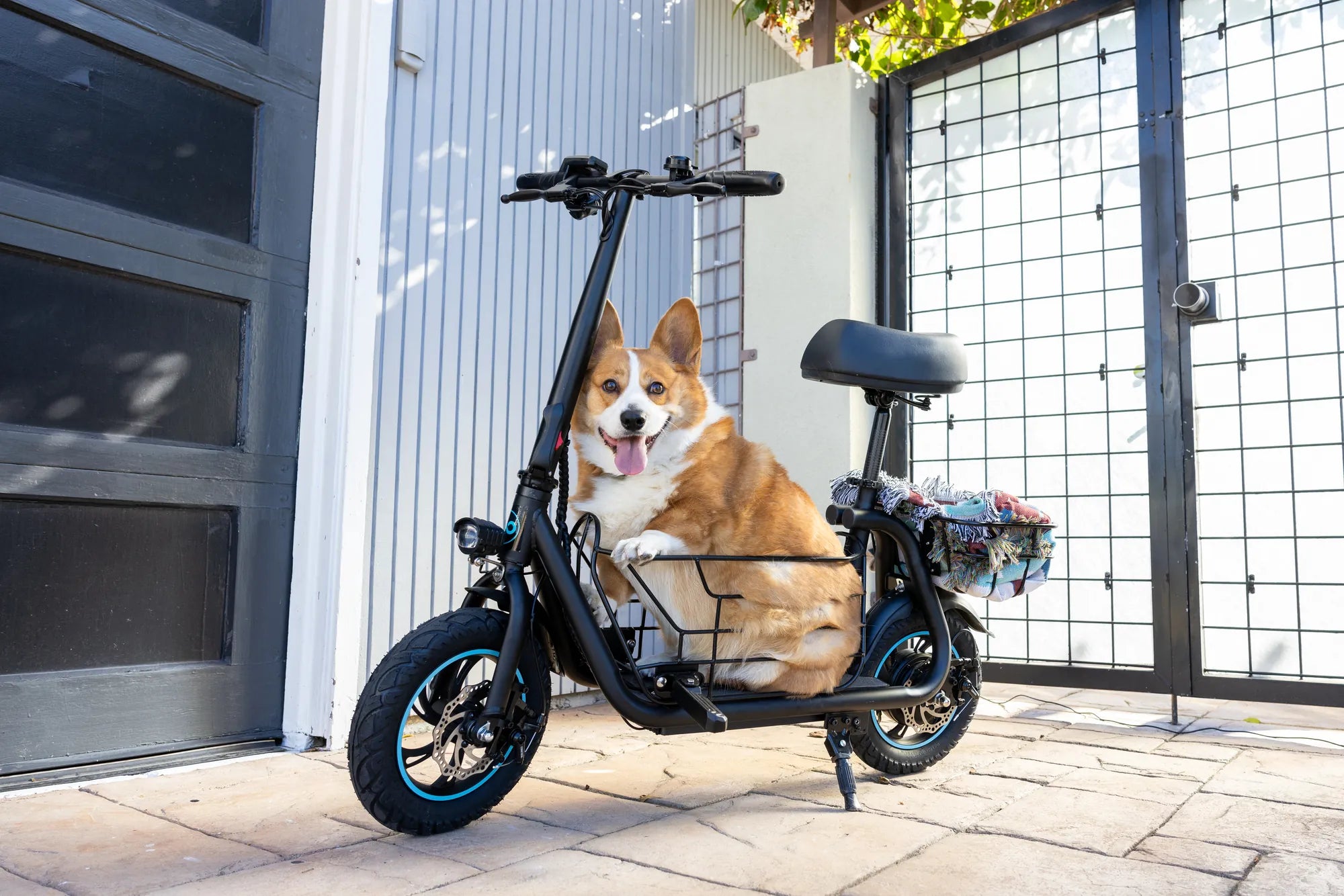
Is your e scooter acting up? A hard reset might be the solution you need to get it running smoothly again. Whether it's unresponsive controls, connectivity issues, or mysterious error codes, a hard reset can often resolve these problems without the need for professional help. Read on to learn how to perform an e scooter hard reset and regain control of your ride.
What Is an E Scooter Hard Reset?
A hard reset is a process that restores your e scooter to its factory settings, erasing any temporary glitches or software errors. Unlike a soft reset, which simply reboots the system, a hard reset clears all stored data, including paired devices and custom settings. This can be particularly useful if your scooter is frozen, displaying errors, or not responding to commands.
When Should You Perform a Hard Reset?
Not every issue requires a hard reset. Here are some common scenarios where it might be necessary:
- Your e scooter won't turn on or respond to power buttons.
- The display shows persistent error codes that don't resolve with a restart.
- Bluetooth or app connectivity fails repeatedly.
- The scooter behaves erratically, such as sudden acceleration or braking issues.
How to Perform an E Scooter Hard Reset
Follow these steps carefully to avoid damaging your scooter:
- Power Off the Scooter: Ensure the scooter is completely turned off before proceeding.
- Locate the Reset Button: Some models have a small reset button, often hidden near the battery or under the deck.
- Press and Hold: If there's a reset button, press and hold it for 10-15 seconds. If not, hold the power button for an extended period (consult your manual for exact timing).
- Wait for Indicators: The scooter may beep or flash lights to confirm the reset.
- Power On: Turn the scooter back on and check if the issue is resolved.
What to Do If the Hard Reset Doesn't Work
If the problem persists after a hard reset, consider these additional steps:
- Check the battery connections and ensure they're secure.
- Inspect the wiring for visible damage or loose connections.
- Update the scooter's firmware if an update is available.
- Contact customer support for further assistance.
Preventive Measures to Avoid Future Issues
To minimize the need for hard resets, follow these best practices:
- Regularly update your scooter's software.
- Avoid exposing the scooter to extreme temperatures or moisture.
- Charge the battery properly and avoid overcharging.
- Store the scooter in a dry, cool place when not in use.
Don't let a malfunctioning e scooter ruin your day—mastering the hard reset process can save you time and frustration. With these steps, you'll be back on the road in no time, enjoying a smooth and reliable ride.
E Scooter Bis 400 Euro: The Ultimate Guide to Affordable Electric Mobility
Best Performance E Scooter: Top Picks for Speed, Range, and Power