


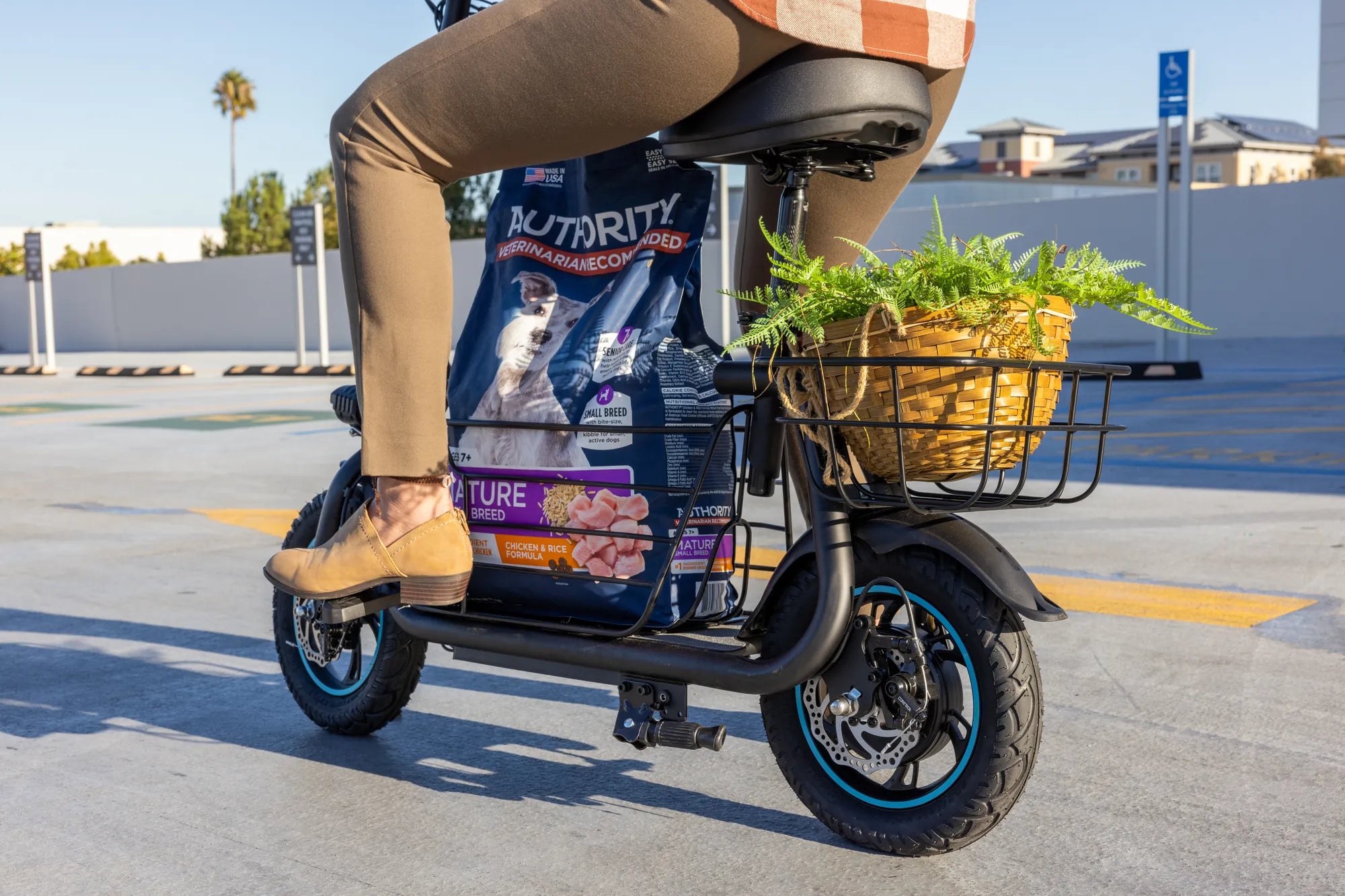
Nothing ruins your day faster than plugging in your electric scooter only to find the battery won’t charge. Whether you rely on it for commuting or just enjoy cruising around, a dead battery can leave you stranded. Before you panic or rush to buy a replacement, let’s explore the possible reasons and solutions to get your ride back in action.
Common Reasons Why Your Electric Scooter Battery Won’t Charge
Several factors can prevent your electric scooter battery from charging. Identifying the root cause is the first step toward fixing the issue.
1. Faulty Charger or Power Source
Before blaming the battery, check the charger and power outlet. A damaged charger, loose connections, or a dead power source could be the culprit. Try plugging the charger into a different outlet or testing it with another device (if compatible) to rule out power issues.
2. Battery Age and Wear
Batteries degrade over time. If your scooter is older or heavily used, the battery may no longer hold a charge. Most lithium-ion batteries last between 300-500 charge cycles before losing significant capacity.
3. Overheating or Extreme Temperatures
Batteries are sensitive to temperature. Charging in extremely hot or cold conditions can damage cells or trigger safety mechanisms that prevent charging. Always charge in a cool, dry place.
4. Loose or Corroded Battery Connections
Dirt, moisture, or corrosion on battery terminals can disrupt the charging process. Inspect the connections and clean them with a dry cloth or a small amount of rubbing alcohol if needed.
5. Deep Discharge
If the battery was completely drained and left unused for a long time, it may enter a deep discharge state, making it difficult to revive. Some chargers won’t recognize a deeply discharged battery.
Troubleshooting Steps to Fix a Non-Charging Battery
Now that you know the potential causes, here’s how to diagnose and fix the problem.
Step 1: Check the Charger and Power Source
Ensure the charger is properly connected to both the scooter and the outlet. Look for any visible damage to the cable or adapter. If possible, test with another charger to confirm the issue isn’t with the power supply.
Step 2: Inspect the Battery and Connections
Open the battery compartment (if accessible) and check for loose wires, corrosion, or physical damage. Tighten any loose connections and clean corroded terminals carefully.
Step 3: Reset the Battery Management System (BMS)
Some scooters have a built-in BMS that can lock the battery if it detects an issue. Disconnect the battery for a few minutes, then reconnect it to reset the system.
Step 4: Try a Different Charging Method
If your scooter supports removable batteries, try charging it outside the scooter. Alternatively, some repair shops offer specialized chargers that can revive deeply discharged batteries.
Step 5: Test the Battery Voltage
Use a multimeter to check the battery voltage. If it’s significantly lower than the rated voltage, the battery may be beyond repair.
Preventative Measures to Extend Battery Life
To avoid future charging issues, follow these best practices:
- Avoid Full Discharges: Try not to drain the battery completely. Charge it when it reaches 20-30% capacity.
- Store Properly: If not using the scooter for a while, store the battery at 50-60% charge in a cool, dry place.
- Use the Right Charger: Always use the manufacturer-recommended charger to prevent damage.
- Regular Maintenance: Clean battery contacts periodically and check for signs of wear.
When to Replace Your Electric Scooter Battery
If troubleshooting doesn’t work, it might be time for a new battery. Signs of a failing battery include:
- Significantly reduced range even after a full charge.
- The battery won’t hold a charge for more than a few minutes.
- Visible swelling or leaks (replace immediately for safety).
Don’t let a non-charging battery keep you off the road. With the right approach, you can diagnose the issue, apply fixes, or decide if it’s time for a replacement. Stay charged and keep riding!
Self Charging Electric Bike Price: What You Need to Know Before Buying
Mountain Biking Midway Utah: Trails, Tips, and Unforgettable Adventures