

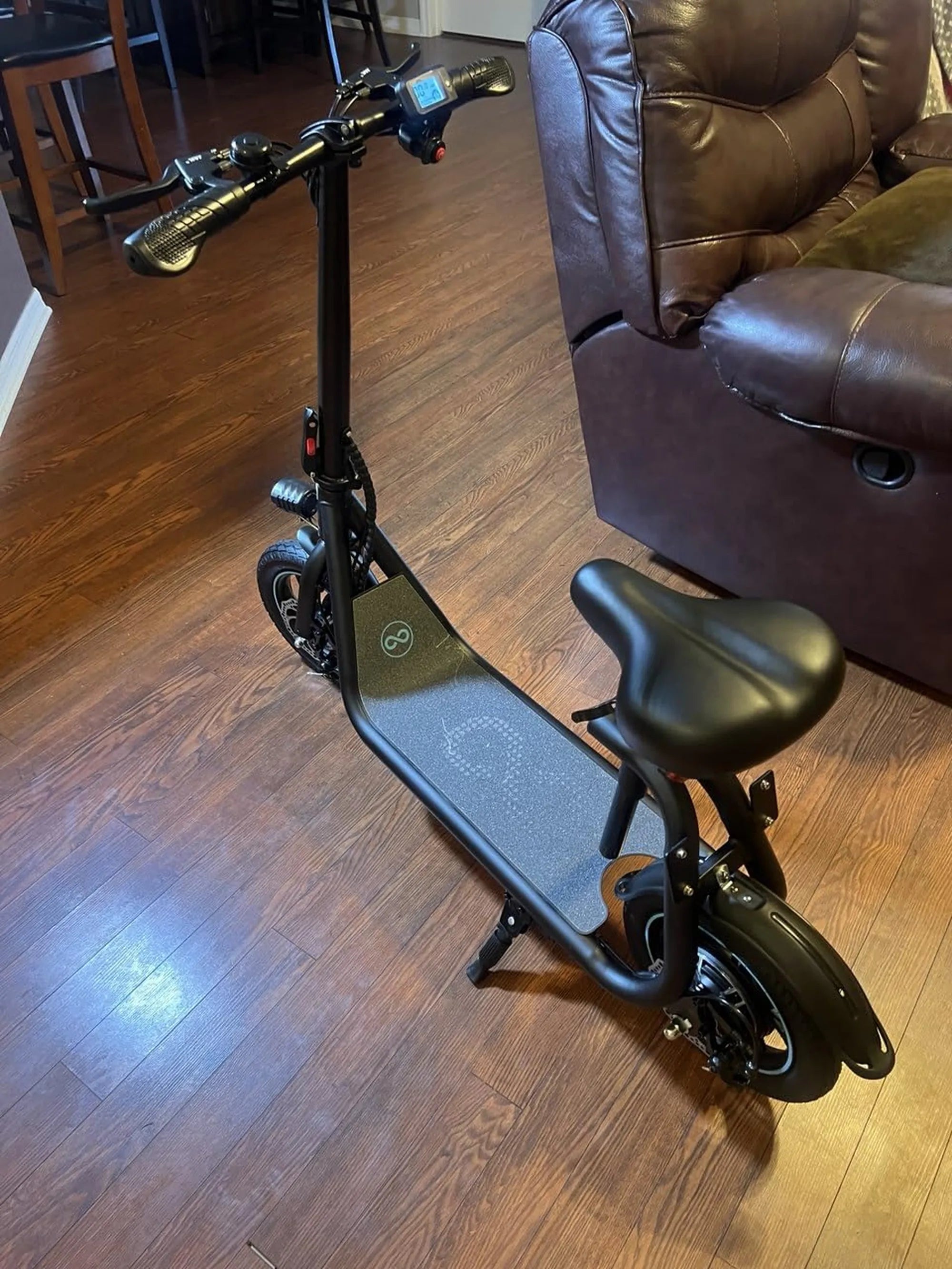
Few things are as frustrating as plugging in your electric scooter only to realize the charger isn’t working. Whether you rely on your scooter for daily commutes or weekend adventures, a malfunctioning charger can bring your plans to a screeching halt. But don’t worry—this guide will help you diagnose the problem and get your scooter charging again in no time.
Common Reasons Why Your Electric Scooter Charger Isn’t Working
Before panicking, it’s essential to understand the most common causes of charger failures. Here are the top culprits:
1. Faulty Power Source
Sometimes, the issue isn’t with the charger itself but the power outlet. Test the outlet with another device to ensure it’s functioning correctly. If the outlet is dead, try a different one or reset the circuit breaker.
2. Damaged Charger Cable
Inspect the charger cable for visible wear and tear, such as frayed wires or bent connectors. A damaged cable can prevent proper power delivery to your scooter.
3. Loose or Corroded Connections
Check both the charger port on your scooter and the charger’s plug for dirt, rust, or bent pins. Clean the connections gently with a dry cloth or compressed air.
4. Overheating Charger
If the charger feels excessively hot, it may have overheated and shut down as a safety measure. Unplug it, let it cool, and try again later.
5. Battery Issues
A dead or faulty battery can prevent the charger from working. If your scooter doesn’t turn on at all, the battery might need replacement.
Step-by-Step Troubleshooting Guide
Follow these steps to identify and fix the problem:
Step 1: Check the Power Outlet
Plug another device into the same outlet to confirm it’s working. If not, try a different outlet or check your home’s electrical panel.
Step 2: Inspect the Charger and Cable
Look for physical damage to the charger or cable. If you find any, replacing the cable or charger may be necessary.
Step 3: Test the Charger with Another Scooter
If possible, try the charger on a different scooter to see if it works. If it does, the issue likely lies with your scooter’s battery or charging port.
Step 4: Clean the Charging Port
Use a dry cloth or compressed air to remove dust or debris from the scooter’s charging port. Avoid using liquids or sharp objects.
Step 5: Monitor the Charging Process
Once plugged in, check if the charger’s indicator light turns on. If it doesn’t, the charger may be faulty. If it does but the scooter doesn’t charge, the battery could be the issue.
When to Seek Professional Help
If you’ve tried all the troubleshooting steps and your charger still isn’t working, it’s time to consult a professional. A certified technician can diagnose electrical issues, replace faulty components, and ensure your scooter is safe to use.
Preventive Measures to Avoid Future Charger Problems
To extend the life of your charger and battery, follow these tips:
- Always use the manufacturer-recommended charger.
- Avoid exposing the charger to extreme temperatures or moisture.
- Store the charger in a dry, cool place when not in use.
- Regularly inspect the charger and cable for damage.
Don’t let a non-working charger keep you stranded. With these troubleshooting steps and preventive measures, you can keep your electric scooter running smoothly and avoid unexpected downtime.
$39 Mobility Scooter: Affordable Freedom for Seniors and Disabled Individuals
Comfort Cruiser Electric Bike: The Ultimate Ride for Effortless Commuting