

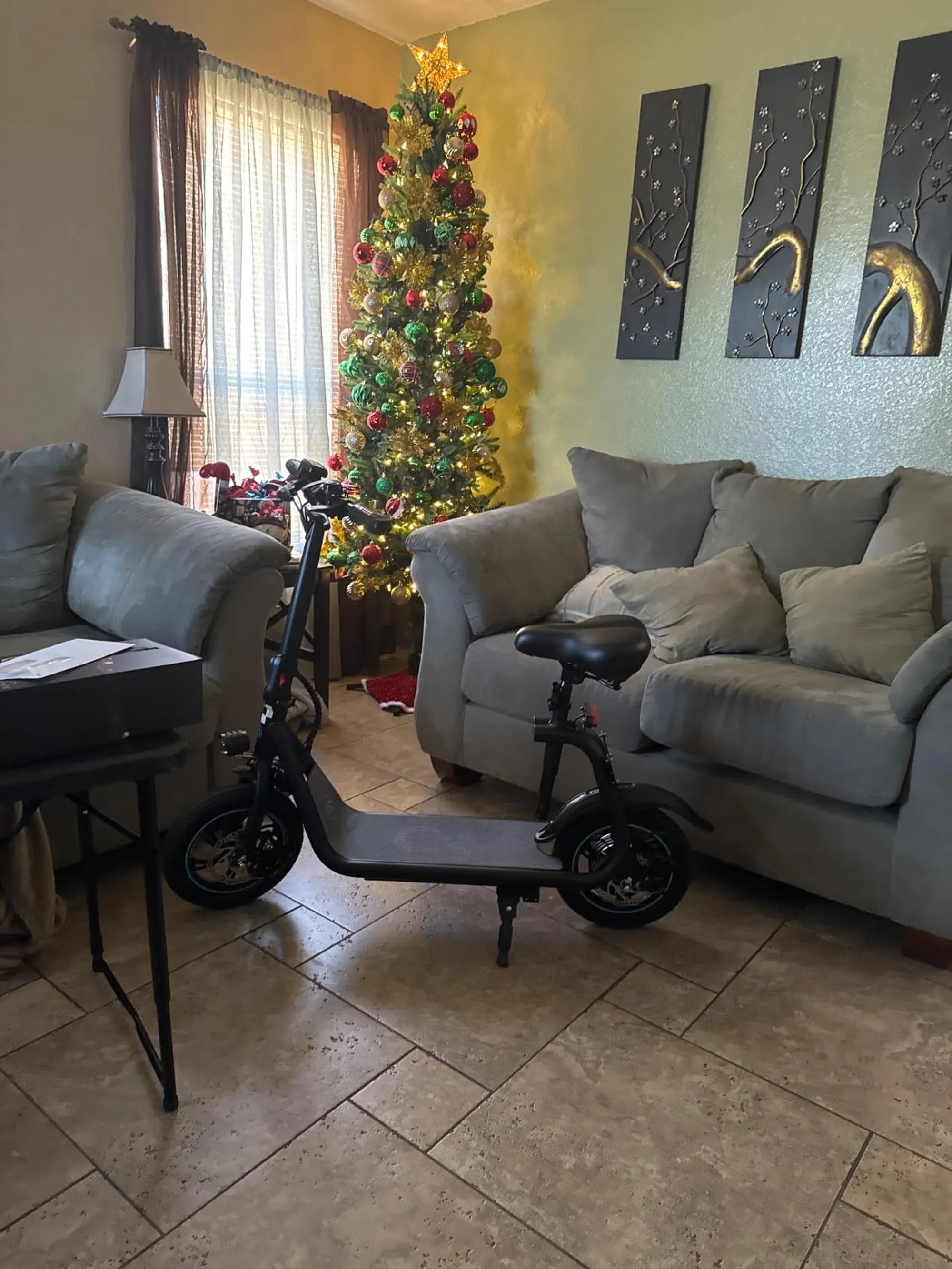
Electric scooters have revolutionized urban commuting, offering a convenient and eco-friendly way to navigate busy streets. However, like any electronic device, they can sometimes display error codes that leave riders puzzled. One such common issue is Electric Scooter Error 10, which can halt your ride unexpectedly. If you've encountered this error, don't panic—this guide will walk you through its causes, fixes, and how to prevent it in the future.
What Is Electric Scooter Error 10?
Electric Scooter Error 10 typically indicates a communication problem between the scooter's controller and its display or throttle system. This error can prevent the scooter from functioning properly, leaving riders stranded. While the exact meaning of Error 10 may vary slightly depending on the manufacturer, it generally points to a disruption in the scooter's internal communication network.
Common Causes of Electric Scooter Error 10
Understanding the root causes of Error 10 is the first step toward resolving it. Here are the most frequent culprits:
- Loose or Damaged Wiring: Wires connecting the controller, display, or throttle may have come loose or sustained damage.
- Faulty Throttle: A malfunctioning throttle can disrupt communication with the controller.
- Controller Issues: The controller, which acts as the scooter's brain, may be failing or improperly connected.
- Water Damage: Exposure to moisture can corrode connectors and disrupt electrical signals.
- Software Glitches: Occasionally, a firmware bug may trigger Error 10.
How to Fix Electric Scooter Error 10
Before seeking professional help, try these troubleshooting steps to resolve Error 10:
1. Check and Secure All Connections
Inspect the wiring harness for loose or disconnected plugs. Gently reconnect any loose wires and ensure they are firmly seated. Look for signs of fraying or damage that may require replacement.
2. Test the Throttle
If the throttle is faulty, it may need cleaning or replacement. Check for physical damage and ensure it moves smoothly without sticking. Some scooters allow you to test the throttle's output voltage to verify its functionality.
3. Inspect the Controller
The controller is often housed in a protective casing. Open it carefully (if possible) and look for burnt components, swollen capacitors, or other visible damage. If you spot issues, the controller may need professional servicing or replacement.
4. Dry Out Water-Damaged Components
If your scooter has been exposed to rain or spills, let it dry completely in a warm, dry place for at least 24 hours before attempting to power it on again. Use a soft cloth to remove moisture from connectors.
5. Reset the Scooter
Sometimes, a simple reset can clear Error 10. Turn off the scooter, wait 30 seconds, and power it back on. If available, consult your manual for a factory reset procedure.
6. Update Firmware
Check the manufacturer's website or app for firmware updates. Installing the latest software version may resolve communication bugs causing Error 10.
Preventing Electric Scooter Error 10
While some issues are unavoidable, these practices can minimize the risk of encountering Error 10:
- Regular Maintenance: Periodically inspect wires, connectors, and components for wear or damage.
- Avoid Water Exposure: Keep your scooter dry and avoid riding in heavy rain or through deep puddles.
- Handle with Care: Rough handling can loosen internal connections over time.
- Store Properly: Keep your scooter in a dry, temperature-controlled environment when not in use.
- Follow Manufacturer Guidelines: Adhere to recommended usage and maintenance procedures.
When to Seek Professional Help
If you've tried all the above steps and Error 10 persists, it's time to consult a qualified technician. Continuing to use a scooter with unresolved electrical issues can lead to further damage or safety hazards. Professional repair services have the tools and expertise to diagnose and fix complex electrical problems.
Electric Scooter Error 10 might seem daunting at first, but with the right knowledge, you can often resolve it yourself. By understanding what triggers this error and how to address it, you'll spend less time troubleshooting and more time enjoying your rides. Remember that regular maintenance and proper care are your best defenses against unexpected scooter errors—keep your wheels turning smoothly by staying proactive about your scooter's health.
Unrestricted Electric Scooter: The Ultimate Guide to Freedom on Two Wheels
High Weight Electric Scooter: The Ultimate Guide for Heavy-Duty Riders