



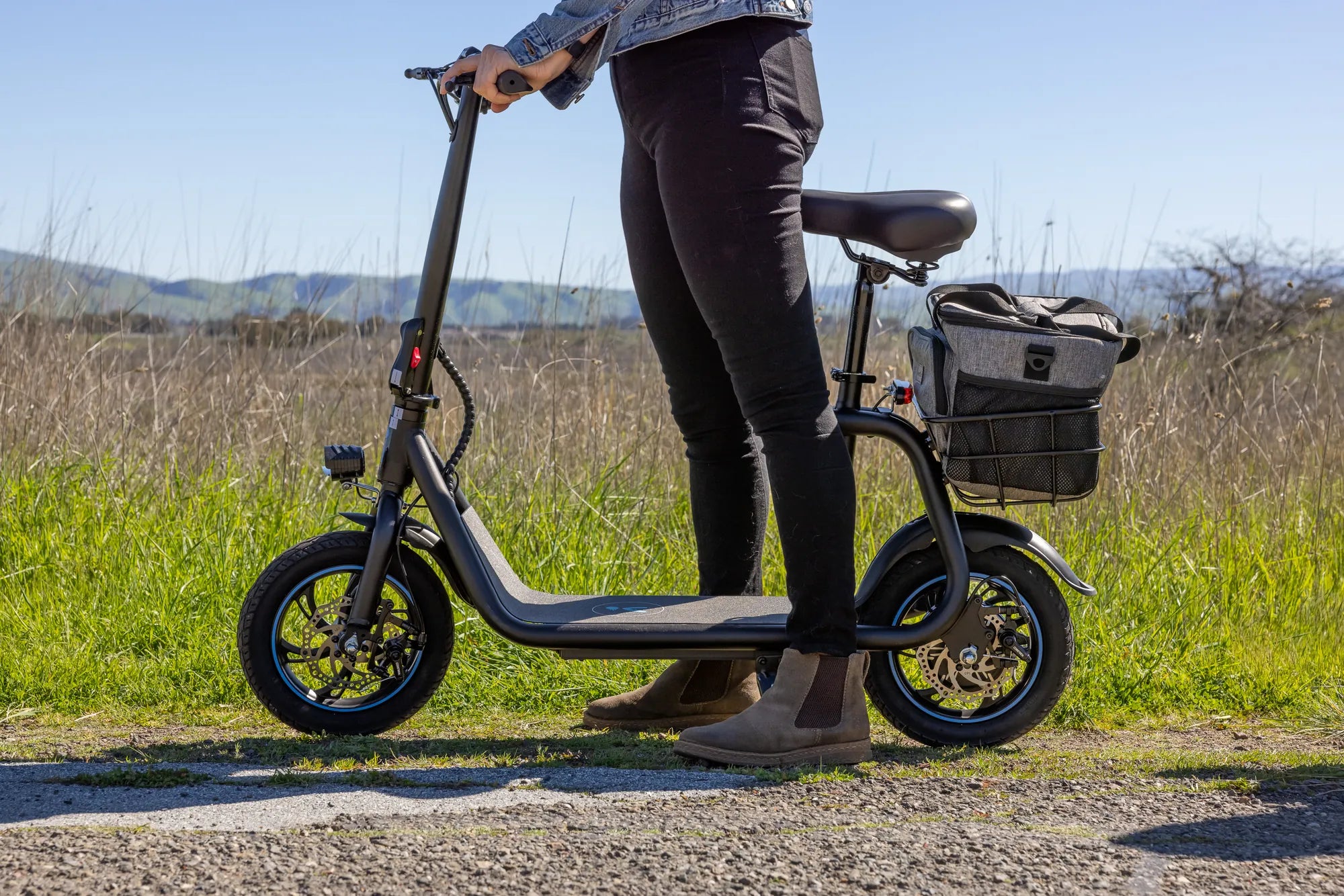
Nothing ruins a smooth ride faster than an unexpected error code flashing on your electric scooter's display. If you've seen Electric Scooter Error 6 pop up, you're likely wondering what it means and how to fix it. Don't worry—we've got you covered with a complete breakdown of this common issue, along with practical solutions to get you moving again.
What Is Electric Scooter Error 6?
Electric Scooter Error 6 typically indicates a motor or controller communication problem. This error often arises when the scooter's control unit fails to receive proper signals from the motor or when there's a disruption in the wiring. While the exact meaning can vary slightly between models, the core issue usually involves a breakdown in the connection between these critical components.
Common Causes of Electric Scooter Error 6
Understanding the root cause of Error 6 is the first step toward fixing it. Here are the most frequent culprits:
- Loose or Damaged Wiring: Worn-out, frayed, or disconnected wires can interrupt communication between the motor and controller.
- Faulty Motor: A malfunctioning motor may fail to send or receive signals correctly.
- Controller Issues: The controller acts as the brain of the scooter; if it's defective, Error 6 may appear.
- Water Damage: Exposure to moisture can corrode connections and trigger electrical faults.
- Software Glitches: Occasionally, a firmware bug may cause false error readings.
How to Troubleshoot Electric Scooter Error 6
Before seeking professional help, try these troubleshooting steps to resolve the issue yourself:
Step 1: Power Cycle the Scooter
Sometimes, a simple reset can clear temporary glitches. Turn off the scooter, wait 30 seconds, and power it back on. If the error persists, move to the next step.
Step 2: Inspect Wiring and Connections
Carefully examine all visible wires and connectors for damage or looseness. Reattach any loose plugs and replace frayed cables if necessary.
Step 3: Check the Motor
Listen for unusual noises when the scooter is powered on. If the motor doesn't spin or makes grinding sounds, it may need replacement.
Step 4: Test the Controller
If you're comfortable with electronics, use a multimeter to check the controller's output. No voltage or irregular readings could indicate a faulty unit.
Step 5: Update Firmware
Check the manufacturer's website for firmware updates. Installing the latest software may resolve compatibility issues causing Error 6.
Preventing Electric Scooter Error 6 in the Future
To avoid encountering this error again, follow these preventive measures:
- Regular Maintenance: Periodically inspect and tighten all electrical connections.
- Avoid Water Exposure: Keep your scooter dry and store it in a covered area.
- Handle with Care: Rough handling can damage internal components, so ride responsibly.
- Use Quality Parts: When replacing components, opt for reliable, compatible parts to ensure longevity.
When to Seek Professional Help
If you've tried all troubleshooting steps and Error 6 persists, it's time to consult a technician. Continuing to ride with unresolved electrical issues can lead to further damage or safety hazards.
Seeing Electric Scooter Error 6 doesn't have to mean the end of your ride. With the right knowledge and a bit of patience, you can diagnose and fix the problem—or know when it's time to call in the experts. Stay proactive with maintenance, and you'll minimize the chances of this error slowing you down again.
Electric Scooter Price in UP: A Comprehensive Guide to Affordable Commuting
Buy 13 Inch Tires Electric Scooter: The Ultimate Guide to Upgrading Your Ride