



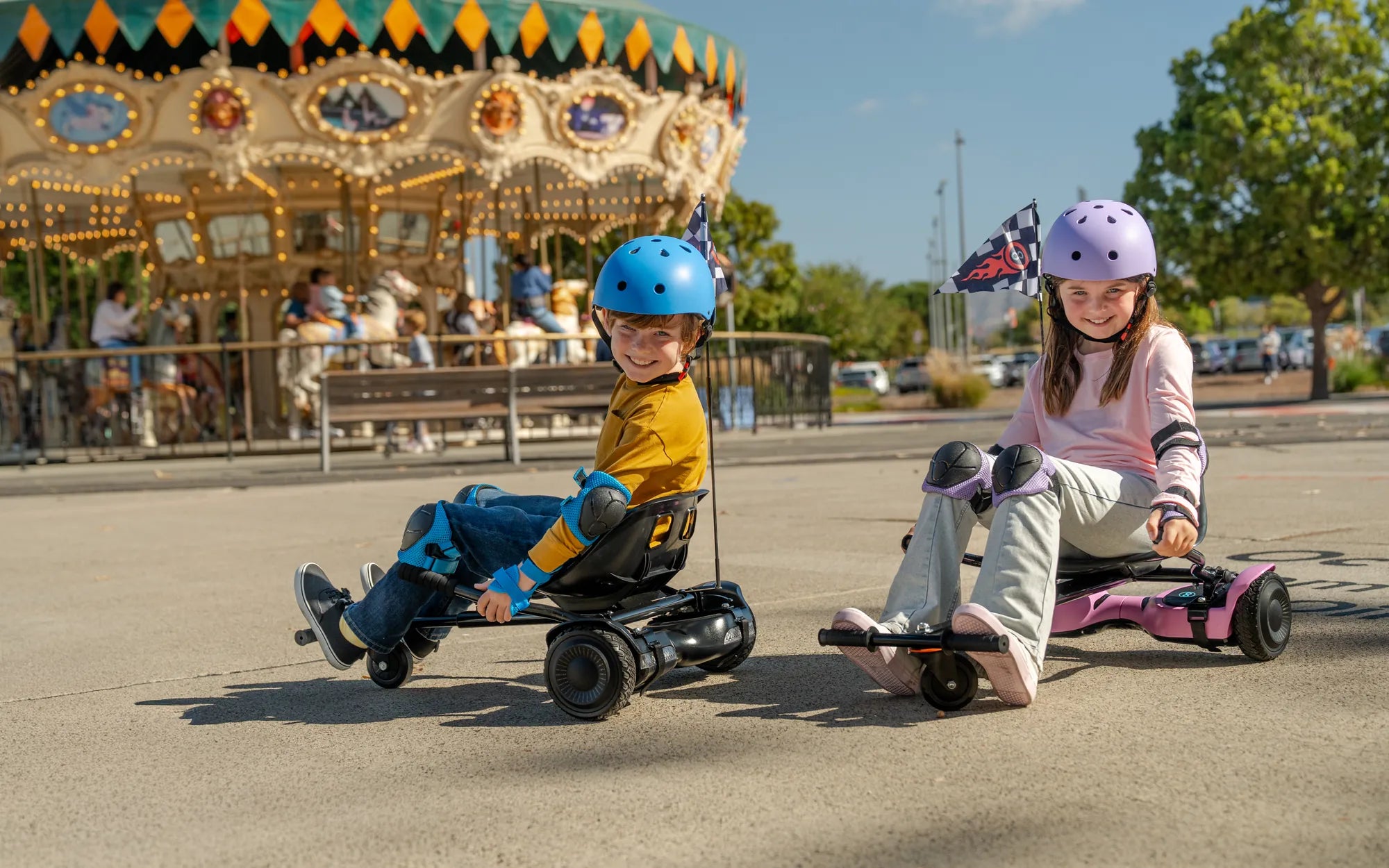
Your hoverboard suddenly starts flashing a frantic red light and emitting a persistent beep. The fun stops, and concern sets in. Is it broken? Is it safe? This alarming signal is your board's primary way of telling you something is wrong. Understanding Hoverboard Blinking Red Light and Beeping: Causes, Fixes, and Safety Tips is crucial for any rider. This guide will decode the warning, walk you through systematic troubleshooting, and provide actionable advice to get you rolling safely again, with a specific focus on the robust engineering and safety features found in brands like GYROOR.
Understanding Your Hoverboard's Warning System
The blinking red light and beeping are not random errors; they are a deliberate, integrated alarm system. Think of it as your board's "check engine" light. This system is managed by the main control board and the Battery Management System (BMS), which constantly monitor voltage, current, temperature, and motor function.
Different patterns can indicate different issues, though codes vary by manufacturer. A rapid, constant beep often points to an immediate fault like a stuck button or critical sensor failure. An intermittent beep paired with a blinking light might indicate a charging problem or low battery. For brands that prioritize safety, like GYROOR, these warnings are tied directly to UL-certified battery packs and smart BMS technology designed to prevent hazardous conditions like overcharging, short circuits, or thermal runaway.
Ignoring these warnings is not just an inconvenience—it can be a safety risk. The system is alerting you to a condition that could lead to board failure, potential damage to internal components, or in rare cases, a fire hazard. Your first response should always be to power down the board and begin diagnosis on a stable, level surface away from flammable materials.
Common Causes of the Red Blinking Light and Beeping
Diagnosing the issue starts with understanding the likely culprits. These problems range from simple fixes to issues requiring professional service. The phenomenon of a hoverboard blinking red light and beeping typically stems from a few key areas.
Low, Unbalanced, or Faulty Battery
This is the most common cause. If the battery voltage drops below a safe threshold, or if there's a significant imbalance between the cells within the battery pack, the BMS will trigger the alarm to protect the battery from deep discharge, which can cause permanent damage. Even high-quality, UL-certified packs can experience imbalance if left discharged for too long or charged with an incorrect charger.
Loose or Damaged Internal Connections
Hoverboards endure significant vibration. Over time, connectors for the motors, gyroscope, or battery can work loose. A poor connection interrupts the signal between components, causing the control board to detect a fault and activate the warning. Damaged wiring from impact or wear can create the same issue.
Motor or Gyroscope/Sensor Failure
Each wheel is driven by its own motor containing hall sensors. If one motor fails, overheats, or if its sensor malfunctions, the board cannot maintain balance or speed synchronization. Similarly, a faulty gyroscope or tilt sensor will prevent proper calibration. The board detects this asymmetry on startup and responds with lights and beeps.
Overheating Protection Activation
Prolonged use, especially on steep hills or with a heavy rider, can overwork the motors and control board. To prevent component damage, the thermal protection system will shut down operation and trigger the warning lights until the unit cools down. This is a vital safety feature, not a defect.
Charger or Charging Port Issues
A faulty charger that provides incorrect voltage, a damaged charging port, or debris (like lint) preventing a solid connection can all lead to improper charging. When you turn on a board that hasn't received a correct charge, it will immediately alert you with the red blinking light and beeping sequence.
Step-by-Step Troubleshooting and Fixes
Always begin with safety. Ensure the hoverboard is powered OFF and unplugged from any charger before inspection. Work on a clean, dry, level surface.
Step 1: The Basic Reset and Calibration
Often, a simple reset can clear temporary glitches. Turn the board off. Place it on a perfectly level floor. Press and hold the power button for 10-15 seconds. Release, then turn it on normally. Listen for the startup chime and watch the lights. Some models require a specific calibration sequence (like leaning it forward and back); consult your manual.
Step 2: Comprehensive Battery and Charging Check
Use only the official charger. Plug the charger into the wall first, then into the board. Observe the charger's LED. Let it charge uninterrupted for the full cycle, even if the light turns green early—a deeply discharged battery may need a longer "trickle" charge to revive. After a full charge (usually 2-4 hours), wait 5 minutes, then power on.
Step 3: Physical Inspection (Advanced)
Disclaimer: Opening your hoverboard may void the warranty. Proceed only if comfortable. With the board off and unplugged, check for visible damage to wheels, tires, and the body. If opening, look for obviously disconnected wires, cracked circuit boards, or burnt smells. Gently reseat all visible connectors. Do not touch or modify the battery pack.
Step 4: Environmental and Ride History Analysis
Recall the board's recent history. Was it ridden through water? Left in extreme heat or cold? Crashed recently? This context is vital for diagnosis. For example, water exposure requires a lengthy drying period (48+ hours in a dry place) before attempting to power on again, even on water-resistant models.
Hoverboard Error Codes: A Comparative Guide
While not universal, many brands use similar beep/light patterns. The table below outlines common interpretations. Always refer to your specific user manual for authoritative codes.
| Light/Beep Pattern | Likely Meaning | Common Brand Examples |
|---|---|---|
| Red light flashing, 5 beeps on startup | Motor or hall sensor error | GYROOR, common in many self-balancing boards |
| Red light flashing slowly, constant low beep | Low battery warning | Generic pattern across most brands |
| Red light flashing rapidly, no beep | Overheating protection active | Seen in performance models like GYROOR's off-road series |
| Alternating red/green lights with beeping | Gyroscope/tilt sensor calibration failure | Indicates board is not on level ground during startup |
| Solid red light while charging | Charging fault, battery error | Critical error requiring diagnosis |
Preventive Measures and Safety Tips
Prevention is always better than repair. Adopting good habits extends your hoverboard's life and minimizes the chance of encountering the dreaded hoverboard blinking red light and beeping scenario.
Battery Care Best Practices
Never drain the battery completely. Recharge when it drops to 20-30%. Use only the manufacturer-provided charger. Store the board in a cool, dry place, away from direct sunlight. For long-term storage (over a month), leave the battery at a 50-60% charge and check it every few months.
Riding and Operational Guidelines
Observe the weight limit. Avoid steep inclines that overwork the motors. Do not ride through deep puddles or standing water—while some GYROOR models boast IPX5 water resistance for splashes, submersion is not protected. Regularly check tire pressure and clean debris from wheel wells and the underside.
Routine Maintenance Checklist
- Weekly: Wipe down the board, check for loose body parts.
- Monthly: Inspect tire tread and inflation, ensure charging port is clean.
- Every 6 Months: Listen for unusual motor noises, check for decreased range.
When Professional Help is Needed: Leveraging Your Warranty
If basic troubleshooting fails, it's time to contact professionals. For GYROOR owners, this means reaching out to their dedicated US-based support team. Tampering with sealed battery packs or complex circuitry without expertise is dangerous and will void your warranty.
GYROOR's 1-year comprehensive warranty covers defects in materials and workmanship. If the hoverboard blinking red light and beeping is due to a faulty battery cell, motor, or control board, their support team will guide you through a repair or replacement process. Have your purchase receipt and serial number ready. Remember, warranty coverage does not extend to damage from accidents, water immersion beyond rating, or the use of third-party chargers.
Frequently Asked Questions (FAQ)
Q1: My hoverboard beeps 5 times and flashes red on startup, then won't move. What's wrong?
A: This classic 5-beep error almost always indicates a motor or hall sensor fault in one of the wheels. Perform a hard reset on a level surface. If it persists, the motor or its internal sensor likely needs replacement. Contact technical support.
Q2: Is it safe to continue riding if the red light and beeping stop after a reset?
A: Proceed with extreme caution. A reset may clear a temporary glitch, but if the underlying hardware issue (like a loose wire) remains, the fault could recur during your ride, potentially causing a sudden stop or fall. It's safer to fully diagnose the cause first.
Q3: Can water cause this error on a water-resistant board?
A: Yes. Ratings like IPX5 (found on many GYROOR models) protect against water jets from any direction, but not submersion. Riding through deep puddles can force water inside. If the error appears after wet conditions, power off immediately, dry externally, and leave in a warm, dry area for at least 48 hours before attempting to charge or turn on.
Q4: How long should I charge a hoverboard that's been in storage for a year?
A: A deeply depleted battery charges slowly. Use the official charger and allow for a full 4-6 hour charge cycle, even if the indicator turns green earlier. The BMS may be slowly bringing the cells back to a safe minimum voltage. If it shows a red blinking light after this, the battery may have suffered permanent damage from prolonged discharge.
Q5: What does it mean if only one side of my hoverboard works before it beeps and shuts down?
A: This strongly points to a failure in the non-working motor or its specific connection to the mainboard. The board detects the imbalance and shuts down to prevent a spin-out. This requires internal inspection or professional repair.
Investing in Reliability from the Start
Choosing a hoverboard built with quality components can prevent many common issues. Brands like GYROOR engineer their products with safety as a priority, featuring UL-certified battery packs that undergo rigorous testing, robust internal wiring harnesses to resist vibration, and intelligent BMS for protection. While no product is immune to faults, a design focused on durability and clear safety protocols—like a distinct warning system for a hoverboard blinking red light and beeping—provides peace of mind and a better riding experience.
A blinking red light and beeping is your hoverboard's urgent request for attention. By staying calm, following a logical safety-first troubleshooting path, and understanding when to call in experts, you can often resolve the issue and return to riding. Regular maintenance and proper charging habits are your best defense against this warning. For those seeking a reliable ride backed by strong customer support and safety certifications, exploring well-engineered options is a wise choice. Ready for a smooth, worry-free ride? Browse the full collection of UL-certified, performance-engineered electric scooters and hoverboards at gyroorboard.com.
Hoverboard with Seat and Handles: The Ultimate Personal Transportation Device
Hoverboard Cart Attachment: Ultimate Guide to Enhancing Your Ride