



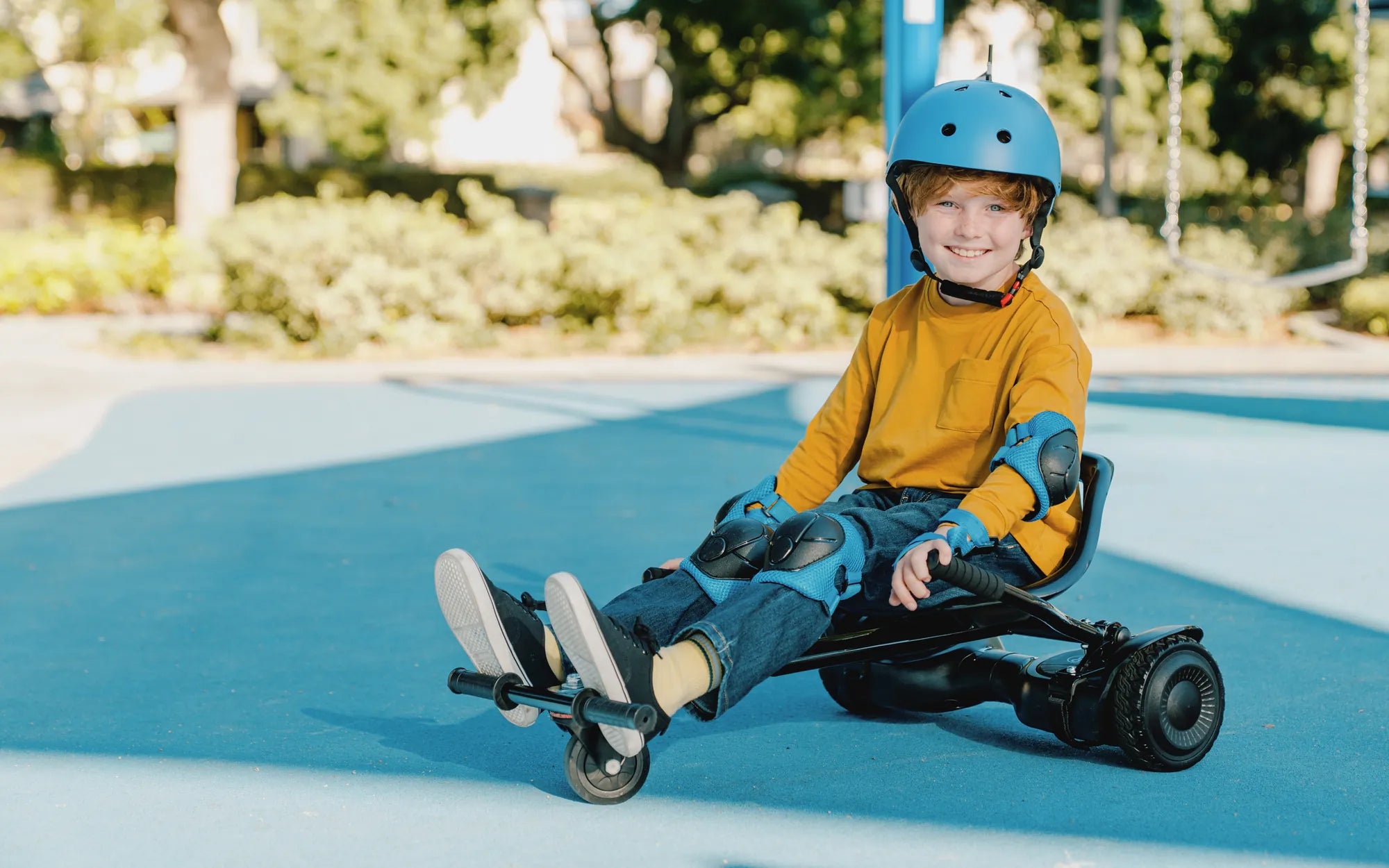
If your hoverboard blue light stays on, you might be wondering what’s wrong and how to fix it. This persistent glow can be more than just an annoyance—it could signal underlying issues that need attention. Whether you’re a hoverboard enthusiast or a concerned parent, understanding the causes and solutions is crucial for safety and performance.
Why Does the Hoverboard Blue Light Stay On?
The blue light on a hoverboard typically indicates power or connectivity status. When it remains lit without turning off, it could point to several potential problems:
- Battery Issues: A faulty or overcharged battery may cause the light to stay on.
- Software Glitches: Firmware bugs or corrupted software can disrupt normal operation.
- Connection Problems: Loose wiring or damaged circuits may trigger the light to remain illuminated.
- Overheating: Excessive use or poor ventilation can lead to overheating, causing the light to stay on as a warning.
How to Fix a Hoverboard with a Persistent Blue Light
Before attempting any fixes, ensure the hoverboard is turned off and unplugged to avoid electrical hazards. Here are some steps to troubleshoot the issue:
- Reset the Hoverboard: Hold the power button for 10-15 seconds to force a reset.
- Check the Battery: Inspect for swelling or leaks, and ensure it’s properly connected.
- Update Firmware: If applicable, connect the hoverboard to a manufacturer-approved app for updates.
- Inspect Wiring: Look for loose or damaged wires and reconnect or replace them if necessary.
- Cool Down the Device: Let the hoverboard rest in a cool, dry place if overheating is suspected.
Safety Precautions When Dealing with a Hoverboard Blue Light
A hoverboard blue light that stays on isn’t just a technical issue—it could pose safety risks. Follow these precautions:
- Avoid using the hoverboard until the issue is resolved.
- Keep the device away from flammable materials.
- Do not attempt to disassemble the hoverboard unless you’re qualified.
- Consult a professional if the problem persists.
Preventive Measures to Avoid Future Issues
To prevent your hoverboard blue light from staying on in the future, adopt these best practices:
- Charge the hoverboard only with the provided charger and avoid overcharging.
- Store the device in a cool, dry place away from direct sunlight.
- Regularly inspect the hoverboard for signs of wear or damage.
- Follow the manufacturer’s maintenance guidelines.
Don’t let a stubborn blue light ruin your hoverboard experience. By identifying the root cause and applying these fixes, you can get back to gliding smoothly and safely. If all else fails, professional help is just a call away—ensuring your hoverboard stays in top shape for years to come.
One Side of My Hoverboard Stopped Working: Causes and Fixes
Hoverboard Learning Mode: The Ultimate Guide for Beginners and Experts