



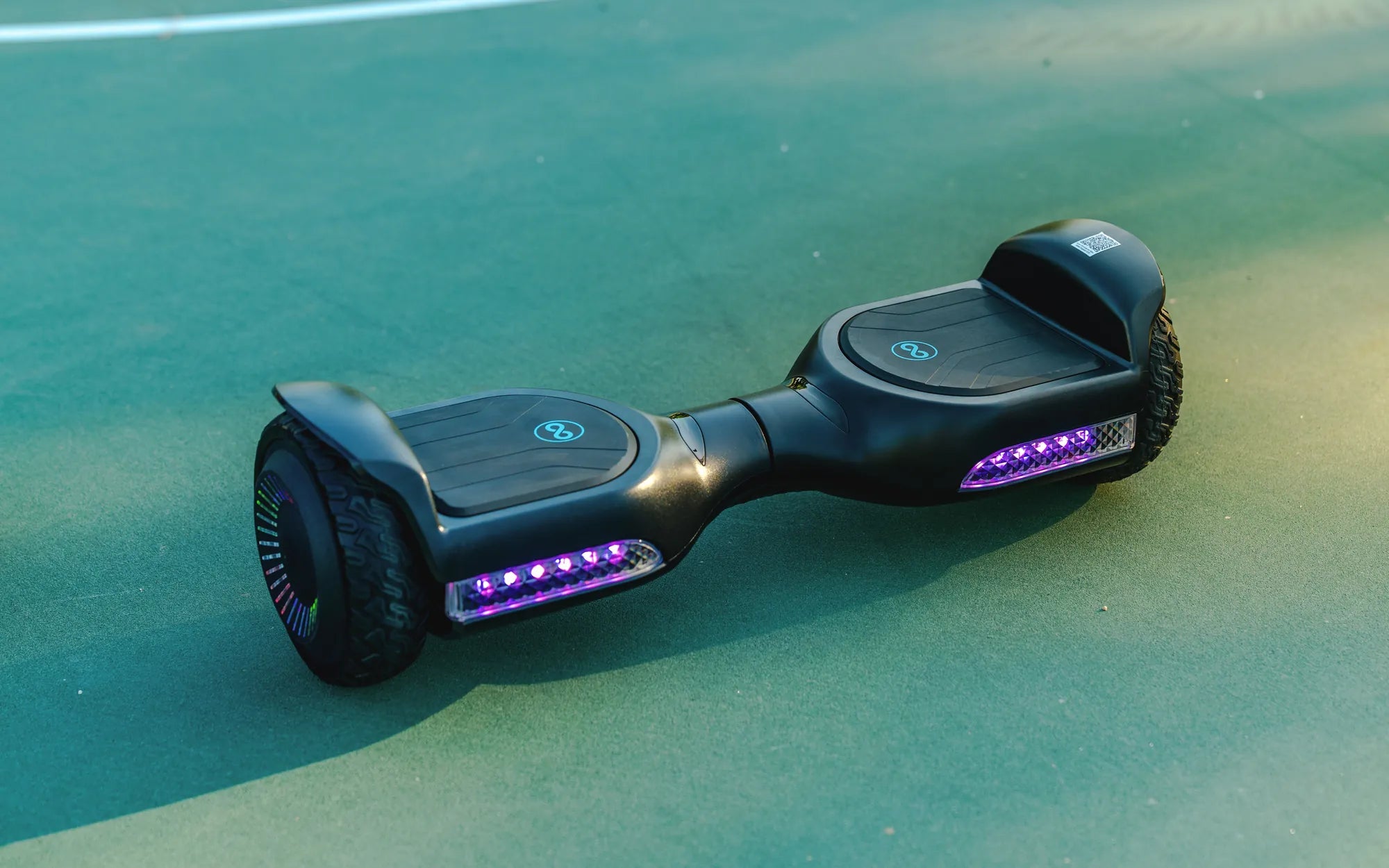
Seeing your hoverboard charger flashing green can be confusing—is it charging, or is there a problem? Don’t panic! This article dives deep into the reasons behind this issue and provides actionable solutions to get your hoverboard up and running again.
Why Is My Hoverboard Charger Flashing Green?
A flashing green light on your hoverboard charger can signal several things. While it might seem alarming, understanding the root cause is the first step toward fixing it. Here are the most common reasons:
- Battery Charging Cycle: Some chargers flash green during the charging process, indicating active power flow.
- Low Battery Voltage: If the battery voltage drops too low, the charger may flash green as a warning.
- Faulty Charger or Cable: A damaged charger or cable can cause irregular light behavior.
- Battery Overheating: Overheating can trigger safety mechanisms, leading to a flashing light.
- Battery or Charger Malfunction: Internal issues with the battery or charger may cause this warning signal.
How to Troubleshoot a Flashing Green Charger Light
Before assuming the worst, try these troubleshooting steps to identify and resolve the issue:
Step 1: Check the Charger and Cable
Inspect the charger and cable for visible damage. Frayed wires or bent connectors can disrupt the charging process. If possible, test with another compatible charger to rule out hardware issues.
Step 2> Verify the Power Source
Ensure the outlet you’re using is functional. Plug in another device to confirm. A faulty power source can cause inconsistent charging behavior.
Step 3: Examine the Battery
If the battery is extremely drained or overheated, unplug the charger and let it cool down. Reconnect after 30 minutes to see if the flashing stops.
Step 4: Reset the Hoverboard
Some hoverboards have a reset button. Press it (if available) to clear any temporary glitches causing the charger to flash green.
Step 5: Consult the Manual
Refer to the user manual for specific error codes or light patterns related to your model. Manufacturers often provide detailed troubleshooting guides.
When to Seek Professional Help
If none of the above steps work, the problem may lie deeper within the battery or charging system. Continuing to use a malfunctioning charger or battery can be dangerous. Contact a certified technician for a thorough inspection.
Preventive Measures to Avoid Future Issues
To minimize the chances of encountering a flashing green charger light, follow these best practices:
- Avoid Overcharging: Unplug the hoverboard once it’s fully charged to prevent battery stress.
- Use the Right Charger: Always use the manufacturer-recommended charger to avoid compatibility issues.
- Store Properly: Keep your hoverboard in a cool, dry place to prevent battery damage.
- Regular Maintenance: Periodically check the battery and charger for signs of wear or damage.
A flashing green light on your hoverboard charger doesn’t have to spell disaster. With the right approach, you can diagnose and fix the issue—or know when it’s time to call in the experts. Stay safe and keep rolling!
How to Charge a Hoverboard Without a Charger: Clever Alternatives You Need to Know
4 Pin Hoverboard Charger: Everything You Need to Know for Safe and Efficient Charging