



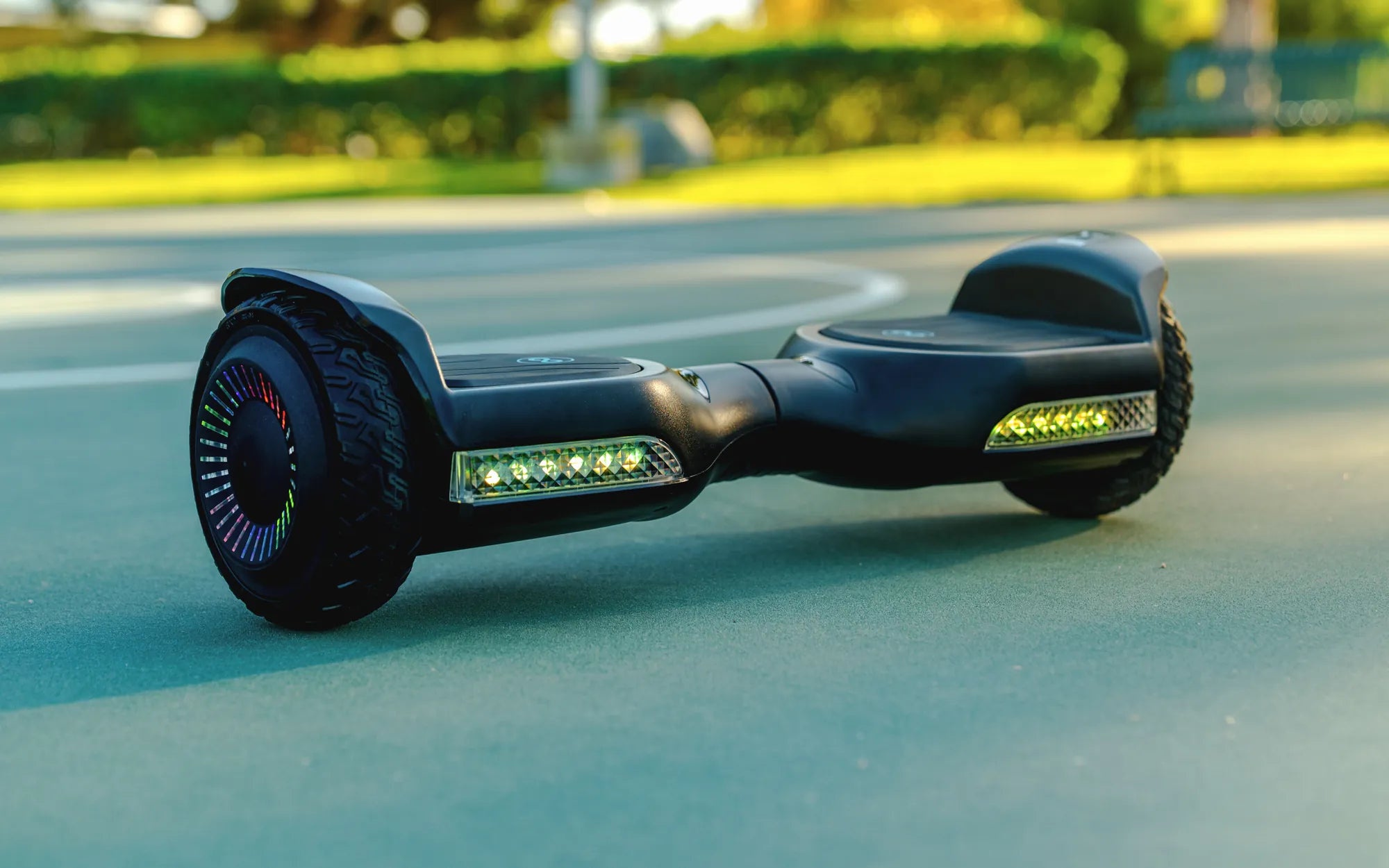
Is your hoverboard flashing yellow, leaving you puzzled and concerned? Don't worry—you're not alone. A yellow flashing light on your hoverboard is a common issue, but it's often a sign that something needs your attention. Whether it's a battery problem, a connectivity issue, or a safety alert, understanding the cause is the first step to getting back on the road. In this comprehensive guide, we'll explore the reasons behind the yellow flashing light, how to troubleshoot it, and essential safety tips to keep you riding smoothly.
Why Is My Hoverboard Flashing Yellow?
A hoverboard flashing yellow is typically an indicator of a warning or error. The exact meaning can vary depending on the model, but here are the most common reasons:
- Low Battery: A yellow light often signals that the battery is running low and needs recharging.
- Connection Issues: Loose or faulty wiring between the battery and the motherboard can trigger a yellow flash.
- Overheating: Prolonged use or exposure to high temperatures may cause the hoverboard to overheat, prompting a yellow warning light.
- Calibration Problems: If the hoverboard isn't calibrated correctly, it may flash yellow to indicate an imbalance.
- Faulty Sensors: Issues with the gyroscope or other internal sensors can lead to a yellow flashing light.
How to Fix a Hoverboard Flashing Yellow
Before panicking, try these troubleshooting steps to resolve the issue:
1. Recharge the Battery
If the yellow light is due to a low battery, plug in the hoverboard and let it charge fully. Avoid using it while charging, as this can cause further issues.
2. Check for Loose Connections
Turn off the hoverboard and inspect the wiring. Ensure all connections are secure and free from damage. If you spot frayed wires or loose plugs, consider seeking professional repair.
3. Let It Cool Down
If overheating is the culprit, power off the hoverboard and let it rest in a cool, shaded area for at least 30 minutes before using it again.
4. Recalibrate the Hoverboard
Many hoverboards have a calibration mode. Refer to the user manual for instructions on how to reset the balance sensors. This often involves holding the power button for a specific duration.
5. Test the Sensors
If the issue persists, the gyroscope or other sensors might be faulty. Professional diagnostics may be necessary to identify and replace damaged components.
Safety Tips When Dealing with a Flashing Yellow Light
Ignoring a yellow warning light can lead to bigger problems or even accidents. Follow these safety precautions:
- Avoid Riding: If the hoverboard is flashing yellow, refrain from using it until the issue is resolved.
- Use the Right Charger: Always use the manufacturer-recommended charger to prevent battery damage.
- Store Properly: Keep the hoverboard in a dry, temperature-controlled environment to avoid overheating or moisture damage.
- Regular Maintenance: Periodically check the battery, wheels, and wiring to ensure everything is in good condition.
When to Seek Professional Help
If you've tried all the troubleshooting steps and the hoverboard still flashes yellow, it's time to consult a professional. Persistent issues could indicate a deeper electrical or mechanical problem that requires expert attention.
Don't let a flashing yellow light ruin your hoverboard experience. By understanding the causes and taking the right steps, you can quickly get back to gliding effortlessly. Stay safe, stay informed, and keep riding with confidence!
Kids First Hoverboard: The Ultimate Guide to Safe and Fun Riding
Best Rated Hoverboard Brands: Top Picks for Safety and Performance