

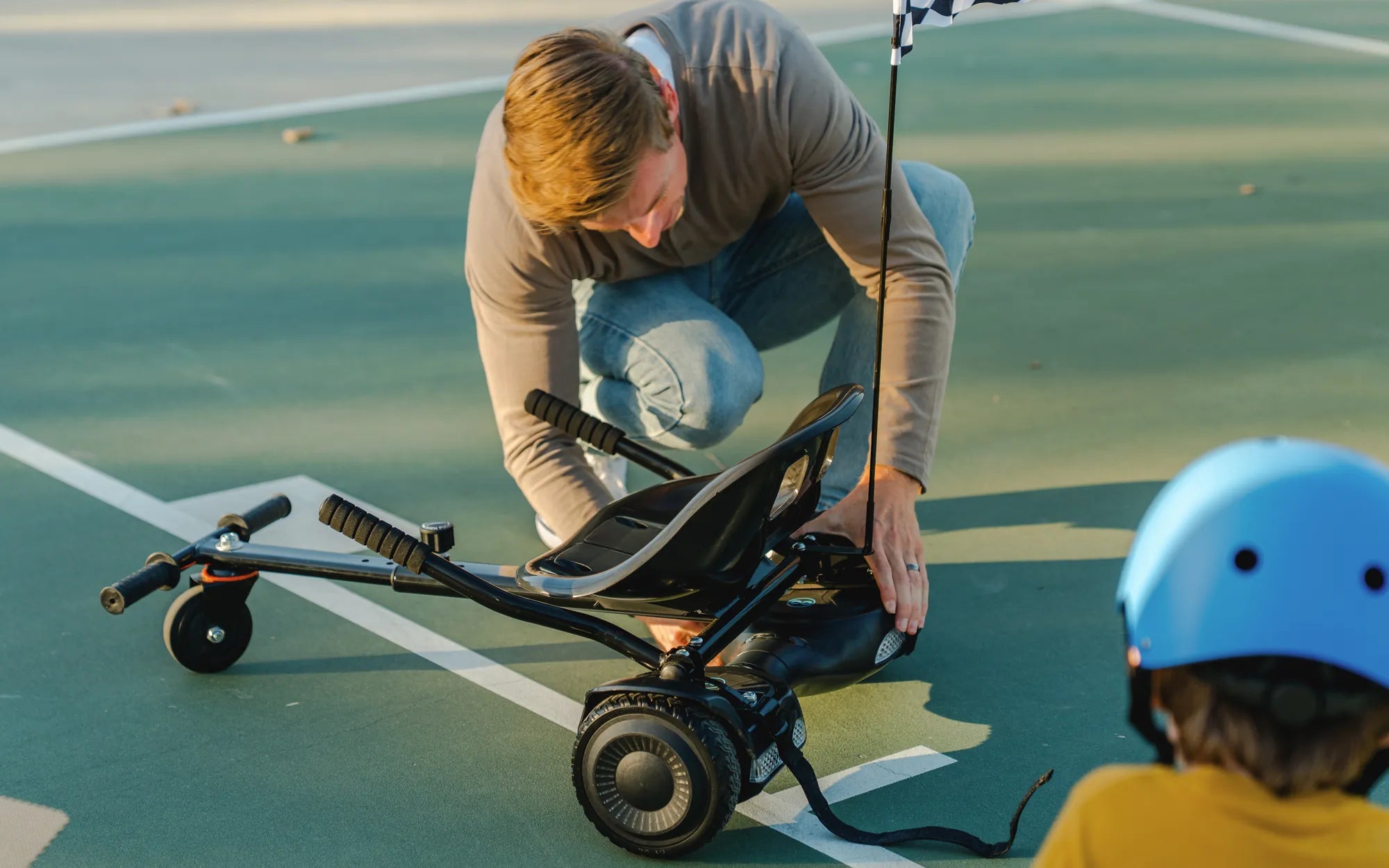
Few things are as frustrating as your hoverboard keeps stopping mid-ride. Whether you're cruising down the sidewalk or showing off tricks, an unresponsive board can ruin the fun—and even pose safety risks. But before you toss it aside, let's dive into why this happens and how to fix it for good.
Why Your Hoverboard Keeps Stopping
Several factors can cause a hoverboard to halt unexpectedly. Identifying the root issue is the first step toward a solution.
1. Low Battery Power
One of the most common reasons a hoverboard keeps stopping is insufficient battery charge. When power dips below a certain threshold, the board may shut off to prevent damage.
2. Overheating Issues
Hoverboards generate heat during use. If the internal temperature rises too high, safety mechanisms may trigger an automatic shutdown.
3. Loose or Damaged Wiring
Internal wiring problems can interrupt power flow, causing intermittent stops. This often happens after rough handling or impacts.
4. Software Glitches
Like any smart device, hoverboards rely on firmware that can sometimes malfunction, leading to unexpected shutdowns.
5. Uneven Weight Distribution
Standing incorrectly or exceeding weight limits can confuse the board's gyroscopic sensors, forcing it to stop for balance correction.
How to Fix a Hoverboard That Keeps Stopping
Now that we've identified potential causes, let's explore solutions to get you rolling again.
1. Charge It Properly
Always use the manufacturer-approved charger and allow the battery to reach full capacity before riding. Avoid partial charges when possible.
2. Cool Down Periods
If overheating is the issue, give your board 15-30 minutes to cool down between extended use sessions.
3. Check Connections
For those comfortable with basic electronics, carefully inspect internal wiring for loose connections or visible damage.
4. Reset the System
Many models have a reset button or sequence that can clear temporary software issues. Consult your manual for specific instructions.
5. Proper Riding Technique
Maintain centered posture and avoid sudden weight shifts. Distribute your weight evenly across both foot pads.
Preventive Measures to Avoid Future Problems
Prevention is always better than repair. These habits will help keep your hoverboard running smoothly.
1. Regular Maintenance
Clean your board regularly, check tire pressure (if applicable), and inspect for loose components.
2. Proper Storage
Store your hoverboard in a dry, temperature-controlled environment away from direct sunlight.
3. Firmware Updates
If your model supports updates, periodically check for and install the latest firmware versions.
4. Weight Awareness
Always stay within the manufacturer's recommended weight limits for optimal performance.
5. Surface Considerations
Ride on smooth, even surfaces whenever possible to reduce strain on the motors and electronics.
When to Seek Professional Help
While many issues can be resolved at home, some situations require expert attention:
- Persistent shutdowns after trying all troubleshooting steps
- Visible damage to the battery or circuit boards
- Error messages or unusual sounds accompanying the shutdowns
- Burning smells or smoke coming from the unit
Don't let a hoverboard that keeps stopping ruin your fun. With proper care and timely troubleshooting, you can enjoy smooth rides for years to come. Remember that safety should always come first—if in doubt, consult a professional rather than risking further damage or personal injury.
Hoverboard Pricing: A Comprehensive Guide to Costs and Features
Why Will My Hoverboard Not Charge: Troubleshooting Common Issues