



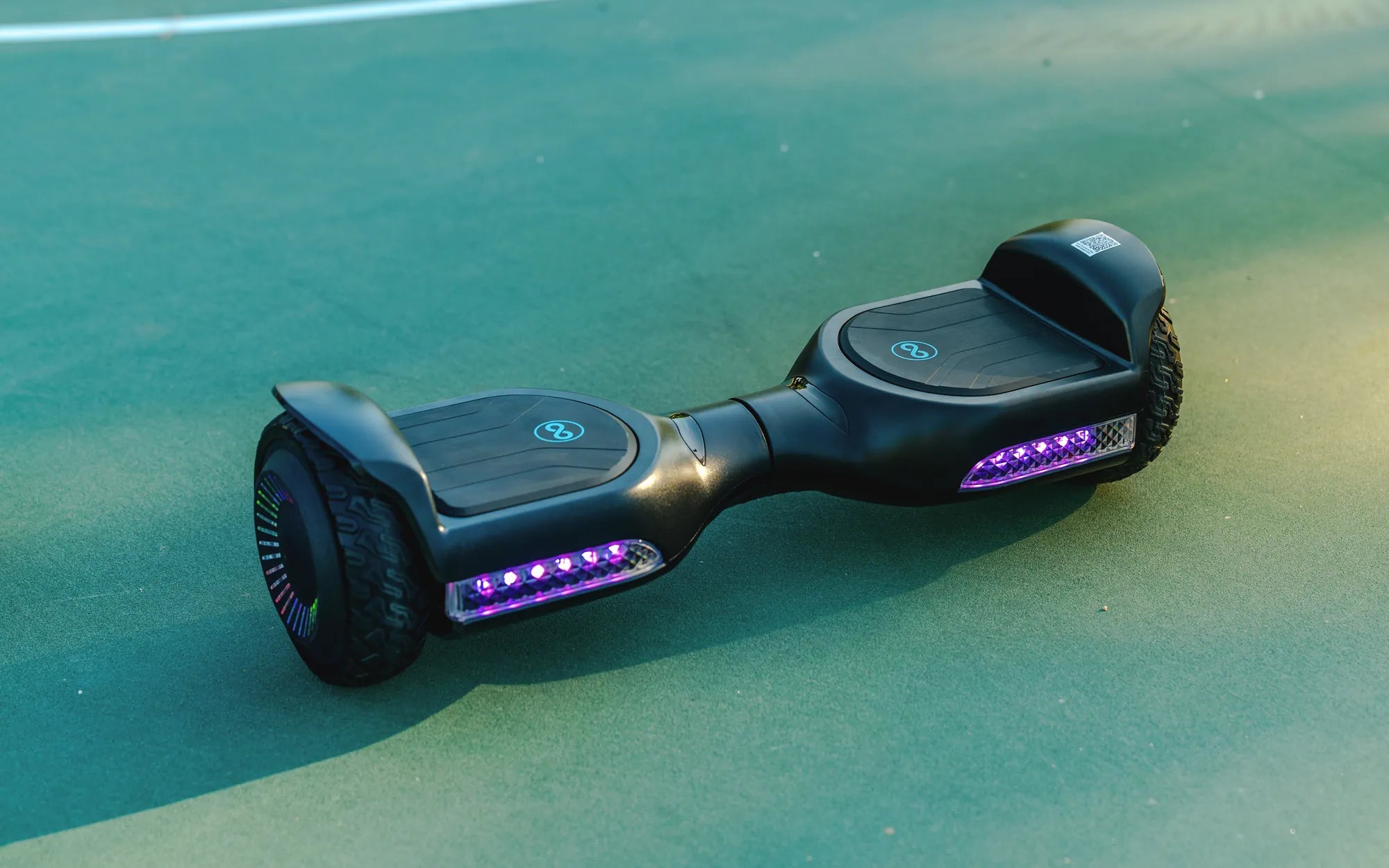
Nothing kills the fun faster than a hoverboard that refuses to power on. Whether you're gearing up for a ride or just trying to show off your skills, a dead hoverboard can be frustrating. But before you toss it aside, let’s dive into the possible reasons why your hoverboard isn’t turning on and how you can fix it.
1. Check the Battery
The most common reason a hoverboard won’t power on is a dead or faulty battery. Here’s how to troubleshoot:
- Charge the hoverboard: Plug it in and let it charge for at least 2 hours. If the charging light doesn’t turn on, the charger or battery might be the issue.
- Inspect the battery: If the hoverboard has been unused for a long time, the battery may have drained completely. Try leaving it plugged in overnight.
- Test the charger: Use a multimeter to check if the charger is delivering the correct voltage. If not, replace it.
2. Examine the Power Button
A faulty power button can prevent your hoverboard from turning on. Follow these steps:
- Press and hold the power button: Sometimes, the button needs to be held for a few seconds to activate.
- Check for physical damage: If the button is stuck or unresponsive, it may need cleaning or replacement.
3. Inspect the Wiring
Loose or damaged wires can disrupt power flow. Here’s what to do:
- Open the hoverboard carefully: Check for any disconnected or frayed wires.
- Reconnect or replace wires: If you find any issues, secure the connections or replace damaged wires.
4. Look for Overheating or Short Circuits
Hoverboards have safety mechanisms that shut them down if they overheat or short-circuit. To resolve this:
- Let it cool down: If the hoverboard overheated, wait 30 minutes before trying again.
- Reset the system: Some models have a reset button—press it to reboot the hoverboard.
5. Test the Motherboard
A malfunctioning motherboard can prevent power from reaching the hoverboard. Here’s how to check:
- Look for burnt components: If you smell burning or see charred parts, the motherboard may need replacement.
- Check for error lights: Some hoverboards display error codes—refer to the manual for troubleshooting.
6. Water Damage
If your hoverboard got wet, it might not power on. Here’s what to do:
- Dry it thoroughly: Use a cloth or silica gel to absorb moisture.
- Wait 48 hours: Let it dry completely before attempting to power it on.
7. Firmware Issues
Outdated or corrupted firmware can cause power problems. Try these steps:
- Check for updates: Visit the manufacturer’s website for firmware updates.
- Reset to factory settings: Some models allow a hard reset—consult the manual.
Don’t let a non-responsive hoverboard ruin your fun. By following these troubleshooting steps, you can identify and fix the issue in no time. Whether it’s a simple battery fix or a more complex wiring problem, your hoverboard will be back in action before you know it!
What Kind of Charger Do You Need for a Hoverboard: A Complete Guide
What Kind of Charger Do You Need for a Hoverboard: A Complete Guide