



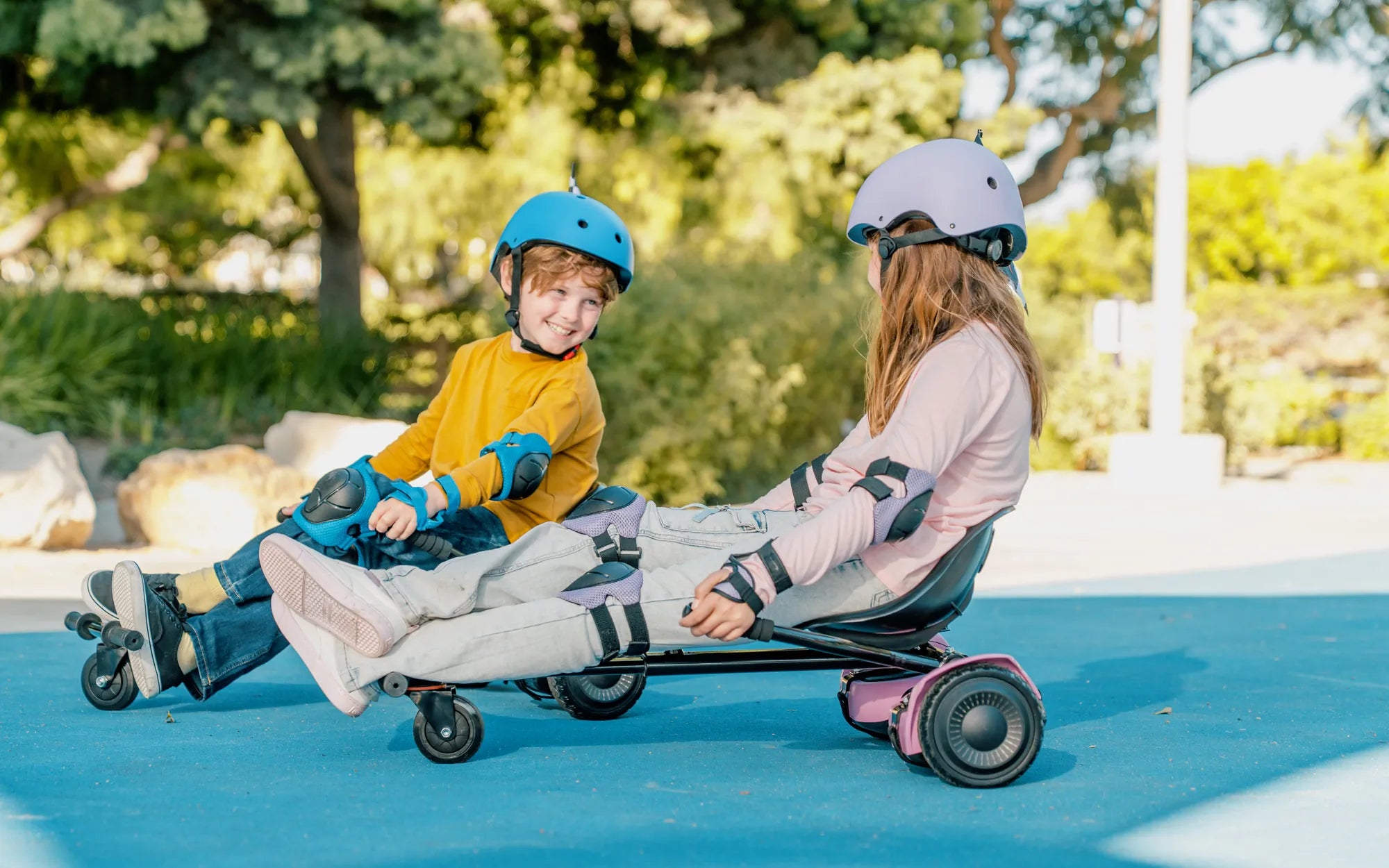
Few things are as frustrating as gearing up for a fun ride only to find your hoverboard not working with your kart. Whether you're a seasoned rider or a beginner, this issue can put a damper on your plans. But don't worry—this guide will walk you through the most common causes and fixes to get you rolling again in no time.
Common Reasons Why Your Hoverboard Isn't Working with Your Kart
Before diving into fixes, it's essential to understand why your hoverboard might not be functioning correctly with your kart. Here are some of the most frequent culprits:
- Connection Issues: Loose or faulty wiring between the hoverboard and the kart can disrupt power flow.
- Battery Problems: A drained or damaged battery may prevent the hoverboard from powering the kart.
- Compatibility Concerns: Not all hoverboards are designed to work with every kart model.
- Software Glitches: Firmware issues can cause the hoverboard to malfunction when paired with a kart.
- Mechanical Failures: Worn-out components or physical damage can hinder performance.
How to Troubleshoot and Fix the Problem
Now that you know the potential causes, let's explore step-by-step solutions to get your hoverboard and kart working seamlessly.
1. Check the Connections
Start by inspecting all wiring and connectors between the hoverboard and the kart. Ensure everything is securely plugged in and free from damage. If you find loose connections, reattach them firmly. Corroded or frayed wires may need replacement.
2. Test the Battery
A weak or dead battery is a common issue. Charge your hoverboard fully and check if it powers on independently. If the battery doesn't hold a charge, it might be time for a replacement. Also, verify that the kart's battery (if separate) is functioning correctly.
3. Verify Compatibility
Not all hoverboards are compatible with all karts. Consult the user manuals for both devices to confirm they are designed to work together. If they aren't, you may need an adapter or a different setup.
4. Update Firmware
Software glitches can often be resolved with a firmware update. Check the manufacturer's website for the latest firmware version and follow the instructions to update your hoverboard. This can resolve performance issues and improve compatibility.
5. Inspect for Physical Damage
Examine both the hoverboard and kart for signs of wear or damage. Look for cracked casings, bent axles, or worn-out tires. Addressing these issues can restore functionality and ensure a smoother ride.
Preventive Measures to Avoid Future Problems
Prevention is always better than cure. Here are some tips to keep your hoverboard and kart in top condition:
- Regular Maintenance: Clean and inspect your devices frequently to catch issues early.
- Proper Storage: Store your hoverboard and kart in a dry, temperature-controlled environment.
- Use Quality Accessories: Invest in high-quality connectors and adapters to ensure reliable performance.
- Follow Manufacturer Guidelines: Adhere to recommended usage and maintenance practices.
When to Seek Professional Help
If you've tried all the above steps and your hoverboard still isn't working with your kart, it might be time to consult a professional. Certified technicians can diagnose and repair complex issues that aren't easily fixable at home.
Don't let a malfunctioning hoverboard ruin your fun—use these troubleshooting tips to identify and resolve the problem quickly. With the right approach, you'll be back to enjoying your rides in no time!
Hoverboard Red Battery Light: What It Means and How to Fix It
Can an 8 Year Old Ride a Hoverboard? Safety Tips and Age Guidelines