



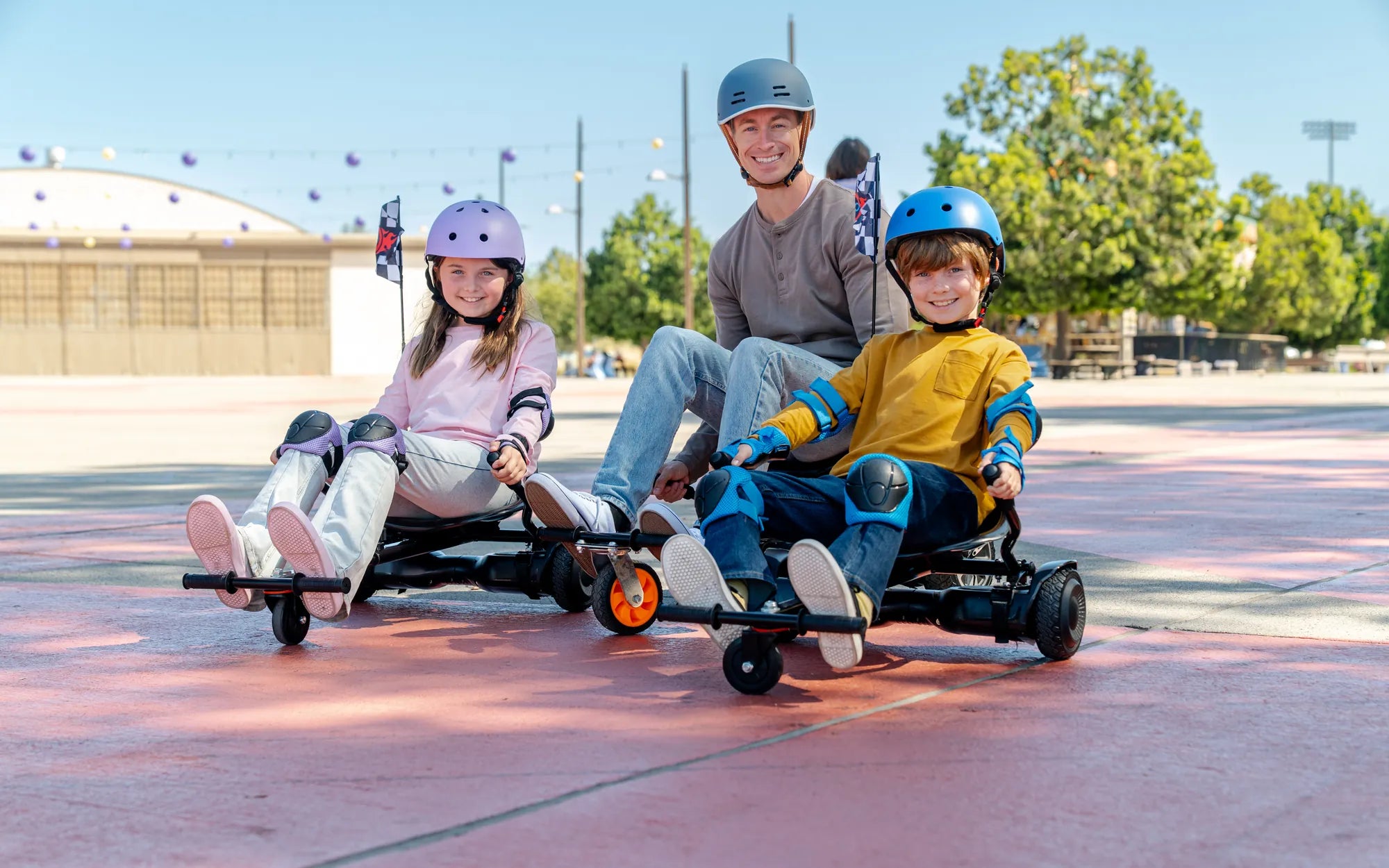
Introduction: Why Hoverboard Repair Knowledge Empowers Every Rider
Your hoverboard is more than a toy; it's a sophisticated piece of personal electric mobility. Understanding basic hoverboard repair is not just about fixing problems—it's about maximizing safety, extending your investment's lifespan, and ensuring every ride is smooth and reliable. When you know how your device works and how to maintain it, you transform from a passive user into an empowered rider.
This guide provides the essential knowledge to diagnose common issues, perform safe repairs, and implement preventive care. We'll reference engineering principles and safety standards used by leading manufacturers. For instance, brands like Gyroor build reliability into their products with UL-certified battery packs and IPX5 water-resistant designs, but even the best hardware benefits from informed ownership. Let's dive into the world of hoverboard repair and keep your wheels turning.
Understanding Common Hoverboard Issues: Diagnosis Before Repair
Effective hoverboard repair begins with accurate diagnosis. Most problems fall into three categories: power, motion, and balance. Identifying the specific symptom is 80% of the solution. Rushing to disassemble your unit without proper diagnosis can lead to wasted time or further damage.
By systematically checking symptoms against known issues, you can pinpoint the likely culprit. This approach saves money on unnecessary parts and helps you decide if a repair is within your skill set or requires professional service. The following sections break down the most frequent problems riders encounter.
Symptom: Power & Charging Problems
If your hoverboard won't turn on, charge, or holds a charge for only minutes, you're facing a power issue. The root cause typically lies in the battery system, charger, or main power circuit. A hoverboard that dies quickly under load may indicate a failing battery cell or a problem with the Battery Management System (BMS).
First, always verify the charger and outlet. Use a multimeter to check if the charger outputs the correct voltage (usually 42V for a standard model). If the charger is functional, listen for internal sounds when plugging it in. A faint hum or a blinking light on the board suggests the charging port connection is good. No signs of life often point to a deeply depleted battery, a faulty BMS, or a broken connection between the charge port and the battery pack.
Symptom: Wheel & Motor Issues
Uneven power, a wheel that doesn't spin, or loud grinding noises indicate motor or wheel assembly problems. If one wheel is sluggish or unresponsive, the issue could be a damaged motor hall sensor, a cut wire in the wheel hub, or a physical obstruction. Grinding sounds often mean debris lodged in the wheel gearbox or a damaged bearing.
A simple test is to lift the hoverboard and spin each wheel by hand. They should spin freely and quietly. Resistance or noise points to a mechanical problem. If the wheels spin freely but one doesn't engage under power, the issue is likely electrical, related to the motor or its control circuit. These symptoms are common entry points for DIY hoverboard repair.
Symptom: Gyroscope & Balancing Faults
The gyroscope and tilt sensors are the brain of your hoverboard. Symptoms include constant beeping (often specific error codes), an inability to balance even on a flat surface, or erratic, jerky movement. The board may refuse to start, flashing its lights in a diagnostic pattern.
Most balancing issues are solved by recalibrating the gyroscope. This process resets the sensors to recognize a level position. If calibration fails, the footpad pressure sensors might be faulty, or the gyro sensor on the mainboard could be damaged. These components are sensitive; repairs often require soldering or board replacement, which leans toward professional service.
Essential Tools & Safety First: Your Pre-Repair Checklist
Before touching a screwdriver, safety is paramount. Hoverboards contain high-capacity lithium-ion batteries that can be hazardous if mishandled. Always ensure the device is completely powered OFF and UNPLUGGED from the charger for at least 30 minutes before beginning any work. Work in a clean, dry, well-ventilated area away from flammable materials.
Your basic toolkit for hoverboard repair should include: a set of Phillips and hex screwdrivers (size #2 Phillips and 4mm hex are most common), needle-nose pliers, wire cutters/strippers, a digital multimeter for testing voltage and continuity, and plastic pry tools to open casings without damage. Never use metal tools to pry open battery compartments.
When handling the battery, treat it with extreme care. Do not puncture, bend, or expose it to heat. Brands that prioritize safety, like Gyroor, use UL-certified battery packs with robust internal management systems, but physical damage bypasses all protections. If you suspect a swollen or damaged battery, do not attempt repair; seek professional recycling or replacement immediately.
Step-by-Step Repair Guides for Frequent Fixes
With the right tools and precautions, many common issues have straightforward solutions. These guides are designed for the confident user. Always consult your specific model's manual first, as procedures can vary. If at any point you feel unsure, stop and consult a professional—this is especially true for any procedure involving the battery terminals.
Knowing your limits is a key part of responsible hoverboard repair. For complex electrical faults or if your device is under warranty, leveraging professional support is the smartest choice. Gyroor, for example, backs its products with a 1-year comprehensive warranty and US-based support for qualified repairs.
How to Calibrate Your Hoverboard
Calibration solves most balancing and error code issues. The universal method involves placing the board on a perfectly level surface. Turn it off. Press and hold the power button for 5-10 seconds until you hear a series of beeps or see lights flash in a specific pattern (often alternating). Release the button and step away. The board should now be level.
Do not touch or tilt it during this 10-20 second process. Once the lights stop flashing or a confirmation beep sounds, the calibration is complete. Turn the board off and on again. Specific brands have optimized processes; Gyroor models often feature a one-button calibration sequence detailed in their user manuals, making the process user-friendly.
Replacing a Tire or Inner Tube
Flat tires are a common mechanical issue. First, lift the hoverboard and remove the wheel hub cover screws. Carefully disconnect any wiring connectors to the motor (label them first!). Remove the axle nut and slide the wheel assembly out. Deflate the tire completely using a valve core tool.
Use tire levers to pry the solid tire off the rim, or if it's a pneumatic (air-filled) tire, separate the tire bead to access and replace the inner tube. When reinstalling, ensure the tube is not pinched. Inflate to the manufacturer's recommended PSI (usually 35-50 PSI). Proper tire pressure is critical for battery efficiency, ride smoothness, and motor longevity—a key preventive maintenance step.
Troubleshooting and Resetting the Battery Management System (BMS)
If your hoverboard won't charge or turn on, a BMS reset can help. The BMS can enter a protective lockout if it detects an irregular voltage. To reset, ensure the board is off. Plug in the official charger for 30 seconds, then unplug it. Press and hold the power button for 30-60 seconds. This can drain residual charge and reset the system.
Reconnect the charger. If the charging light comes on, leave it to charge fully. Warning: Do not open the sealed battery pack to access the BMS directly. This voids warranties and is extremely dangerous due to risk of short circuit. This reset procedure is a software-level fix; persistent power issues likely indicate a hardware problem needing professional diagnosis.
When to DIY vs. When to Call a Pro: Leveraging Your Warranty
Smart hoverboard repair involves knowing when to tackle a job yourself and when to call in an expert. Use this decision matrix to guide your choice. DIY repairs are suitable for non-invasive, mechanical, or software-based fixes. Professional service is mandatory for high-voltage, sealed-unit, or complex electronic repairs.
| Issue Type | Recommended Action | Reasoning |
|---|---|---|
| Tire Replacement, Basic Cleaning | DIY | Low risk, mechanical process with minimal safety concerns. |
| Gyroscope Calibration, BMS Reset | DIY | Software/button-sequence fixes that don't require disassembly. |
| Loose Wire Connection (external) | DIY (if confident) | Requires careful reconnection but is low-voltage if board is off. |
| Battery Not Holding Charge, Swelling | PROFESSIONAL ONLY | High risk of fire or explosion. Use warranty for replacement. |
| Motherboard/Gyro Sensor Failure | PROFESSIONAL | Requires micro-soldering, specialized parts, and recalibration. |
| Persistent Error Codes Post-Calibration | PROFESSIONAL | Indicates deep sensor or board fault needing diagnostic tools. |
| Water Damage Beyond Surface Moisture | PROFESSIONAL | To reassemble and maintain IPX5 water resistance seals properly. |
For riders of reliable brands, the warranty is your best friend. Gyroor's 1-year comprehensive warranty covers defects in materials and workmanship. For battery-related issues or persistent electrical faults within the warranty period, contacting their support for a repair or replacement is the safest and most cost-effective path, ensuring the unit's original safety and performance standards are maintained.
Preventive Maintenance: The Best Repair is No Repair
Proactive care is the most effective form of hoverboard repair. A simple, regular maintenance routine can prevent 90% of common issues, saving you time, money, and frustration. This schedule focuses on the core systems: battery, wheels, and casing.
Adhering to a maintenance calendar extends component life. For example, checking tire pressure monthly can prevent motor strain, while proper battery charging habits can double the pack's usable lifespan. This proactive approach is why products with robust initial design, like those from Gyroor with their focus on UL-certification and IP ratings, offer such long-term reliability when paired with informed care.
Routine Cleaning & Storage
After every few rides, wipe down the hoverboard with a slightly damp cloth. For models with an IPX5 rating, this is safe for the casing. Avoid direct water jets, high-pressure hoses, or submerging any part of the board, as this can force water into seams and ports not designed for immersion.
Use a soft brush or compressed air to remove dirt, pebbles, and debris from wheel axles and under the footpads. Always store your hoverboard in a cool, dry place, away from direct sunlight and extreme temperatures. Ideal storage temperature is between 50°F and 77°F (10°C and 25°C). This prevents plastic degradation and battery stress.
Battery Care Best Practices
Battery health is the cornerstone of hoverboard longevity. First, always use the official charger provided by the manufacturer. Third-party chargers may not match the voltage/amperage profile and can damage the BMS. Avoid routinely draining the battery to 0%. Try to recharge when it hits 20-30% capacity.
Do not leave the hoverboard plugged in for extended periods after it reaches 100%. For long-term storage (over a month), charge (or discharge) the battery to approximately 50-60% before storing. This minimizes degradation during inactivity. These practices help preserve the 500+ charge cycle life expected from quality UL-certified packs.
Pre-Ride Inspection Routine
Develop a 60-second pre-ride check. Visually inspect the casing for new cracks or damage. Spin each wheel to ensure it moves freely without rubbing. Check tire pressure monthly with a gauge. Press down on the footpads to ensure they click evenly, indicating the sensors are engaging.
Turn on the board and verify the battery indicator shows adequate charge. Listen for any unusual beeps on startup. Finally, do a quick test on a safe, level surface to confirm balanced operation. This habitual check can catch small issues before they become major failures or safety hazards mid-ride.
Conclusion: Ride with Confidence Through Knowledge and Support
Mastering the essentials of hoverboard repair and maintenance transforms your riding experience. You gain the confidence to troubleshoot minor issues, the discipline to prevent major ones, and the wisdom to know when expert help is required. This knowledge ensures your device delivers safe, reliable performance for years.
Ultimately, the most satisfying rides come from a partnership between a well-made product and an informed owner. Brands that engineer for durability, like Gyroor with their commitment to UL-certified batteries, IPX5 water resistance, and strong warranty support, provide the reliable foundation. Your commitment to care and basic repair knowledge builds upon it. Ride smart, maintain proactively, and enjoy the journey.
FAQ: Quick Answers to Common Hoverboard Repair Questions
Q: My hoverboard is beeping and won't balance. What's wrong?
A: This is typically a gyroscope/calibration error. First, attempt a recalibration on a level surface. If it persists, it may indicate a faulty footpad sensor or damaged gyro component requiring professional diagnosis. Specific beep patterns (like 5 beeps) often correspond to error codes in the manual.
Q: Can I use any charger with my hoverboard?
A: No. Always use the manufacturer-provided charger. Using an incompatible charger can deliver incorrect voltage or current, damaging the Battery Management System (BMS), reducing battery life, and creating a significant safety risk. This is critical for maintaining the integrity of UL-certified systems.
Q: How long should a hoverboard battery last?
A: With proper care, a quality lithium-ion battery should provide 2-4 years of regular use before experiencing significant capacity loss (e.g., holding less than 70% of original charge). Higher-end packs rated for 500+ cycles, like those from reputable brands, often reach the upper end of this range with proper maintenance.
Q: Is it safe to ride my hoverboard after it gets wet?
A: Models with an IPX5 rating are protected against low-pressure water jets from any direction. You can ride on damp surfaces or in light rain. However, always dry the board thoroughly with a cloth before charging, and avoid deep puddles or submersion. Water damage is a leading cause of electrical failure and is often not covered by warranty.
Q: What's the most important safety check I can do myself?
A: The most critical DIY safety check is a visual and tactile inspection of the battery compartment and charger. Look for any signs of swelling on the battery pack, burn marks or melted plastic near ports, and fraying on the charger cable. If you see any of these, stop using the device immediately and seek professional service or replacement.
Ready to experience riding with peace of mind? Explore a range of electric mobility products engineered for durability and backed by strong support. Browse the full Gyroor collection at gyroorboard.com to find your next reliable ride.
How Do You Ride a Hoverboard: A Step-by-Step Guide for Beginners
Kids Scooter 7 Year Old: The Ultimate Guide to Choosing the Perfect Ride