



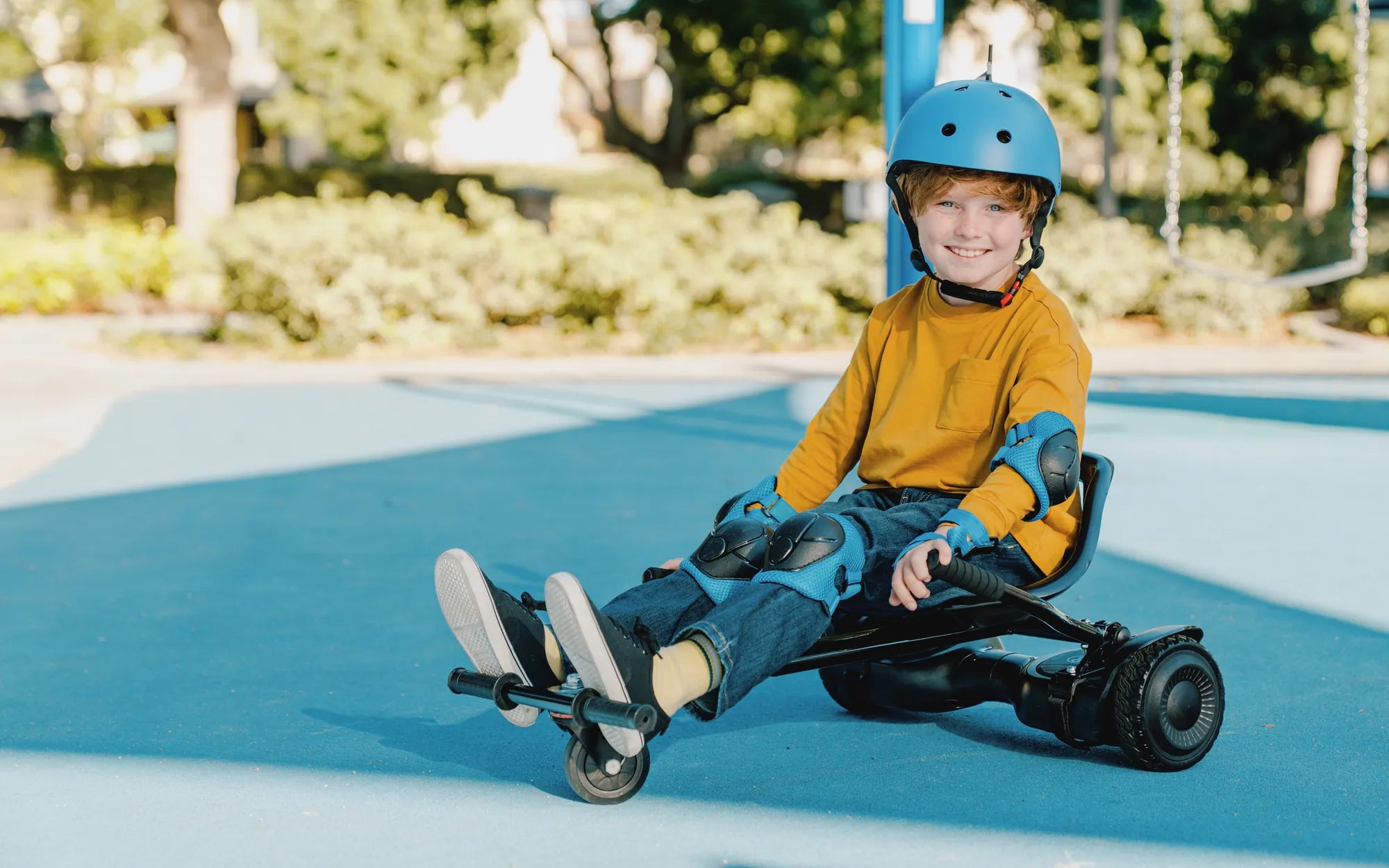
If your hoverboard shakes while riding, you're not alone. This frustrating issue can turn a fun ride into a wobbly nightmare. But don’t worry—understanding the causes and fixes can help you glide smoothly again. Whether it’s uneven terrain, calibration problems, or worn-out parts, we’ll break down everything you need to know to keep your hoverboard stable and safe.
Common Causes of Hoverboard Shaking
Several factors can cause your hoverboard to shake while riding. Identifying the root cause is the first step toward fixing the problem.
1. Uneven or Rough Terrain
Hoverboards are designed for smooth surfaces. Riding on bumpy or uneven terrain can cause the wheels to lose traction, leading to shaking. Always opt for flat, paved surfaces to minimize instability.
2. Calibration Issues
If your hoverboard isn’t properly calibrated, it may misinterpret your movements, causing jerky or shaky rides. Most models have a calibration mode—check your user manual for instructions.
3. Loose or Worn-Out Components
Over time, screws, bolts, or wheel bearings can loosen or wear out, leading to vibrations. Regularly inspect your hoverboard for loose parts and tighten or replace them as needed.
4. Low Battery Power
A weak battery can cause inconsistent power delivery, resulting in shaky movements. Always charge your hoverboard fully before use and avoid draining the battery completely.
5. Rider Inexperience
New riders often struggle with balance, causing the hoverboard to shake. Practice in a safe, open area until you gain confidence and control.
How to Fix a Shaky Hoverboard
Now that you know the potential causes, let’s explore how to fix a hoverboard that shakes while riding.
1. Recalibrate Your Hoverboard
Recalibration is a simple yet effective fix. Turn off the hoverboard, place it on a flat surface, and enter calibration mode (usually by pressing and holding the power button). Follow the manufacturer’s instructions to complete the process.
2. Check and Tighten Loose Parts
Inspect the wheels, footpads, and internal components for loose screws or bolts. Use the appropriate tools to tighten them securely. If any parts are damaged, replace them immediately.
3. Replace Worn-Out Wheels
Worn or damaged wheels can cause instability. If the treads are uneven or the wheels wobble, it’s time for a replacement. Always use compatible wheels for your model.
4. Charge the Battery Fully
A low battery can lead to erratic behavior. Ensure your hoverboard is fully charged before each ride. If the battery no longer holds a charge, consider replacing it.
5. Practice Proper Riding Techniques
Stand straight, distribute your weight evenly, and avoid sudden movements. The more comfortable you are, the smoother your ride will be.
Safety Tips to Prevent Hoverboard Shaking
Prevention is better than cure. Follow these safety tips to minimize the risk of your hoverboard shaking while riding.
1. Ride on Smooth Surfaces
Avoid gravel, grass, or cracked pavement. Stick to smooth, flat surfaces for optimal stability.
2. Wear Protective Gear
Helmets, knee pads, and elbow pads can protect you from falls caused by sudden shakes or loss of balance.
3. Regular Maintenance
Clean your hoverboard regularly, check for loose parts, and keep the wheels in good condition to prevent shaking issues.
4. Avoid Overloading
Exceeding the weight limit can strain the motors and cause instability. Always adhere to the manufacturer’s recommended weight capacity.
5. Monitor Battery Health
A well-maintained battery ensures consistent performance. Avoid overcharging or completely draining the battery to prolong its lifespan.
Don’t let a shaky hoverboard ruin your fun. By understanding the causes and applying these fixes, you can enjoy a smooth, stable ride every time. Stay safe, ride smart, and keep gliding effortlessly!
Hoverboard Length: How Size Impacts Performance and Safety
White Light Up Hoverboard: The Ultimate Guide to Choosing and Riding Safely