



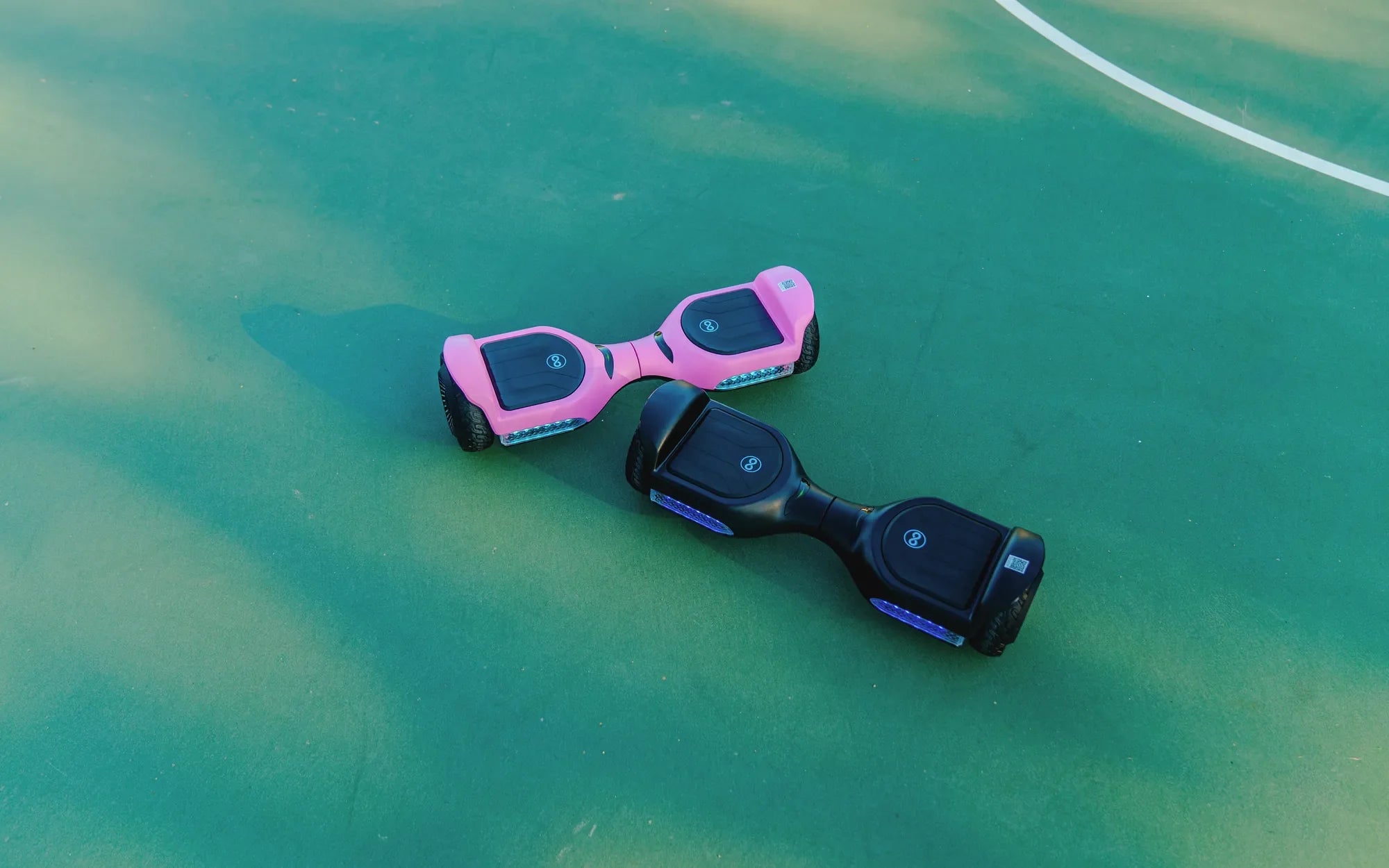
Hoverboards have revolutionized personal transportation, offering a fun and efficient way to get around. But to truly enjoy your ride, understanding and optimizing your hoverboard speed settings is crucial. Whether you're a beginner or an experienced rider, adjusting these settings can make all the difference in safety, performance, and enjoyment.
Understanding Hoverboard Speed Settings
Most hoverboards come with multiple speed settings, allowing riders to customize their experience based on skill level and terrain. These settings typically range from beginner-friendly low speeds to advanced high-speed modes. Knowing how to switch between them and when to use each can enhance your ride significantly.
Beginner Mode (Low Speed)
Beginner mode is designed for those new to hoverboards. This setting limits the top speed, making it easier to learn balance and control. It's also ideal for children or riders in crowded areas where slower speeds are safer.
Intermediate Mode (Medium Speed)
Once you've mastered the basics, intermediate mode offers a balance between speed and control. This setting is perfect for casual riding in open spaces, providing a smoother and more responsive experience.
Advanced Mode (High Speed)
Advanced mode unlocks the hoverboard's full speed potential. This setting is best suited for experienced riders in open, obstacle-free areas. Always ensure you're comfortable with lower speeds before attempting this mode.
How to Adjust Hoverboard Speed Settings
Adjusting speed settings varies by model, but the process is generally straightforward. Most hoverboards allow you to switch modes using a combination of button presses or through a companion app. Refer to your user manual for specific instructions.
Safety Tips for Different Speed Settings
Regardless of the speed setting, safety should always be a priority. Here are some essential tips:
- Always wear protective gear, including a helmet, knee pads, and elbow pads.
- Start with beginner mode and gradually increase speed as you gain confidence.
- Avoid high-speed mode in crowded or uneven areas.
- Regularly check your hoverboard's battery and tire pressure to ensure optimal performance.
Choosing the Right Speed Setting for Your Needs
The best speed setting depends on your skill level, riding environment, and personal preferences. Beginners should stick to low speeds, while experienced riders can explore higher settings in safe conditions. Always prioritize safety over speed.
Mastering your hoverboard's speed settings can transform your riding experience, offering both thrill and control. Whether you're cruising at a leisurely pace or pushing the limits in advanced mode, the right settings ensure a smooth and safe ride every time. So, gear up, adjust your speed, and enjoy the ride!
Hoverboard Does Not Work: Common Issues and How to Fix Them
What Age Can a Child Use a Hoverboard: Safety Guidelines and Tips