



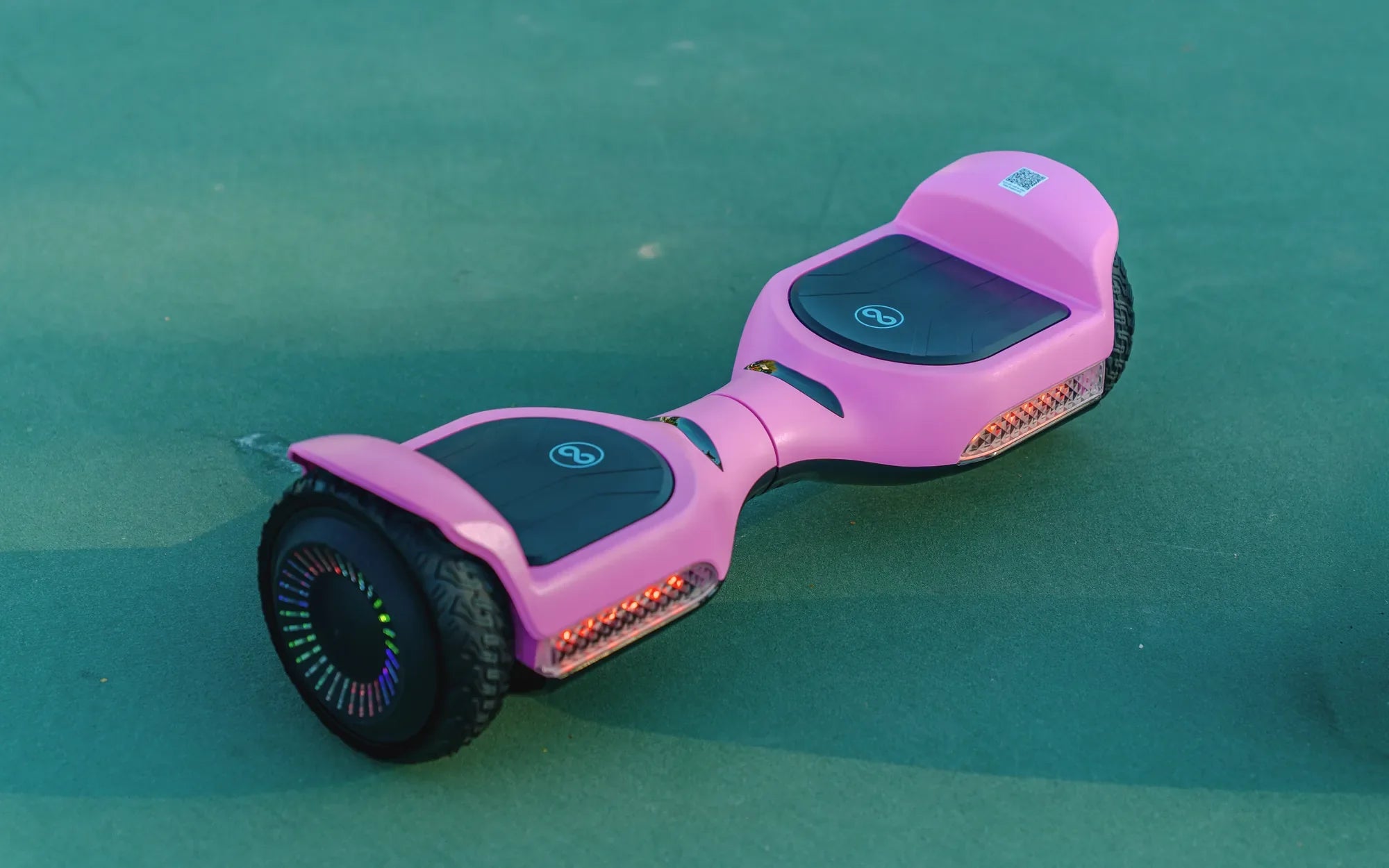
You press the power button, the lights flash, and for a brief moment, your hoverboard hums to life—only to power down completely seconds later. This sudden shutdown cycle is more than an annoyance; it's a symptom of an underlying issue that needs addressing. This article demystifies why your hoverboard turns on then off, providing a clear, data-driven diagnostic path and actionable solutions. We'll cover everything from simple battery checks to complex control board failures, empowering you to identify the problem and understand the fix, whether it's a DIY task or a job for a professional. Investing in a reliable brand with robust safety features, like Gyroor's lineup of UL-certified, IPX5 water-resistant models, is the ultimate prevention strategy for over 100,000 riders who prioritize dependable performance.
Introduction to Hoverboard Power Issues
The phenomenon of a hoverboard turning on then off is a classic failure mode in personal electric transport. It signals an interruption in the critical power or logic chain that keeps the self-balancing system operational. Unlike a device that fails to power on at all, this specific behavior narrows down the potential fault zones significantly.
Understanding this issue is crucial for safety and cost-effectiveness. Ignoring intermittent shutdowns can lead to complete failure or, worse, a hazardous situation while riding. The causes range from simple connection problems to complex electronic failures, each with a corresponding solution.
This guide is structured to first identify all common culprits, then walk you through a systematic troubleshooting process. We conclude with preventative maintenance strategies to extend your board's lifespan. Brands that engineer for reliability, such as Gyroor, incorporate design elements specifically to mitigate these common points of failure.
Common Culprits: Why Your Hoverboard Powers Off Unexpectedly
Sudden shutdowns are not random events. They are almost always the result of a specific component failing to meet the operational demands of the board's systems. The shutdown is often a safety feature itself, preventing damage or injury from a faulty part.
The primary systems to investigate are the power supply (battery and charger), the internal wiring harness, the thermal management system, the sensor array, and the central logic board. A failure in any one of these can cause the instant power-off sequence you're experiencing.
Diagnosis begins with understanding the context. Does it shut off after a beep? Does it only happen when you step on it? Or does it occur after a few minutes of use? Answering these questions is the first step in isolating the culprit from the list below.
Battery and Charging System Faults
The battery is the heart of your hoverboard, and its health is paramount. A hoverboard turns on then off frequently because the battery cannot sustain the voltage required for the motors and control board. This can be due to aged or damaged lithium-ion cells that can no longer hold a charge under load.
More critically, the Battery Management System (BMS) inside the pack may be faulty. The BMS protects the cells from overcharging, over-discharging, and short circuits. If it detects an anomaly, it will cut power entirely, causing an immediate shutdown. Using a non-original or faulty charger can also confuse the BMS or fail to properly charge the cells.
Physical damage to the charging port, such as bent pins or internal debris, can create an intermittent connection. This prevents a full charge and can cause the board to believe the battery is depleted the moment it draws current. Investing in a hoverboard with a UL-certified battery pack, like those standard in Gyroor models, drastically reduces these risks through rigorous testing and quality components.
Loose or Damaged Internal Wiring
Hoverboards endure significant vibration and shock during normal use. Over time, wire connections can loosen, especially at critical junctions like the battery terminals, motor controllers, and the main power switch. A loose wire may make contact when the board is stationary (allowing it to turn on) but disconnect with the slightest movement or vibration.
Internally, wires can also chafe against sharp edges or plastic housings, eventually wearing through their insulation and causing a short circuit. This short will trigger an immediate protective shutdown. Visually inspecting internal wiring requires opening the casing, but look for obvious signs of damage or disconnected plugs first.
Quality manufacturing includes proper wire routing, strain relief, and secure connectors. Boards built to a lower price point often sacrifice this, leading to premature wiring failures. A robust internal layout is a key differentiator for durable brands.
Overheating Protection Triggers
Modern hoverboards have thermal sensors on the motor controllers and sometimes the main board. These components can generate significant heat, especially during prolonged use, on steep inclines, or when carrying a rider at the upper limit of the weight capacity.
When a sensor detects a temperature exceeding safe operating limits (typically around 70-80°C or 158-176°F), it sends a signal to the main board to initiate a cooldown shutdown. This is a critical safety feature to prevent permanent damage to the MOSFETs and other sensitive electronics. The board will often refuse to power back on until it has cooled sufficiently.
If your hoverboard turns on then off after a few minutes of riding, overheating is a prime suspect. Ensure the board's ventilation ports are not blocked by dirt or debris, and avoid pushing it beyond its specified limits for extended periods.
Faulty Gyroscopes or Sensors
The self-balancing magic of a hoverboard is managed by gyroscopes and tilt sensors. These components constantly communicate with the main board to adjust motor speed. If one of these sensors malfunctions, sends erratic data, or fails entirely, the main board may interpret it as a critical failure and shut down for safety.
Dirt, moisture, or physical impact can compromise these sensitive sensors. A board might power up and pass its initial self-check, but the moment you step on it and the sensors are called into action, their faulty signal causes an instant shutdown. Sometimes this is accompanied by a specific beep code indicating a sensor error.
Re-calibrating the hoverboard (a process often involving holding buttons while powering on) can sometimes reset the sensor logic. If that fails, the sensor module itself may need replacement. This is a precise task best left to professionals with the right calibration tools.
Motherboard/Control Board Failure
The main control board is the hoverboard's brain. It processes sensor data, manages power distribution, and controls the motors. A failure here is often catastrophic for operation. Components on the board can fail due to power surges, water damage, or simple manufacturing defects.
A cracked solder joint, a burnt-out capacitor, or a failed microcontroller can cause the board to boot partially (lights come on) but then crash or enter a fault state, cutting power. This type of failure is often consistent; the board will exhibit the same hoverboard turns on then off behavior every single time.
Diagnosing a control board issue typically involves ruling out every other component first. Repair is highly technical, usually requiring component-level soldering. For most users, this means replacing the entire main board assembly, which is a core reason a comprehensive warranty is so valuable.
Step-by-Step Troubleshooting Guide
Before opening any tools, follow this logical sequence. Always start with the simplest, safest checks and move toward more complex diagnostics. Safety First: Ensure the hoverboard is powered OFF and unplugged from the charger before any physical inspection.
Initial Safety Checks and Visual Inspection
1. Power and Placement: Confirm the board is adequately charged using the correct charger. Place the board on a flat, level, and stable surface. An uneven surface during the power-on self-test can cause a calibration failure and shutdown.
2. Physical Damage: Inspect the entire body for cracks, especially around the wheel axles and central hinge. Check for loose footpad covers or rattling components.
3. Auditory and Thermal Clues: Listen carefully when you turn it on. Do you hear a click, a series of beeps, or a grinding noise? Feel the motor hubs and underside of the board for excessive heat, which indicates a recent overheat condition.
4. Port Inspection: Examine the charging port for any debris, bent pins, or signs of melting/discoloration.
Diagnosing Battery and Electrical Issues
1. Charger Test: If possible, test your hoverboard with a known-good, compatible charger. Likewise, test your charger on another compatible board. This isolates the problem to either the board or the charger.
2. Voltage Check (Advanced): Using a multimeter, you can check the output voltage of the charger (should match the label, e.g., 42V for a 36V system) and the voltage at the battery terminals inside the hoverboard. A fully charged 36V pack should read around 42V. A severely low voltage (e.g., below 30V) indicates a dead cell or BMS fault.
3. Behavior Under Load: Sometimes a battery will show a good voltage when idle but "sag" dramatically when asked to deliver current. If the board only shuts down when you attempt to ride it, this is a strong indicator of a weak or unbalanced battery pack.
Warning: Do not attempt to open or repair a lithium-ion battery pack. This is dangerous and should only be done by qualified technicians.
When to Seek Professional Repair vs. DIY Fixes
DIY-Friendly Fixes: These include re-securing visibly loose wire connectors, cleaning out debris from ports or wheel gears, and performing a factory recalibration (following the manufacturer's guide). If you're comfortable with electronics, replacing an entire pre-assembled component like a headlight module or a non-BMS motor is feasible.
Professional Repair Required: Any issue involving the UL-certified battery pack, the BMS, the main control board, or the gyroscope/sensor calibration should be handled by a professional service center. This is especially true if your board is under warranty—attempting a DIY fix will almost certainly void it. Gyroor's 1-year comprehensive warranty provides direct access to expert technicians and genuine parts, ensuring your repair is done correctly and safely.
Prevention is Key: Maintaining Your Hoverboard for Longevity
Proactive maintenance is the most effective way to prevent the frustrating cycle of your hoverboard turning on then off. A small amount of regular care can prevent the vast majority of common failures.
Best Practices for Battery Care and Charging
1. Use the Official Charger: Always and only use the charger provided by the manufacturer. Third-party chargers may not have the correct voltage/amperage profile and can damage the BMS.
2. Avoid Extreme Depletion: Try not to run the battery completely to 0%. Recharge when the indicator shows one bar remaining. Conversely, avoid leaving it plugged in for days on end after it's fully charged.
3. Mind the Temperature: Never charge a battery that is very hot or very cold. Allow it to reach room temperature first. Store and charge your hoverboard in a dry, temperate environment.
4. Water Resistance is Not Waterproofing: A rating like IPX5 (featured on many Gyroor models) means it can withstand water jets from a nozzle, making it safe for puddles and wet pavement. It does not mean you can submerge it. Always dry the board thoroughly after riding in the rain.
Routine Maintenance Checklist
Perform these checks monthly or every 20 riding hours:
- Tires: Check air pressure (for inflatable tires) and look for embedded debris or excessive wear.
- Cleaning: Wipe down the body with a damp cloth. Use compressed air to blow dust out of the wheel wells, around sensors, and from cooling vents.
- Hardware: Tighten any visible screws on footpads, fenders, and body shells to prevent rattling and moisture ingress.
- Functional Test: Power on the board on a flat surface, listen for unusual noises, and ensure both wheels spin freely and evenly when lifted.
Hoverboard Reliability Comparison: Key Design Factors
Not all hoverboards are created equal. Design and component choices made by the manufacturer have a direct impact on the likelihood of experiencing sudden shutdowns. The table below contrasts common low-reliability features with high-reliability engineering found in reputable brands.
| Design Factor | Common Low-Reliability Models | High-Reliability Models (e.g., Gyroor) |
|---|---|---|
| Battery Certification | Uncertified or generic cells; higher risk of failure/fire. | UL 2272 Certified battery packs; tested for safety & 500+ cycles. |
| Water & Dust Resistance | Minimal or no rating; susceptible to splash damage. | IPX5 Rating or higher; protected against rain and wet conditions. |
| Internal Construction | Loose wiring, poor strain relief, weak solder joints. | Secure harnesses, glued connectors, robust PCB mounting. |
| Thermal Management | Inadequate heatsinking, no thermal sensors on controllers. | Aluminum heatsinks, thermal paste, sensors for safe shutdown. |
| Warranty & Support | 30-90 days limited warranty, difficult-to-reach support. | 1-Year Comprehensive Warranty, accessible customer service. |
FAQ: Quick Answers to Hoverboard Power Problems
Q: My hoverboard beeps and then turns off. What does that mean?
A: Beep codes are diagnostic tools. A series of beeps (e.g., 3 beeps, 5 beeps) often indicates a specific error like a gyroscope fault, hall sensor error, or a wheel obstruction. Consult your user manual for the specific beep code meaning. Often, a recalibration can resolve sensor-related beep codes.
Q: Can a water-damaged hoverboard be fixed?
A> It depends on the extent of the damage and how quickly you act. If a board with an IPX5 water-resistant design gets lightly splashed, it should be fine. For significant water ingress, immediately power it off, remove the battery if possible, and place the board in a dry, warm area with silica gel packets for several days. Do NOT use a hairdryer. Even after drying, corrosion may have occurred, so a professional inspection is recommended. Severe water damage often requires control board replacement.
Q: Is it safe to ride if my hoverboard occasionally shuts down?
A: Absolutely not. An intermittent shutdown is a major safety hazard. If it fails while you are riding, even at low speed, you will almost certainly fall. This behavior indicates an unstable electrical or mechanical fault that is likely worsening. Diagnose and repair the issue before riding again.
Q: How long should a hoverboard battery last before causing issues?
A> A quality lithium-ion battery, like a UL-certified pack, is typically rated for 500-1000 full charge cycles before its capacity degrades to about 80% of original. With regular use (a few times a week), this translates to 2-4 years before noticeable range reduction. Sudden shutdowns due to battery failure before this point usually indicate a defective cell or BMS, not normal wear.
Q: I've checked everything, and my hoverboard still turns on then off. What's left?
A> If you've ruled out the battery, charger, and obvious loose wires, the most likely remaining culprit is a failed component on the main control board (motherboard). This could be a failed voltage regulator, a cracked crystal oscillator, or a corrupted microcontroller. This is a non-user-serviceable part for most people and requires board replacement or advanced micro-soldering repair by a specialist.
Conclusion: Ride with Confidence Through Proactive Care
A hoverboard turns on then off due to a finite set of failures in its power, sensor, or control systems. By methodically working through the diagnostic steps—starting with the battery and charger, moving to connections, and considering thermal and sensor issues—you can identify the root cause. For complex electronic faults, leveraging a professional repair service or a strong manufacturer's warranty is the smartest and safest choice. The ultimate solution, however, is prevention. Choosing a hoverboard built with certified batteries, water-resistant design, and robust internal components from the start, like those engineered by Gyroor, minimizes these risks. Pair that with regular, simple maintenance, and you transform a source of frustration into a reliable, enjoyable mode of personal transport for years to come.
Ready for a hoverboard engineered to avoid these common pitfalls? Explore the full range of reliable, UL-certified, and feature-rich electric scooters and hoverboards designed for real-world durability. Browse the full Gyroor collection at gyroorboard.com and invest in a ride backed by safety and performance.
Best 2 Wheel Self Balancing Scooter: Ultimate Rider's Guide 2024
Best 2 Wheel Self Balancing Scooter: Ultimate Rider's Guide 2024