


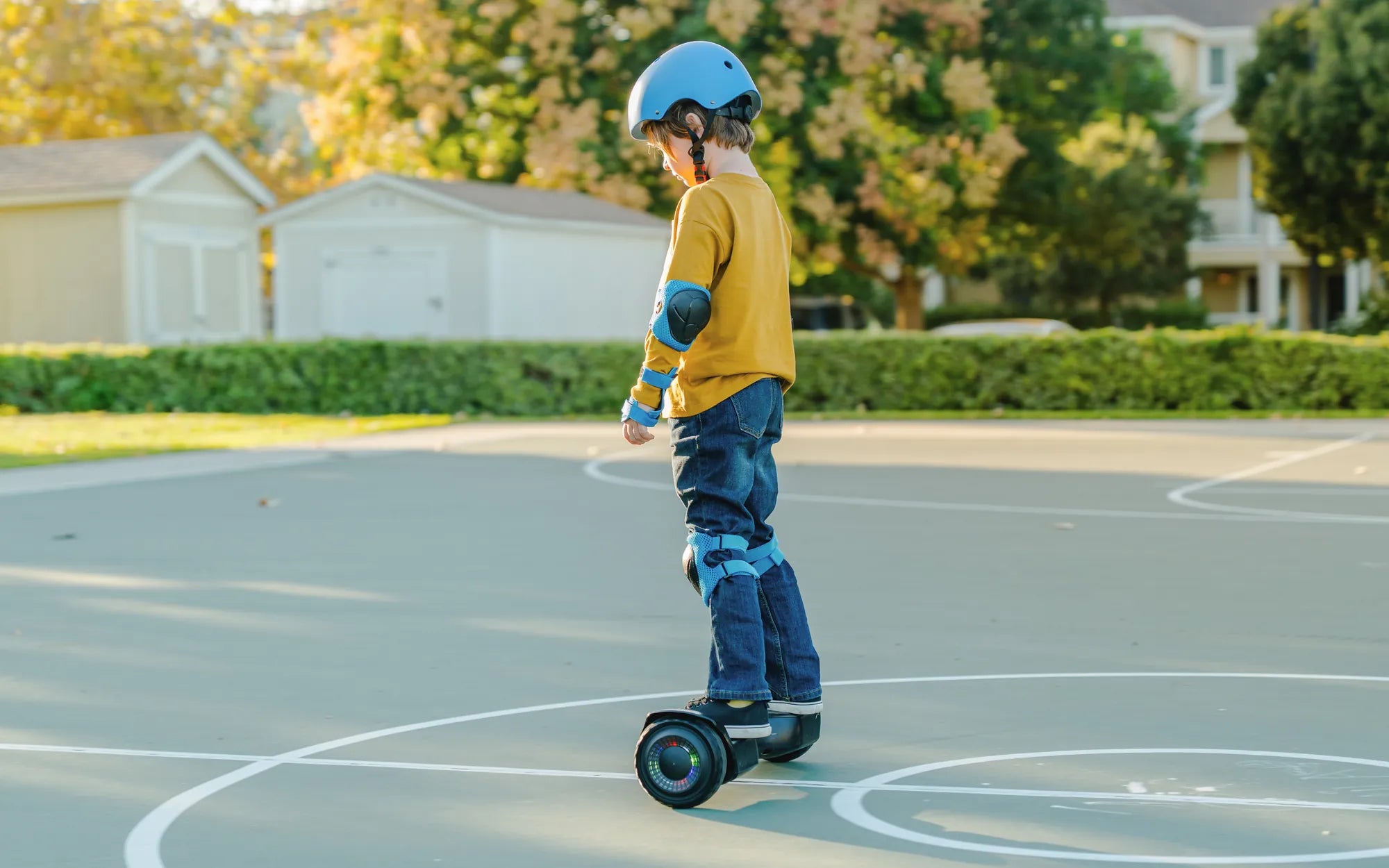
Few things are as frustrating as hopping on your hoverboard, only to find it won't budge forward. Whether you're a seasoned rider or a beginner, a hoverboard that won't go forward can ruin your fun and leave you scratching your head. But don't worry—this guide will walk you through the most common reasons why your hoverboard might be stuck and how to fix them.
Common Reasons Why Your Hoverboard Won't Go Forward
Before diving into repairs, it's important to understand why your hoverboard might be refusing to move forward. Here are the most likely culprits:
- Low Battery: A weak or dying battery can prevent the hoverboard from functioning properly.
- Sensor Issues: Faulty footpad sensors may not register your movements correctly.
- Motor Problems: A malfunctioning motor can stop the hoverboard from moving.
- Calibration Errors: If the hoverboard isn't calibrated properly, it may not respond to commands.
- Software Glitches: Firmware issues can cause unexpected behavior.
How to Fix a Hoverboard That Won't Go Forward
Now that you know the potential causes, let's explore the solutions step by step.
1. Check the Battery
Start by ensuring your hoverboard has enough charge. Plug it in and let it charge fully before testing it again. If the battery is old or damaged, it may need replacement.
2. Inspect the Footpad Sensors
The footpad sensors detect your weight and movements. If they're dirty or damaged, they may not work properly. Clean them gently with a soft cloth and check for any visible damage.
3. Test the Motors
If one motor is working but the other isn't, your hoverboard may spin in circles instead of moving forward. Listen for unusual noises or vibrations, which could indicate motor issues.
4. Recalibrate the Hoverboard
Calibration resets the hoverboard's internal sensors. To recalibrate:
- Turn off the hoverboard.
- Press and hold the power button for 5-10 seconds until you hear a beep.
- Place the hoverboard on a flat surface and wait for the calibration to complete.
5. Update the Firmware
If your hoverboard has a companion app, check for firmware updates. Outdated software can cause performance issues.
Preventive Maintenance Tips
To avoid future problems, follow these maintenance tips:
- Charge the hoverboard regularly, even when not in use.
- Avoid riding on rough or wet surfaces.
- Store the hoverboard in a cool, dry place.
- Clean the sensors and wheels periodically.
A hoverboard that won't go forward doesn't have to stay that way. With these troubleshooting steps, you can diagnose and fix the issue quickly, ensuring smooth rides ahead. Don't let a minor hiccup keep you from enjoying the thrill of gliding effortlessly—get back on track today!
Future Real Hoverboard: The Next Leap in Personal Transportation
What to Do If Hoverboard Gets Wet: Essential Steps to Save Your Device