



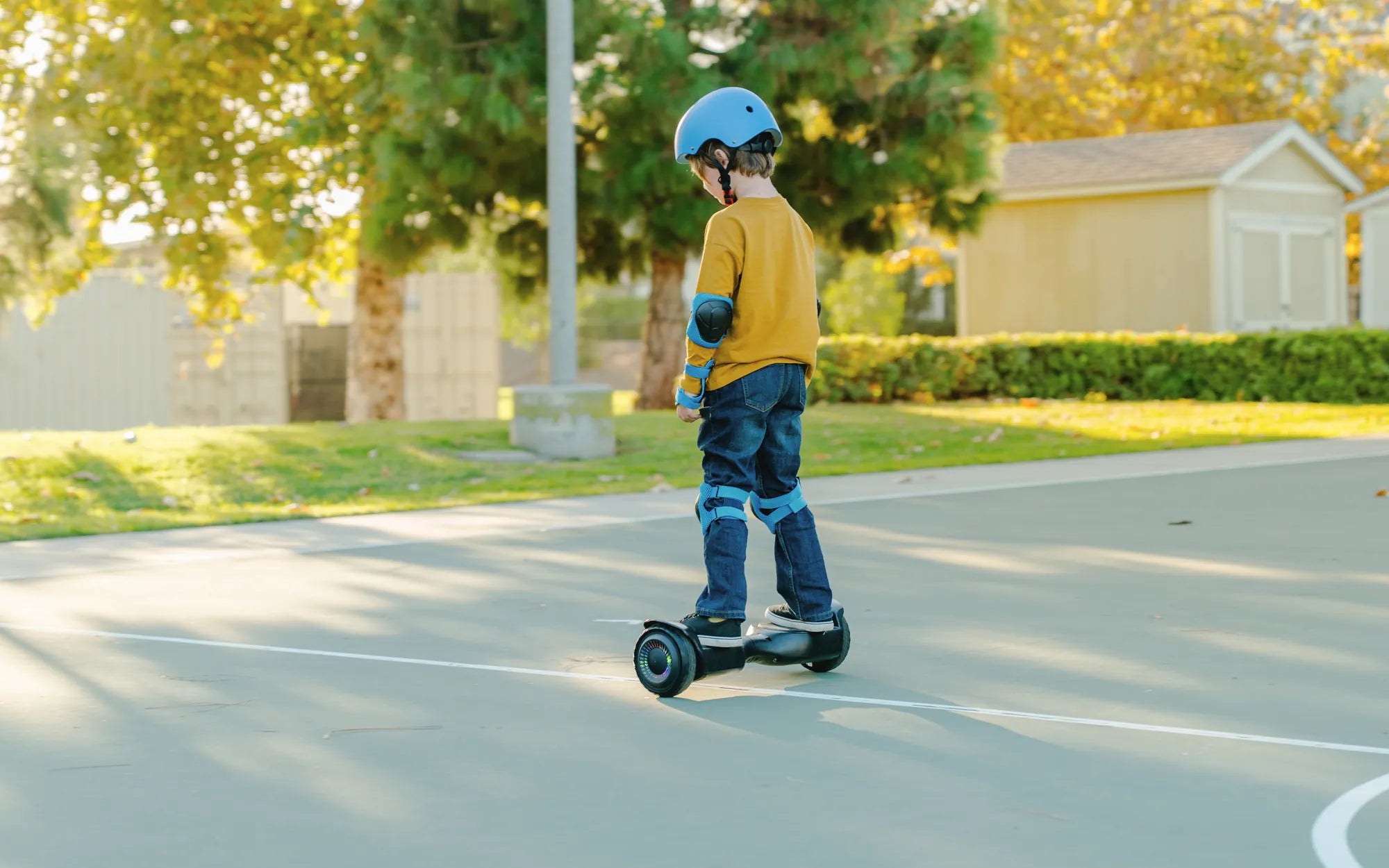
Few things are as frustrating as a hoverboard that refuses to power down. Whether it's stuck in an endless loop of beeping or simply won't respond to the power button, a hoverboard that won't shut off can be more than just an annoyance—it can pose safety risks. Before you panic, let’s explore the possible reasons behind this issue and how to fix it safely.
Why Your Hoverboard Won't Shut Off
A hoverboard that refuses to turn off can stem from several underlying issues. Here are the most common culprits:
- Faulty Power Button: The power button may be stuck or damaged, preventing it from registering your input.
- Software Glitch: Like any electronic device, hoverboards can experience software malfunctions that cause unresponsiveness.
- Battery Issues: A malfunctioning or overheating battery can interfere with the hoverboard's shutdown process.
- Wiring Problems: Loose or damaged wiring may disrupt the power circuit, keeping the hoverboard running.
- Overheating: Extended use or exposure to high temperatures can cause the hoverboard to behave erratically.
How to Fix a Hoverboard That Won't Shut Off
Before attempting any fixes, ensure the hoverboard is placed on a stable, flat surface to prevent accidental movement. Follow these steps to troubleshoot the issue:
1. Force Restart the Hoverboard
If the power button isn’t responding, try a force restart:
- Hold down the power button for at least 10 seconds.
- Wait for the hoverboard to power off completely.
- Press the power button again to turn it back on and check if the issue persists.
2. Check the Battery
A faulty battery can prevent proper shutdown. Here’s what to do:
- Unplug the charger if it's connected.
- Let the hoverboard cool down if it feels hot.
- Inspect the battery for swelling, leaks, or unusual smells—if detected, stop using the hoverboard immediately and seek professional help.
3. Inspect the Wiring
Loose or damaged wires can cause power issues. If you're comfortable with basic electronics, carefully open the hoverboard’s casing (while it's unplugged) and check for:
- Disconnected wires.
- Burned or frayed cables.
- Corrosion on connectors.
If you find any damage, consult a professional for repairs.
4. Reset the Hoverboard
Some hoverboards have a reset button or a factory reset option. Refer to the user manual for instructions on performing a reset.
Safety Precautions
A hoverboard that won’t shut off can be hazardous. Follow these safety tips:
- Avoid Overcharging: Unplug the hoverboard once it's fully charged to prevent battery damage.
- Store Properly: Keep the hoverboard in a cool, dry place away from direct sunlight.
- Regular Maintenance: Clean the hoverboard and check for wear and tear periodically.
- Use Certified Chargers: Always use the manufacturer-recommended charger to avoid electrical issues.
When to Seek Professional Help
If none of the above steps work, or if you notice signs of battery damage (such as swelling or smoke), stop using the hoverboard immediately and contact a certified technician. Attempting DIY repairs on a damaged battery or wiring can be dangerous.
A hoverboard that won’t shut off is more than just an inconvenience—it’s a problem that needs immediate attention. By following these troubleshooting steps and safety measures, you can resolve the issue and get back to riding safely. Don’t ignore the warning signs; a quick fix today can prevent a bigger problem tomorrow.
Hoverboard Beeping When Plugged In: Causes, Fixes, and Safety Tips
I Want to Buy a Hoverboard: The Ultimate Guide to Choosing the Right One