

Ever plugged in your hoverboard and wondered if it's actually charging? You're not alone. Many hoverboard owners face this dilemma, especially when there are no obvious indicators. Whether you're a first-time user or a seasoned rider, knowing how to confirm your hoverboard is charging can save you from frustration and potential battery issues. Let's dive into the key signs and solutions to keep your ride powered up.
Understanding Your Hoverboard's Charging Indicators
Most hoverboards come with built-in charging indicators, but their behavior can vary depending on the model. Here's what to look for:
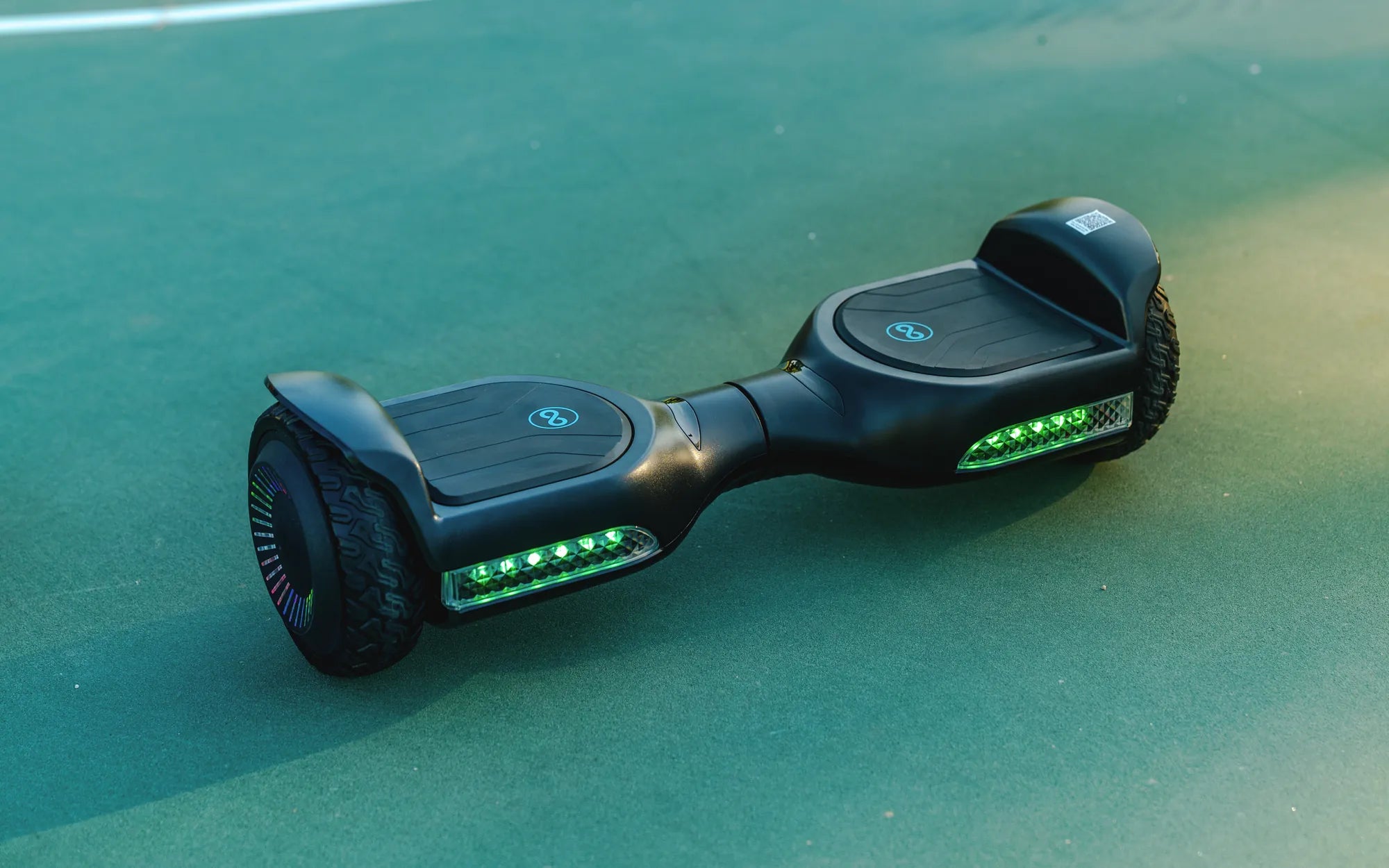
- LED Lights: Many hoverboards feature LED lights that change color or blink to indicate charging status. A red light often means charging, while green signals a full battery.
- Battery Icon: Some models display a battery icon on an LCD screen, showing the current charge level.
- Charger Light: The charger itself may have an LED that turns red during charging and green when complete.
Common Signs Your Hoverboard Is Charging
If your hoverboard lacks clear indicators, these subtle signs can help:
- Warmth Near the Charging Port: A slight warmth around the port is normal during charging.
- Audible Click or Hum: Some hoverboards emit a faint sound when connected to power.
- Power Button Response: If the hoverboard turns on briefly when plugged in, it's likely receiving power.
Troubleshooting Charging Issues
If you're still unsure, try these steps:
- Check the Power Source: Ensure the outlet is working by testing it with another device.
- Inspect the Charger and Cable: Look for frayed wires or damage. A faulty charger won't deliver power.
- Clean the Charging Port: Dust or debris can block the connection. Use a dry cloth to gently clean it.
- Wait and Observe: Leave the hoverboard plugged in for 30 minutes. If it powers on afterward, it was charging.
Best Practices for Charging Your Hoverboard
To extend battery life and ensure safety:
- Avoid Overcharging: Unplug once fully charged to prevent battery strain.
- Use the Right Charger: Only use the manufacturer-recommended charger to avoid damage.
- Charge in a Cool, Dry Place: Extreme temperatures can affect battery performance.
When to Seek Professional Help
If your hoverboard still won't charge after troubleshooting, it might have a deeper issue like:
- Dead Battery: Batteries degrade over time and may need replacement.
- Internal Wiring Problems: Loose or damaged wires require expert repair.
- Faulty Charging Port: A damaged port won't make a proper connection.
Don't let a dead hoverboard ruin your fun! By recognizing the signs of charging and following these tips, you'll keep your device ready for action. Whether it's a flickering light or a subtle hum, your hoverboard has ways of telling you it's powering up—you just need to know what to look for.
Hoverboard Battery Issue: Understanding the Risks and Solutions
Hoverboard Lights on Fire: The Shocking Truth Behind the Safety Risks