



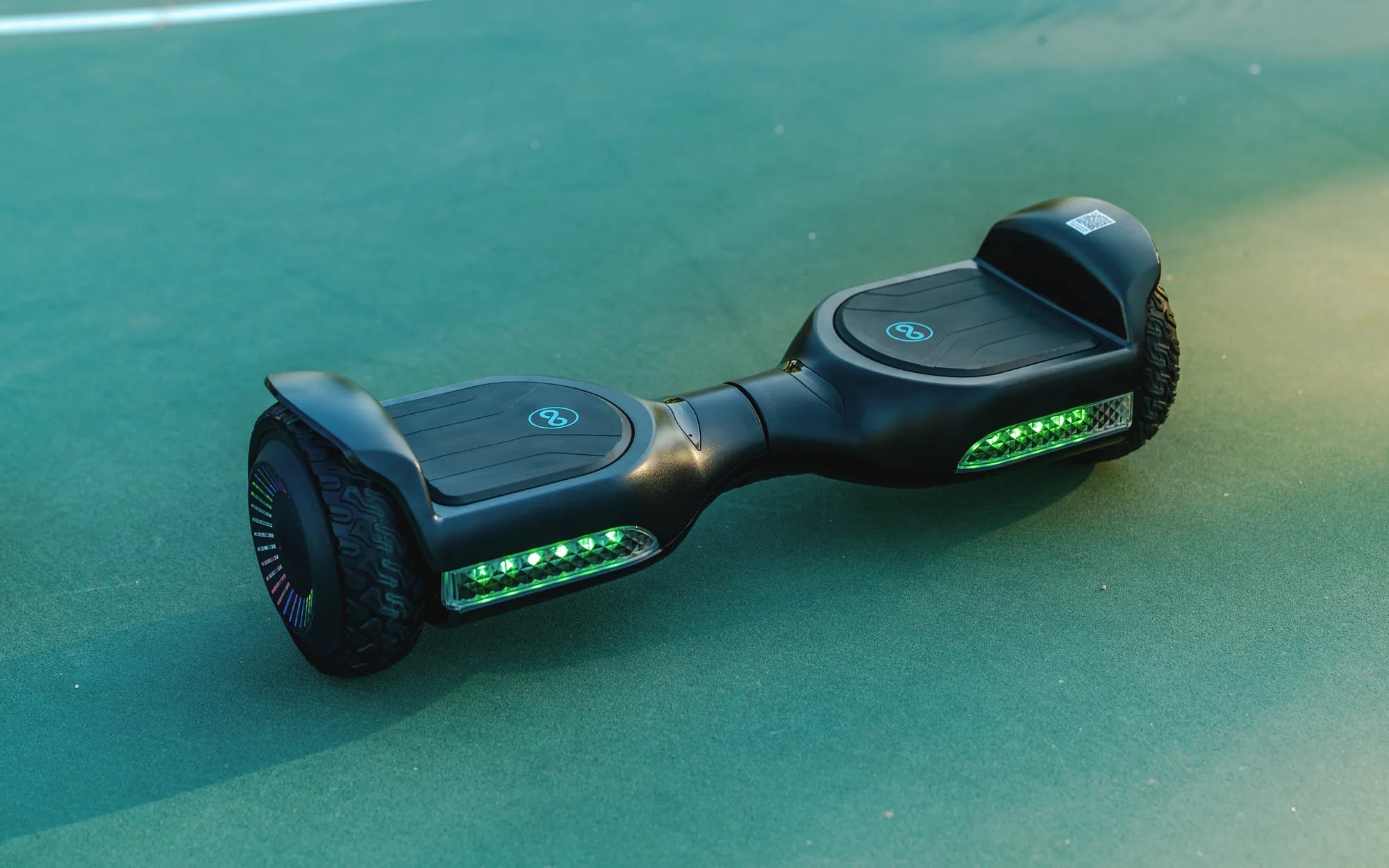
Ever wondered why your hoverboard feels wobbly or unresponsive? The secret to a smooth ride lies in proper calibration. Whether you're a beginner or an experienced rider, knowing how to calibrate your hoverboard can make all the difference in performance and safety. Let's dive into the step-by-step process to get your hoverboard riding like new.
Why Calibration Matters
Calibration ensures your hoverboard's sensors and gyroscopes are aligned correctly. Without proper calibration, your hoverboard may tilt unevenly, respond sluggishly, or even shut off unexpectedly. Regular calibration keeps your device running smoothly and extends its lifespan.
Step 1: Prepare Your Hoverboard
Before starting, place your hoverboard on a flat, level surface. Turn it off and ensure it's fully charged. A low battery can interfere with the calibration process. Remove any dirt or debris from the foot pads and wheels to avoid sensor misalignment.
Step 2: Enter Calibration Mode
Most hoverboards enter calibration mode by holding the power button for 5-10 seconds until you hear a beep or see a flashing light. Refer to your user manual for specific instructions, as the process may vary slightly between models.
Step 3: Align the Sensors
Once in calibration mode, keep the hoverboard perfectly still for 10-15 seconds. Avoid touching the foot pads or moving the device during this time. The sensors need to reset to a neutral position for accurate calibration.
Step 4: Exit Calibration Mode
After the sensors reset, turn off the hoverboard and wait a few seconds before powering it back on. Test the hoverboard by standing on it gently to see if it responds evenly. If it still feels off, repeat the process.
Troubleshooting Common Calibration Issues
If your hoverboard continues to misbehave after calibration, check for firmware updates or consult the manufacturer's support. Persistent issues may indicate a hardware problem, such as a faulty gyroscope or damaged sensor.
Maintaining Your Hoverboard
Regular calibration is just one part of hoverboard maintenance. Keep the wheels clean, avoid rough terrain, and store the device in a dry place to ensure long-term performance. A well-maintained hoverboard provides a safer and more enjoyable ride.
Ready to take your hoverboard skills to the next level? With proper calibration and maintenance, you'll enjoy a smoother, more responsive ride every time. Don't let a misaligned hoverboard slow you down—follow these steps and glide with confidence!
Can I Take a Hoverboard on an Airplane? Everything You Need to Know
Electric Self Balancing: The Future of Personal Transportation