


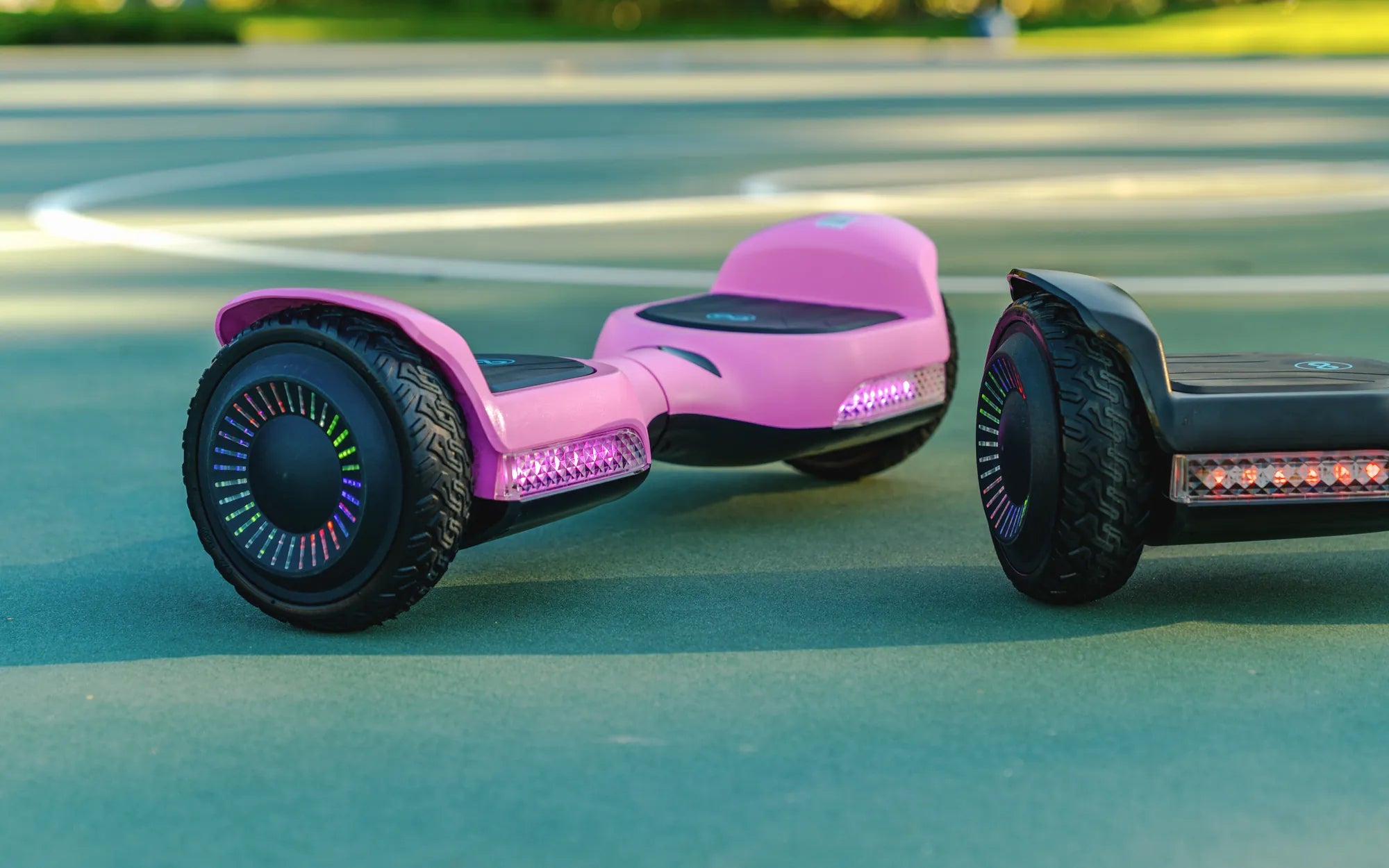
Ever plugged in your hoverboard and wondered if it's actually charging? You're not alone. Many hoverboard owners face this uncertainty, especially when the device doesn't provide clear indicators. Knowing whether your hoverboard is charging correctly can save you from frustration and potential safety hazards. Let's dive into the telltale signs and what to do if things aren't working as they should.
Understanding Your Hoverboard's Charging Indicators
Most hoverboards come with built-in charging indicators, though their design varies. Here's what to look for:
- LED Lights: The most common indicator. A solid or blinking light usually means charging is in progress.
- Color Changes: Some models use color-coded lights (e.g., red for charging, green for fully charged).
- Display Screens: Higher-end models may show battery percentage or charging status on a small screen.
Step-by-Step: Checking If Your Hoverboard Is Charging
- Plug It In Correctly: Ensure the charger is securely connected to both the wall outlet and the hoverboard.
- Look for Lights: Check if any LED lights turn on when connected to power.
- Listen for Sounds: Some hoverboards emit a beep or hum when charging begins.
- Check After 30 Minutes: If unsure, unplug and briefly turn on the hoverboard to see if battery level has increased.
Troubleshooting Common Charging Issues
If your hoverboard isn't showing signs of charging, try these solutions:
| Problem | Possible Solution |
|---|---|
| No lights when plugged in | Test the outlet with another device; try a different charger |
| Lights on but not holding charge | Battery may need replacement; check for swollen battery pack |
| Charger gets extremely hot | Unplug immediately - potential electrical issue |
Safety Precautions While Charging
Charging your hoverboard safely is crucial to prevent accidents:
- Always use the manufacturer-approved charger
- Don't leave charging unattended for extended periods
- Charge on a non-flammable surface
- Avoid charging immediately after use when batteries are warm
How Long Should Charging Take?
A typical hoverboard takes 2-3 hours to charge fully from empty. If charging takes significantly longer:
- Your battery might be aging
- The charger could be underpowered
- There might be an internal electrical issue
Still not sure if your hoverboard is charging? Try the 'hand test' - after 15-20 minutes of charging, feel the battery area (carefully). A slight warmth often indicates charging is occurring, while no temperature change might suggest a problem.
Mastering your hoverboard's charging behavior gives you peace of mind and extends your device's lifespan. With these tips, you'll never have to guess about your hoverboard's power status again - just look for the signs, follow safety protocols, and enjoy the ride!
Top Christmas Gift for Teenage Boys: The Ultimate Guide for 2023
Christmas Gift Ideas for Girls Age 10: Fun, Creative, and Memorable Presents