


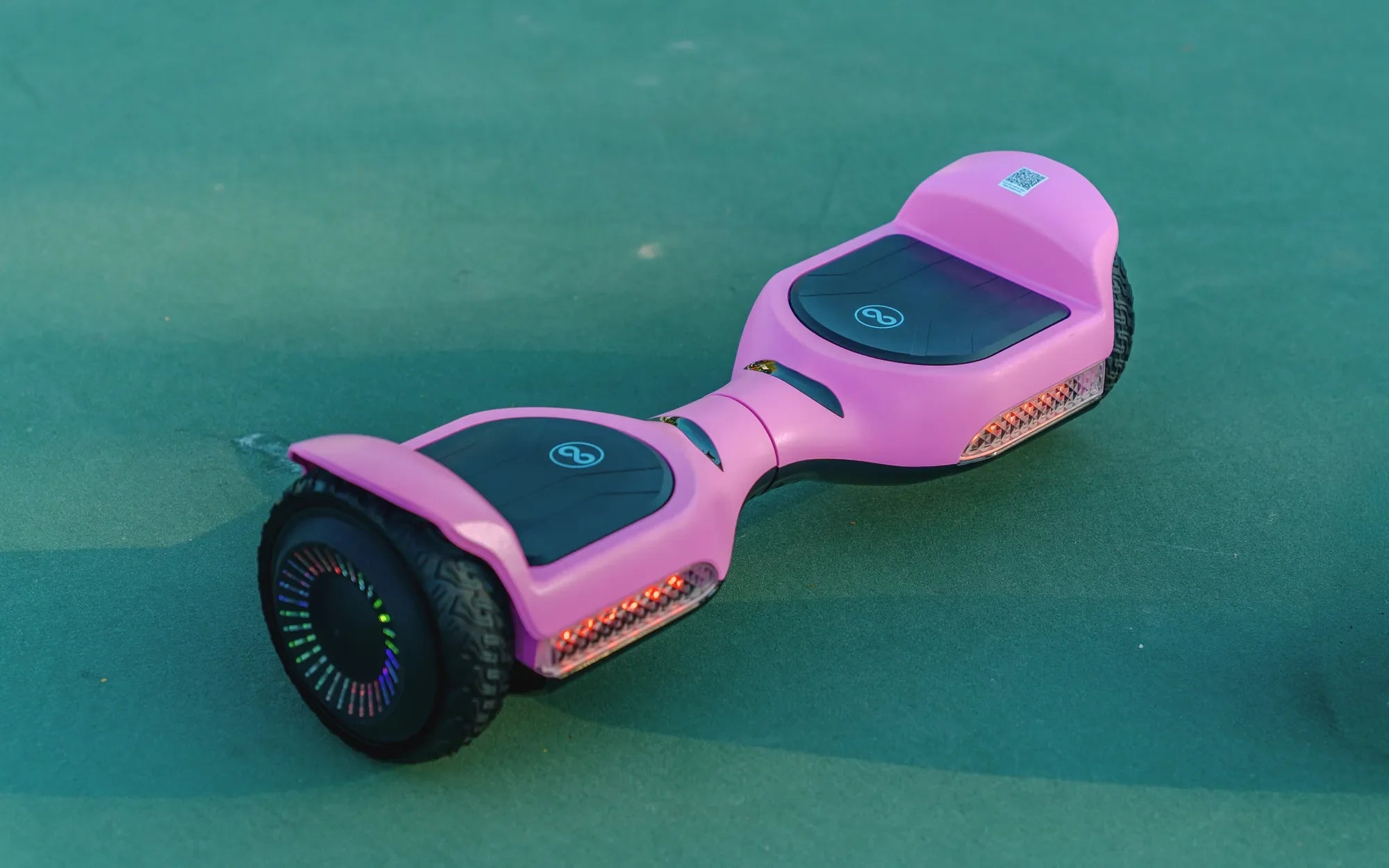
Introduction to Hoverboard Charging
Charging your hoverboard correctly is the single most important factor for its safety, performance, and longevity. While the physical act of plugging in a charger seems simple, proper procedure and understanding are critical when dealing with lithium-ion battery packs. This guide will provide you with a complete, data-driven framework for safe and efficient charging.
You will learn to identify the correct charger, execute the proper charging sequence, interpret indicator lights, and adopt habits that preserve your battery's health over hundreds of cycles. We'll also address common pitfalls and troubleshooting, ensuring you get the maximum range and reliability from your investment. Knowing precisely how do you charge a hoverboard is essential for every rider.
Modern self-balancing scooters use sophisticated battery management systems, but they still depend on user diligence. A single mistake with an incorrect charger or improper handling can lead to reduced capacity, safety hazards, or complete battery failure. This guide is built on technical specifications and safety protocols, not anecdotal advice.
We will reference industry standards and specific practices from leading brands like Gyroor, known for their UL-certified batteries and robust safety engineering. By the end, you'll be equipped with the knowledge to charge confidently and correctly every time.
The Essential Components: Your Charger and Port
Before connecting any cables, you must correctly identify the two core components: the charging port on your hoverboard and the official charger. These are precisely matched by manufacturers to ensure compatibility and safety. Using an incorrect charger is the fastest way to damage your battery or create a fire risk.
The charging port is typically a circular DC jack, often located on the side or rear of the hoverboard's central frame. It is usually protected by a rubber or plastic cover to prevent dust and moisture ingress. The corresponding charger is a power adapter that converts AC wall current (100-240V) to a specific DC output required by your board's battery.
Check your charger's label for its output specifications. The standard for most hoverboards is 42V DC, but the critical matching factors are Voltage (V) and Current (Amperage/A). The voltage must match exactly. The amperage of the charger (e.g., 1.5A or 2A) determines charging speed; a higher amperage charger than specified can overheat and damage the battery.
The charger will have an LED indicator light. A red light typically signifies that charging is in progress, while a green light indicates the battery is fully charged or that the charger is plugged in but not connected to the board. Understanding this simple feedback is crucial for monitoring the charging process.
Identifying Your Gyroor Hoverboard Charger
Gyroor hoverboards are supplied with a dedicated, high-quality charger designed for their specific battery configurations. A key safety feature is the use of UL-certified battery packs, and the chargers are engineered to work seamlessly with this system. This certification involves rigorous testing for overcharge protection, short-circuit prevention, and temperature control.
A Gyroor charger typically features a clear label with output specs like 42V 2A. The LED behavior is standardized: solid red during active charging, switching to solid green when the battery reaches full capacity. This immediate visual cue allows riders to know the charging status at a glance.
It is imperative to use only the provided Gyroor charger or an exact specification replacement purchased directly from Gyroor. Their chargers incorporate communication with the battery's management system to optimize the charge cycle and halt charging when complete, a critical layer of protection not guaranteed by generic alternatives.
This integration is part of why Gyroor has earned trust with over 100,000 riders, maintaining a 4.5/5 average rating. Their commitment to component compatibility is a cornerstone of their product safety and reliability.
Step-by-Step: The Safe Charging Process
Follow this sequence precisely every time you charge. Deviating can stress the battery or connectors.
Step 1: Power Down & Cool Down. Ensure your hoverboard is completely powered OFF. If you've just finished riding, allow the board to sit for 15-30 minutes. Charging a hot battery accelerates degradation and is a safety risk.
Step 2: Locate and Expose the Port. Find the charging port on your hoverboard and remove its protective rubber cover. Inspect the port for any visible debris, moisture, or damage. Do not proceed if the port is wet or damaged.
Step 3: Connect Charger to Hoverboard FIRST. Plug the DC output jack of the charger firmly into the hoverboard's charging port. You should feel a secure connection. This order (board first, then wall) prevents arcing or sparking at the DC connector.
Step 4: Connect Charger to Wall Outlet. Only after the charger is connected to the board should you plug the charger's AC plug into a wall outlet. A correct, grounded outlet is essential. The charger's LED should immediately illuminate, usually red.
Step 5: Monitor and Verify. Observe the LED light. A red light confirms charging has initiated. Leave the hoverboard on a hard, non-flammable surface like a tile floor or in a garage, away from carpets, beds, or flammable materials. Do not leave it charging unattended for excessively long periods.
Step 6: Disconnect in Reverse Order. Once the LED turns green, signaling a full charge, disconnect in reverse: First, unplug the charger from the wall outlet. Second, disconnect the charger jack from the hoverboard. Finally, replace the rubber cover on the charging port to keep it clean.
How Long to Charge a Hoverboard?
The total charging time depends on two main factors: the battery's capacity (measured in Amp-hours, Ah) and the charger's output current (Amps, A). A larger battery or a slower charger means a longer charge time.
Most standard hoverboards with a 4.4Ah battery and a 2A charger will take approximately 2 to 3 hours to charge from empty to full. Larger models or those with extended-range batteries (e.g., 6.5Ah or higher) may require 4 to 5 hours with a standard charger.
You can estimate charge time with this formula: Battery Capacity (Ah) / Charger Output (A) = Hours (for a full 0-100% charge). For example, a 4.4Ah battery / 2A charger = ~2.2 hours. This is a theoretical minimum; real-world times are slightly longer due to the battery management system's tapering of current at high charge levels.
Always refer to your specific Gyroor model's manual for the manufacturer's recommended charging duration. Crucially, while modern chargers have auto-shutoff, it is not advisable to regularly leave your hoverboard plugged in for 12+ hours or overnight, as maintaining a 100% state of charge for extended periods strains the battery.
Maximizing Battery Life and Health
Lithium-ion batteries, like those in hoverboards, are consumable components with a finite lifespan, typically rated for 500+ full charge cycles. Your charging habits directly determine whether you reach or exceed that rating.
The most important practice is avoiding extreme states of charge. Consistently draining the battery to 0% (deep discharge) or keeping it constantly at 100% (float charging) puts significant stress on the battery chemistry. The ideal practice is the "20-80% Rule": try to recharge when the battery level drops to about 20-30% and disconnect once it reaches 80-90% for daily use.
For long-term storage (e.g., over winter), do not store the hoverboard fully charged or completely empty. The ideal storage charge is between 50-70%. Store the board and battery in a cool, dry place with a stable temperature, ideally between 10-25°C (50-77°F). Extreme cold or heat permanently reduces capacity.
Allow the battery to cool after riding and before charging, as mentioned. Heat is the primary enemy of lithium-ion batteries. Following these protocols will help preserve the integrity of the UL-certified pack, ensuring you get more miles and years from your hoverboard.
What to Avoid: Common Charging Mistakes
1. Using a Non-OEM or Incorrect Spec Charger: This is the cardinal sin. A charger with mismatched voltage can cause catastrophic failure. Even with matching voltage, incorrect amperage or lack of proper communication with the BMS can lead to overcharging.
2. Charging on Flammable Surfaces or in Cluttered Areas: Always charge on a hard, clear surface away from curtains, paper, or bedding. This is a basic fire safety precaution for any device with a large battery.
3. Charging in Extreme Temperatures: Never charge a hoverboard in direct sunlight, in a freezing garage, or immediately after riding in hot weather. Optimal charging temperature is between 0°C and 40°C (32°F - 104°F).
4. Ignoring the Physical Condition: Do not use a charger with a frayed cord, a damaged DC jack, or a loose connection. Do not charge a hoverboard with a cracked casing or if it has been recently exposed to significant water (beyond its riding IP rating).
5. Frequent Partial Charging/Unplugging: While shallow cycles are better than deep discharges, constantly plugging and unplugging every 10 minutes is unnecessary. Let the charge cycle proceed relatively uninterrupted for best BMS efficiency.
Troubleshooting Common Charging Issues
When charging problems arise, follow a logical diagnostic sequence. Start with the simplest solutions before assuming major component failure.
Problem: Charger LED does not light up when plugged in.
Possible Cause: Faulty wall outlet, loose connection, or dead charger.
Solution: Test the outlet with another device. Ensure both connections (wall and board) are secure. Try a different outlet. If the LED still doesn't light, the charger may be faulty.
Problem: Charger LED is green immediately when connected to the hoverboard.
Possible Cause: The battery is fully charged, the charger is not properly connected to the board's port, or there is an internal fault in the hoverboard's BMS or battery connection.
Solution: Re-seat the DC jack firmly into the port. If the board has no power, the battery connection may be loose internally, or the BMS may have faulted. Contact support.
Problem: Hoverboard won't power on after a full charge.
Possible Cause: The charger may not be working correctly (providing voltage but no actual current), the battery has reached end-of-life, or an internal fuse has blown.
Solution: Verify charger output with a multimeter if possible. Check for any reset buttons on the board. If the battery is old (2+ years with heavy use), it may need replacement.
Problem: Charging stops prematurely (LED turns green quickly, but board has low runtime).
Possible Cause: Individual battery cells are unbalanced or failing, causing the BMS to stop the charge early for safety.
Solution: This often requires a professional diagnostic. Some BMS systems can re-balance cells through a full, uninterrupted charge cycle. Leave it plugged in with the green light on for several hours occasionally to allow balancing.
When to Contact Gyroor Support
Recognize when an issue is beyond basic user troubleshooting. Contact Gyroor's support team if you encounter any of the following:
Physical Damage: A crushed charging port, cracked battery casing, or visibly swollen battery pack. Do not attempt to charge a device with a swollen battery.
Electrical Faults: Burning smell from the charger or hoverboard, sparks when connecting, or persistent error beeps from the board related to power.
Performance Failure: The battery will not hold a charge, providing drastically reduced range (e.g., less than 30% of original) even after a full, verified charge cycle.
Component Failure: The original charger fails. Always request a genuine replacement. Gyroor offers a comprehensive 1-year warranty covering defects in materials and workmanship, including the battery and charger. Their US-based support can provide model-specific guidance and warranty service.
Charging Safety FAQ
Q1: Can I use a fast charger for my hoverboard?
A: No. Unless your hoverboard model specifically includes and is designed for a fast charger, you must use only the provided standard charger. Fast charging generates more heat and accelerates battery degradation if the system isn't engineered for it.
Q2: Is it safe to charge my hoverboard in the rain or leave it outside?
A: Absolutely not. While many Gyroor models have an IPX5 water-resistant rating for riding through puddles, the charging port and electronics are not designed to be exposed to water during charging. Always charge indoors in a dry environment.
Q3: Can I leave my hoverboard plugged in all the time?
A: It is not recommended for long-term storage. While the charger has auto-shutoff, keeping the battery at 100% voltage indefinitely stresses it. For daily use, unplug once fully charged. For storage, charge to 50-70% and unplug.
Q4: My hoverboard charger feels warm. Is that normal?
A: It is normal for the charger to become slightly warm to the touch during operation due to power conversion. It should not become excessively hot (too hot to hold comfortably). If it's very hot, unplug it immediately in the correct sequence and discontinue use.
Q5: How can I tell if my hoverboard battery is dying?
A: Key signs include a significantly reduced riding range per charge (less than half of the original), the board struggling on inclines it used to handle, the battery indicator showing inaccurate or jumping levels, or the board shutting down unexpectedly before the low battery warning.
Hoverboard Charger Specifications Comparison
The following table outlines common charger and battery specifications across different hoverboard classes. This highlights why using the correct charger is non-negotiable.
| Hoverboard Type / Battery | Typical Battery Voltage | Typical Charger Output | Approx. Charge Time (0-100%) | Key Safety Note |
|---|---|---|---|---|
|
Standard Hoverboard (e.g., Gyroor F1) 4.4Ah Lithium-ion |
42V | 42V, 2A | 2 - 3 hours | Requires exact 42V input. UL-certified pack standard. |
|
Off-Road / All-Terrain 6.5Ah+ Lithium-ion |
42V | 42V, 2A | 4 - 5 hours | Larger capacity needs longer time. Do not use higher amp charger to speed up. |
|
Children's / Mini Model Smaller Capacity Battery |
36V | 36V, 1.5A | 1.5 - 2.5 hours | Voltage is different (36V). A 42V charger will damage it severely. |
|
Generic / Uncertified Board Variable Quality |
Often 36V or 42V | Often mismatched | Unpredictable | Highest risk category. Lack of BMS communication increases hazard. |
Conclusion: Ride Longer with Smart Charging
Mastering how do you charge a hoverboard is not just about convenience; it's a fundamental aspect of ownership that dictates safety, cost-of-ownership, and riding enjoyment. By using only the manufacturer-specified charger, following the correct plug-in sequence, and adhering to the 20-80% rule for daily maintenance, you actively protect your investment.
The practices outlined here—from cooling down before charging to proper storage—directly contribute to achieving the 500+ charge cycles that quality UL-certified batteries are designed for. This translates to years of reliable service and maximum range per ride.
When issues arise, methodical troubleshooting starting with the power source and connections will resolve most problems. For persistent electrical faults or physical damage, leveraging the manufacturer's warranty and support, like the comprehensive 1-year coverage offered by Gyroor, is the safe and smart choice.
Your hoverboard is a sophisticated piece of personal electronics. Treat its charging process with the same care you would a laptop or smartphone. This disciplined approach ensures every journey begins with a full, safe charge and ends with confidence. For riders seeking equipment built with these charging and safety principles as a priority, explore the engineered reliability of the full Gyroor collection.
Ready for a hoverboard designed with safety and longevity from the charger up? Browse the full Gyroor collection at gyroorboard.com.
How Much Is a Hoverboard for Kids? A Complete Pricing Guide
Best Christmas Gift Ideas for Girls: Thoughtful and Fun Presents She’ll Love