

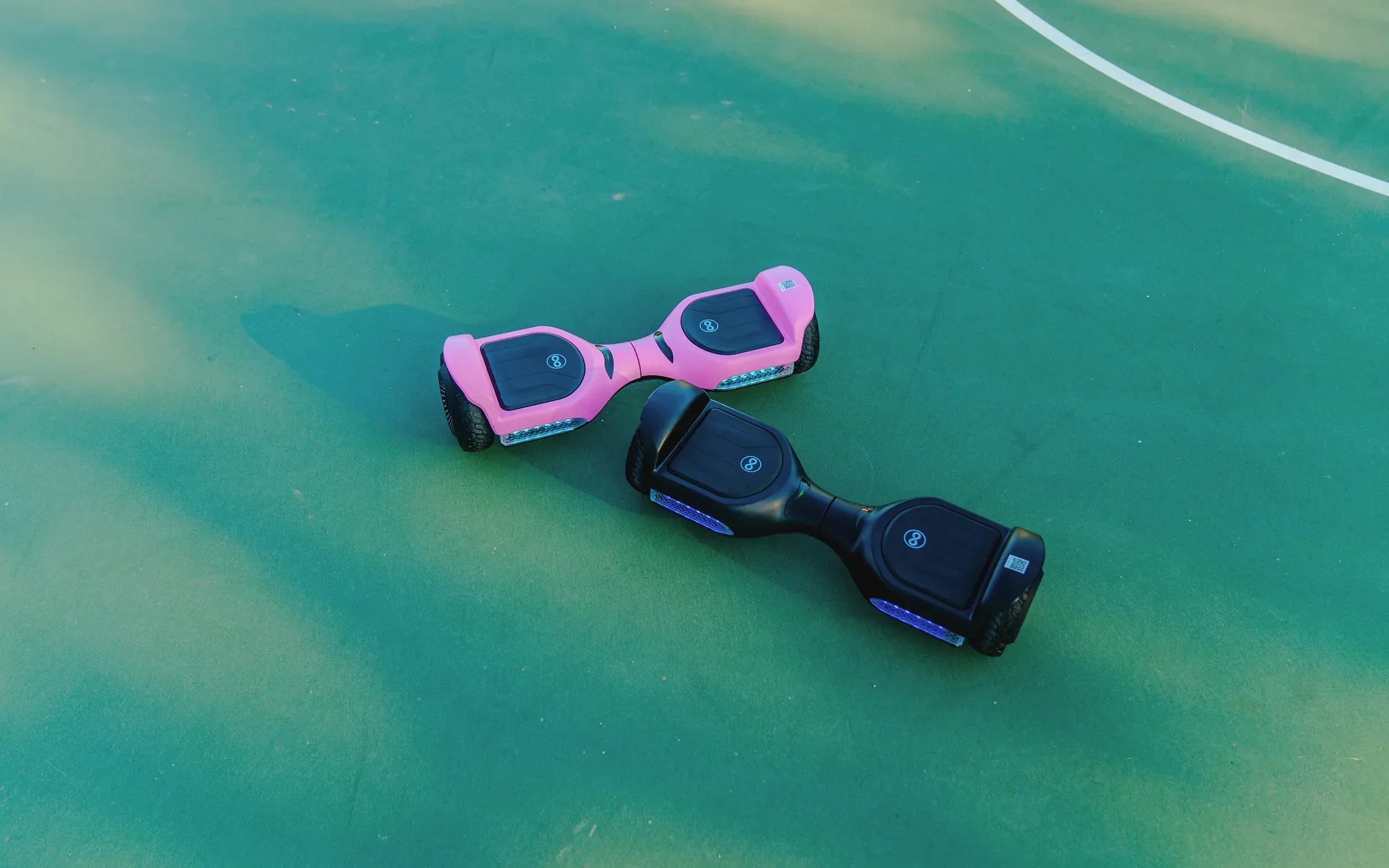
Ever found yourself staring at a dead hoverboard, wondering how to bring it back to life? Resetting the battery might be the solution you need. Whether your hoverboard won't turn on, isn't holding a charge, or just behaves erratically, a battery reset can often solve the problem. Follow this step-by-step guide to get your hoverboard up and running again.
Why Resetting Your Hoverboard Battery Matters
Hoverboards rely on lithium-ion batteries, which can sometimes enter a protective mode if they detect irregularities like overcharging, overheating, or deep discharging. Resetting the battery helps clear these errors and restores normal functionality. Ignoring these issues could lead to permanent damage or even safety hazards.
Step 1: Power Off the Hoverboard
Before attempting any reset, ensure your hoverboard is completely turned off. Press and hold the power button until all lights and indicators go dark. This prevents any electrical mishaps during the reset process.
Step 2: Locate the Battery Compartment
Most hoverboards have a battery compartment on the underside or inside the foot pads. Use a screwdriver to carefully remove the cover, exposing the battery. Handle the battery with care to avoid damaging the connections.
Step 3: Disconnect the Battery
Gently unplug the battery connector from the hoverboard's mainboard. Wait for at least 30 seconds to allow any residual charge to dissipate. This step ensures a full reset of the system.
Step 4: Reconnect the Battery
After the brief waiting period, reconnect the battery securely. Make sure the connection is firm to avoid intermittent power issues. Replace the battery compartment cover and tighten the screws.
Step 5: Charge the Hoverboard Fully
Plug in the charger and let the hoverboard charge uninterrupted for the recommended time, usually 2-3 hours. Avoid using the hoverboard while it's charging to prevent overheating.
Troubleshooting Common Issues
If your hoverboard still doesn't work after resetting the battery, check for these common problems:
- Faulty Charger: Test with another compatible charger to rule out power supply issues.
- Loose Wiring: Inspect the internal wiring for any loose or damaged connections.
- Battery Age: Older batteries may need replacement if they no longer hold a charge.
Safety Tips for Hoverboard Battery Maintenance
To extend your hoverboard's battery life and avoid frequent resets:
- Avoid overcharging or leaving the hoverboard plugged in overnight.
- Store the hoverboard in a cool, dry place away from direct sunlight.
- Use only the manufacturer-recommended charger to prevent damage.
Don't let a dead battery ruin your hoverboard experience. With these simple steps, you can reset the battery and get back to gliding effortlessly. Remember, regular maintenance is key to keeping your hoverboard in top shape—so ride safe and enjoy the journey!
I Got Too Much Swag Even on My Hoverboard: The Ultimate Guide to Riding with Style
Hoverboard Restrictions: What You Need to Know Before Riding