



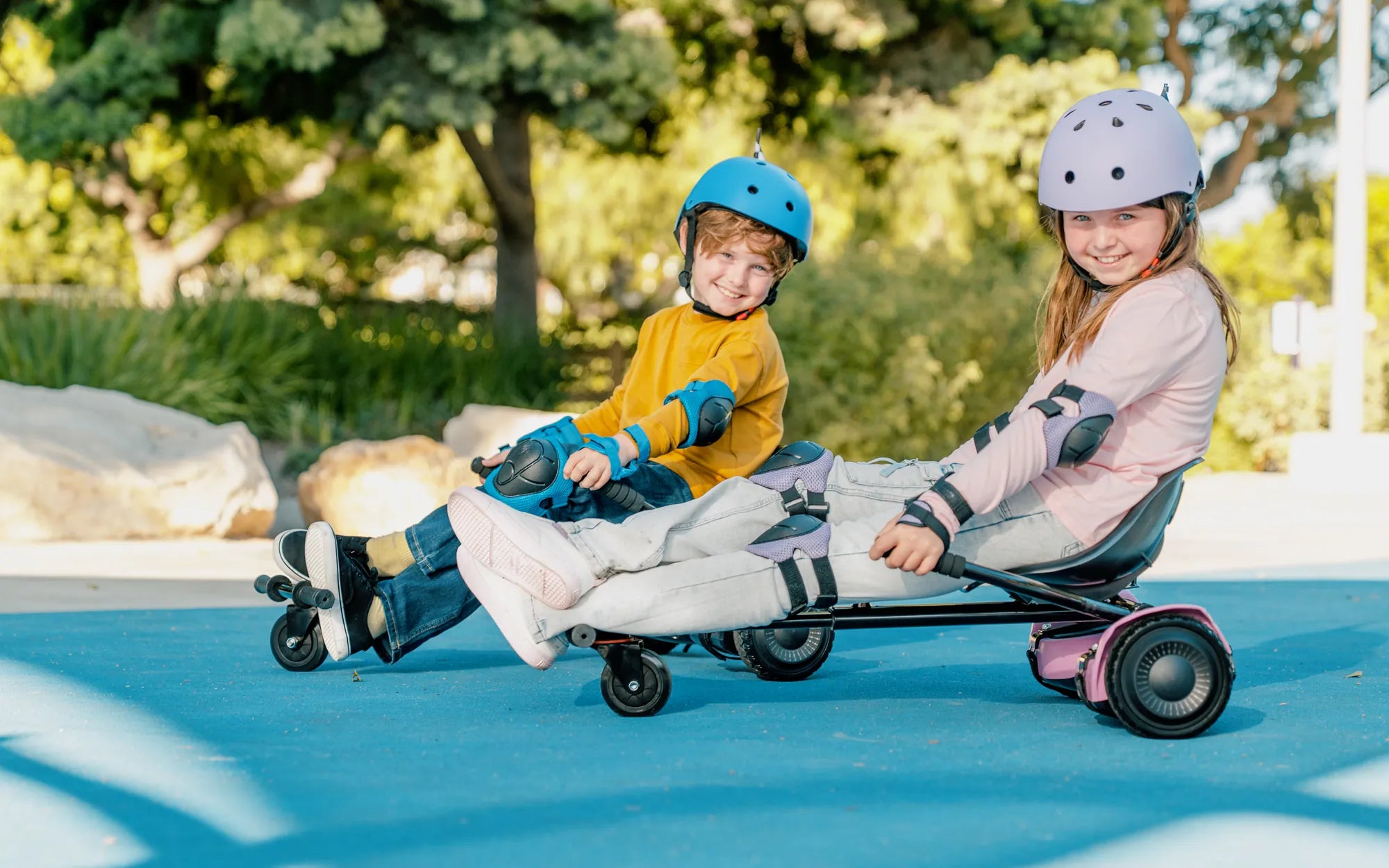
So, you've just unboxed your first hoverboard, and you're eager to glide effortlessly like a pro. But before you hit the pavement, there's one crucial step you can't skip: calibration. Properly calibrating your hoverboard ensures balance, responsiveness, and safety—key factors for an enjoyable ride. Let's dive into the simple yet vital process of getting your hoverboard ready for action.
Why Calibration Matters
Calibration is the process of resetting your hoverboard's internal gyroscopes and sensors to ensure they accurately detect your movements. Without proper calibration, your hoverboard might wobble, tilt unevenly, or fail to respond correctly to your commands. This step is especially important for first-time users to avoid accidents and maximize performance.
Pre-Calibration Checklist
Before you begin, make sure you have the following:
- A fully charged hoverboard
- A flat, level surface
- No obstructions or obstacles nearby
- The user manual (for model-specific instructions)
Step-by-Step Calibration Process
Step 1: Power Off Your Hoverboard
Ensure your hoverboard is turned off before starting the calibration process. This prevents any accidental movements or errors during setup.
Step 2: Place It on a Flat Surface
Position your hoverboard on a completely level surface. Uneven ground can interfere with the calibration, leading to inaccurate results.
Step 3: Enter Calibration Mode
Most hoverboards enter calibration mode by pressing and holding the power button for 5-10 seconds. Refer to your manual for exact instructions, as methods can vary by model.
Step 4: Wait for the Indicators
Once in calibration mode, the hoverboard's lights will typically flash or change color. This signals that the calibration process has begun. Avoid moving the board during this time.
Step 5: Complete the Calibration
After the lights stop flashing and remain steady, the calibration is complete. Turn off the hoverboard and power it back on to test the results.
Testing Your Calibration
After calibration, take your hoverboard for a slow, controlled test ride. Check for:
- Even balance when standing still
- Smooth acceleration and deceleration
- Responsive turning
If anything feels off, repeat the calibration process.
Common Calibration Issues and Fixes
Problem: Hoverboard Won't Enter Calibration Mode
Solution: Double-check the button sequence in your manual. Ensure the hoverboard is fully charged and placed on a level surface.
Problem: Uneven Balance After Calibration
Solution: Recalibrate on a different surface. If the issue persists, inspect the wheels and footpads for damage.
Problem: Lights Flash Erratically During Calibration
Solution: Power off the hoverboard, wait a few minutes, and try again. Persistent issues may require professional servicing.
Maintaining Your Hoverboard's Calibration
To keep your hoverboard performing at its best:
- Recalibrate after any significant impact or drop
- Store it on a flat surface when not in use
- Avoid exposing it to extreme temperatures
Safety Tips for First-Time Riders
Now that your hoverboard is perfectly calibrated, remember these safety essentials:
- Always wear protective gear (helmet, knee pads, wrist guards)
- Start practicing in a safe, open area
- Master balancing at low speeds before attempting tricks or high speeds
With your hoverboard properly calibrated and these safety tips in mind, you're ready to experience the thrill of gliding effortlessly. Remember, a well-calibrated hoverboard isn't just about performance—it's your ticket to safe, confident riding from the very first try. Now go out there and enjoy the ride!
My First Hoverboard Weight Limit: What You Need to Know Before Riding
How to Fix a Hoverboard That Won't Turn Off: A Step-by-Step Guide