

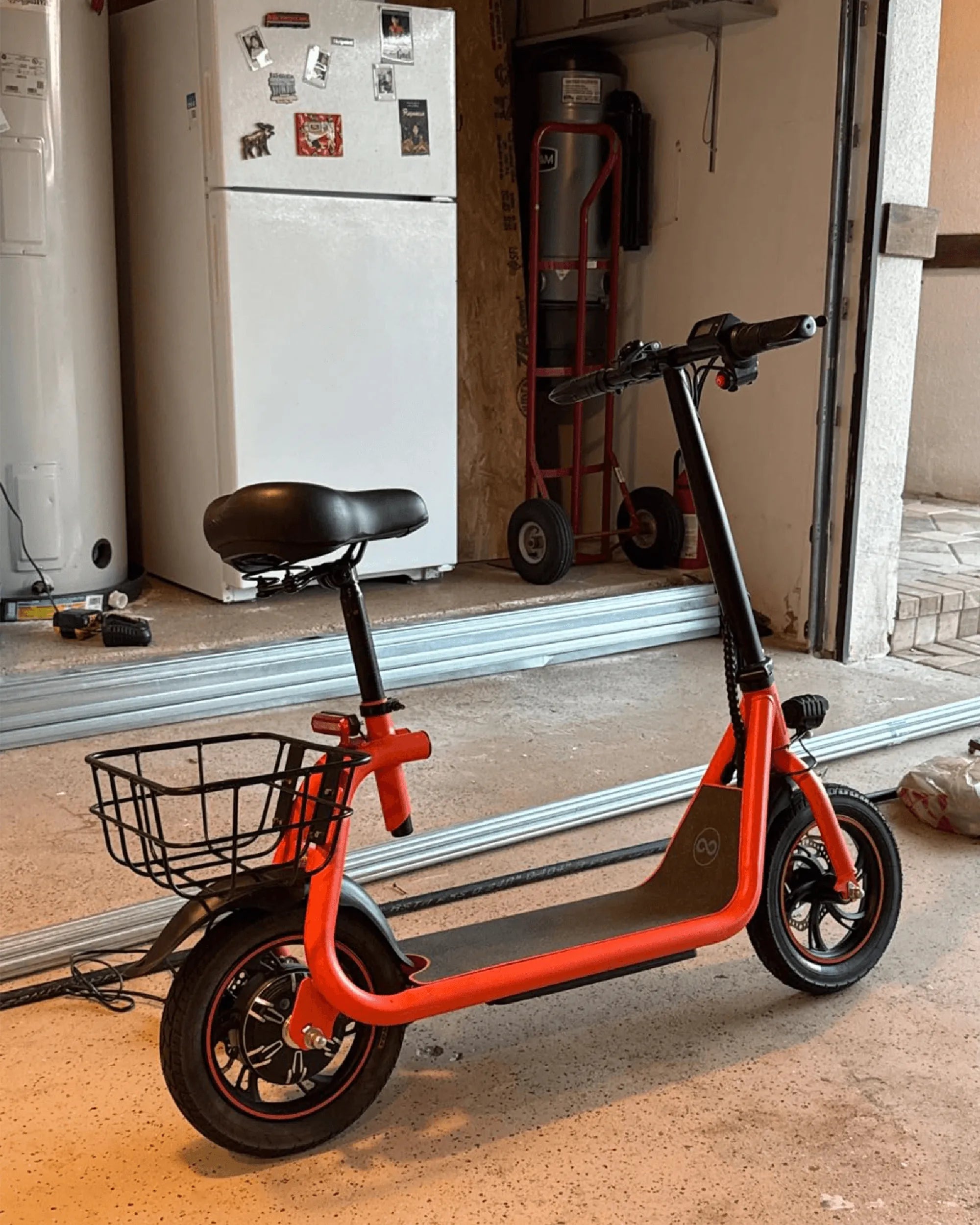
Electric bikes have revolutionized urban commuting and outdoor adventures, offering an eco-friendly and efficient way to travel. However, like any electronic device, ensuring your e-bike charges properly is crucial for uninterrupted rides. If you've ever wondered, "Is my electric bike charging?" this guide will walk you through the essential steps to confirm it and troubleshoot common issues.
Understanding Your Electric Bike's Charging System
Before checking if your electric bike is charging, it's important to understand how the system works. Most e-bikes use a lithium-ion battery connected to a charger that plugs into a standard wall outlet. The charging process involves transferring power from the outlet to the battery, which is then stored for use.
Key Components Involved in Charging
- Battery: The power source of your e-bike, usually removable for convenience.
- Charger: Converts AC power from the outlet to DC power for the battery.
- Charging Port: The connection point where the charger plugs into the bike or battery.
- Indicator Lights: LEDs on the battery or charger that show charging status.
Step-by-Step Guide to Check If Your Electric Bike Is Charging
Follow these steps to ensure your e-bike is charging properly:
Step 1: Inspect the Power Source
Before connecting the charger, verify that the power outlet is functional. Plug in another device, such as a phone charger or lamp, to confirm the outlet works. If the outlet is dead, try another one or check your circuit breaker.
Step 2: Connect the Charger Properly
Insert the charger into the power outlet first, then connect it to your e-bike's charging port. Some chargers have an indicator light that turns on when plugged into the outlet, signaling it's receiving power.
Step 3: Check the Battery Indicator Lights
Most e-bike batteries have LED indicators that display the charging status. A common pattern includes:
- Red Light: Charging in progress.
- Green Light: Fully charged or not charging.
- Flashing Light: Possible error or issue with charging.
Refer to your bike's manual for specific light patterns, as they can vary by model.
Step 4: Monitor the Charger's Behavior
If the charger has its own indicator light, observe its color:
- Red Light: Charging is active.
- Green Light: Charging is complete.
- No Light: Possible charger or power supply issue.
Step 5: Verify Battery Voltage (Optional)
For advanced users, a multimeter can measure the battery's voltage before and after charging. A rising voltage indicates the battery is receiving power.
Common Issues and Troubleshooting Tips
If your electric bike isn't charging, consider these potential problems:
1. Loose or Damaged Connections
Check the charging port, cables, and plugs for damage or debris. A loose connection can prevent power transfer.
2. Faulty Charger
Test the charger with another compatible e-bike or try a different charger on your bike. If the issue persists, the charger may need replacement.
3. Battery Health Degradation
Over time, lithium-ion batteries lose capacity. If your bike charges slowly or doesn't hold a charge, the battery might need servicing or replacement.
4. Software or Firmware Glitches
Some e-bikes have smart battery management systems. A reset (as per the manual) might resolve charging issues.
Best Practices for Charging Your Electric Bike
To extend your battery's lifespan and ensure efficient charging:
- Avoid letting the battery fully discharge before recharging.
- Store the bike and battery in a cool, dry place.
- Unplug the charger once the battery is fully charged to prevent overcharging.
- Use only the manufacturer-recommended charger.
When to Seek Professional Help
If you've tried all troubleshooting steps and your e-bike still won't charge, consult a certified technician. Electrical issues can be complex, and professional diagnosis ensures safety.
Keeping your electric bike charged and ready to go is simple once you know what to look for. By following these steps, you can confidently verify your e-bike's charging status and enjoy worry-free rides every time. Don't let a dead battery slow you down—stay powered up and keep exploring!
Best Electric Bike Conversion Kit UK: Transform Your Ride Today
Electric Tilting Trike Price: What You Need to Know Before Buying