



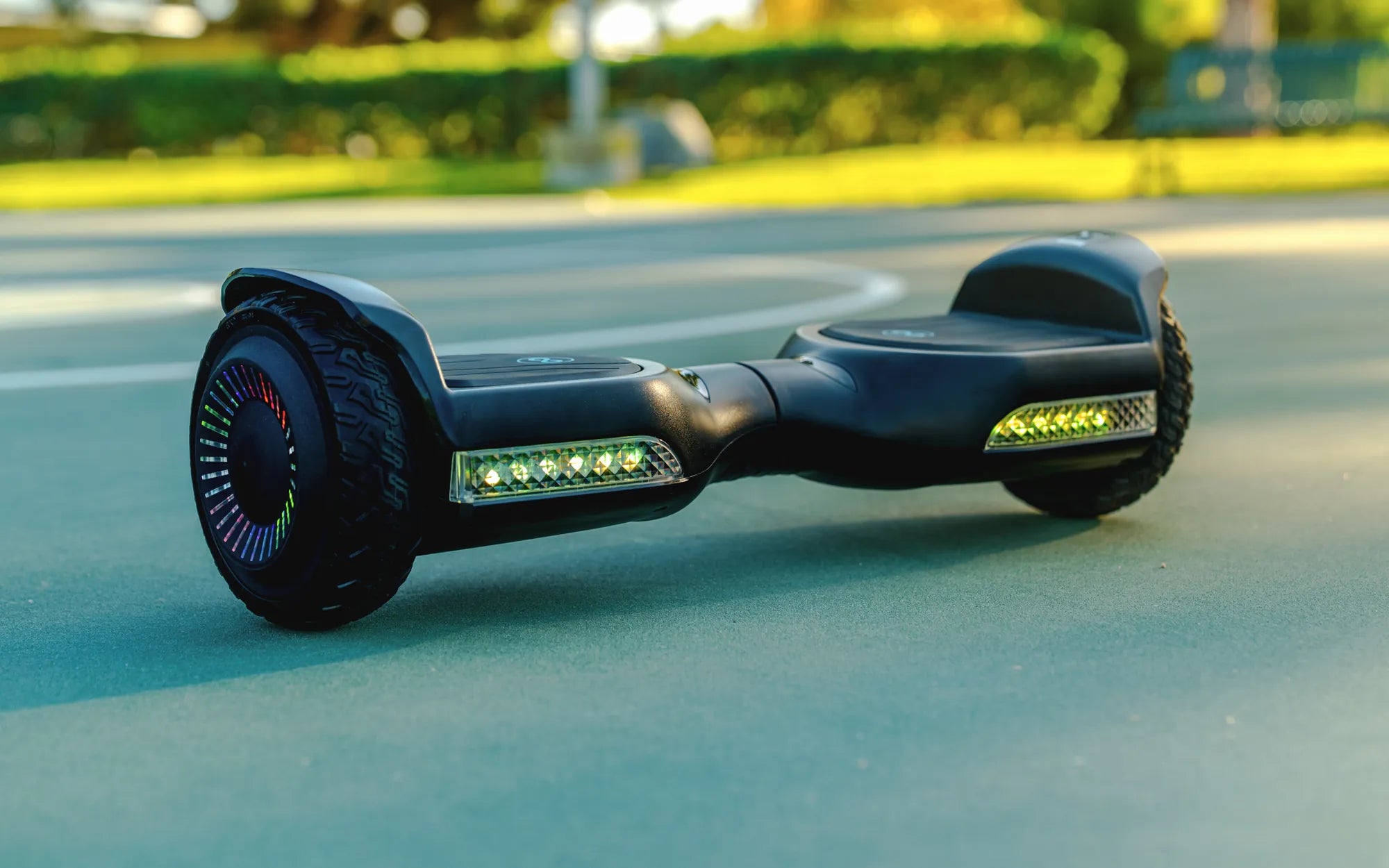
Ever wished your hoverboard rides could be accompanied by your favorite beats? Connecting music to your hoverboard isn’t just a cool feature—it’s a game-changer for your rides. Whether you’re cruising through the park or practicing tricks, syncing your tunes can elevate the experience. Here’s everything you need to know to get started.
Understanding Your Hoverboard’s Audio Capabilities
Before diving into the connection process, it’s essential to determine whether your hoverboard supports Bluetooth or has built-in speakers. Most modern hoverboards come equipped with Bluetooth functionality, allowing wireless music playback. However, some older models may require a wired connection or an external speaker attachment.
Step-by-Step Guide to Connecting Music via Bluetooth
If your hoverboard has Bluetooth, follow these steps to pair your device:
- Turn on your hoverboard and ensure it’s fully charged.
- Activate Bluetooth mode on the hoverboard. This usually involves holding a button or following the manufacturer’s instructions.
- Enable Bluetooth on your smartphone or music device and search for available devices.
- Select your hoverboard from the list of discoverable devices.
- Pair the devices and confirm the connection. Once paired, play your favorite music and enjoy!
Troubleshooting Common Connection Issues
Sometimes, pairing your hoverboard with your music device can be tricky. Here are some common issues and solutions:
- Bluetooth not detected: Ensure your hoverboard is in pairing mode and within range (usually within 10 meters).
- Poor audio quality: Check for interference from other devices or move closer to the hoverboard.
- Connection drops frequently: Restart both devices and re-pair them.
Alternative Ways to Play Music on Your Hoverboard
If your hoverboard lacks Bluetooth, don’t worry! You can still enjoy music by:
- Using an auxiliary cable to connect your device directly to the hoverboard’s audio port.
- Attaching a portable Bluetooth speaker to your hoverboard for wireless playback.
Safety Tips for Riding with Music
While music enhances the fun, safety should always come first. Keep these tips in mind:
- Volume control: Keep the volume at a level where you can still hear surrounding noises.
- Avoid distractions: Focus on your surroundings to prevent accidents.
- Secure your device: Ensure your phone or music player is safely stored to avoid drops.
Ready to transform your hoverboard rides into a musical adventure? With these simple steps, you’ll be grooving to your favorite tracks in no time. Whether you prefer wireless Bluetooth or a wired setup, connecting music to your hoverboard is easier than you think. So, power up, pair up, and ride on with the perfect soundtrack!
Top 5 Hoverboard Brands for Kids and Adults: The Ultimate Guide
Black Hoverboard for Sale: The Ultimate Guide to Buying the Perfect Ride