



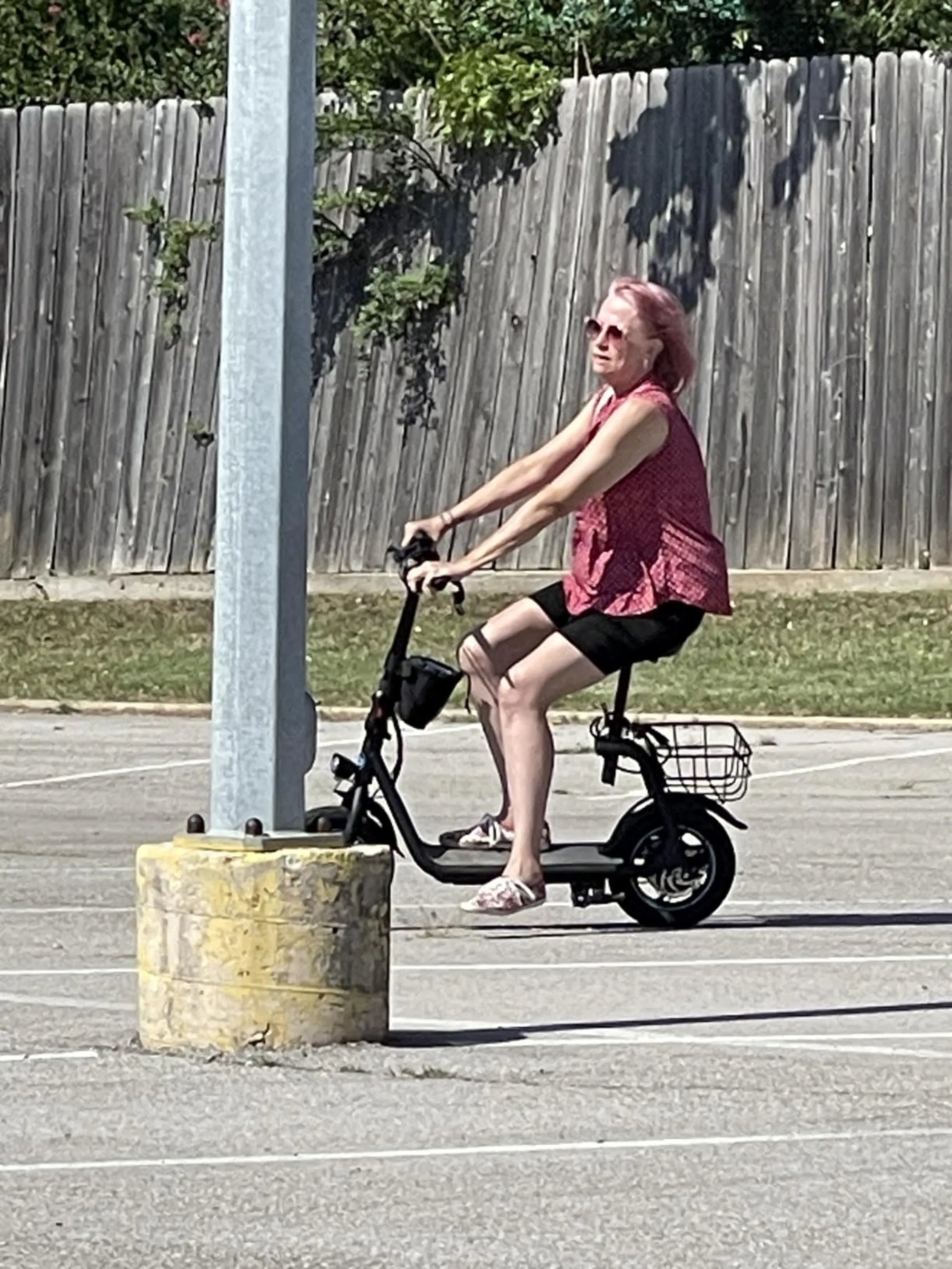
Imagine cruising down the street on your electric scooter, effortlessly controlling your ride with just a tap on your smartphone. Connecting your electric scooter to Bluetooth unlocks a world of convenience, from tracking your speed to customizing ride modes. If you're wondering how to connect your electric scooter to Bluetooth, you're in the right place. This step-by-step guide will walk you through the process, ensuring a smooth and hassle-free pairing experience.
Why Connect Your Electric Scooter to Bluetooth?
Bluetooth connectivity transforms your electric scooter into a smart device, offering features like real-time diagnostics, firmware updates, and even anti-theft alerts. Whether you're a tech enthusiast or just looking for added convenience, pairing your scooter with your smartphone enhances your riding experience.
Step 1: Check Compatibility
Before diving into the pairing process, ensure your electric scooter supports Bluetooth connectivity. Most modern scooters come with this feature, but it's always wise to verify in the user manual or manufacturer's website. Additionally, confirm that your smartphone is compatible with the scooter's Bluetooth version.
Step 2: Download the Companion App
Many electric scooters require a dedicated app to enable Bluetooth functionality. Search for the official app in your smartphone's app store and download it. Make sure to grant the app necessary permissions, such as location and Bluetooth access, for seamless operation.
Step 3: Enable Bluetooth on Your Smartphone
Head to your smartphone's settings and turn on Bluetooth. Ensure your device is discoverable to allow the scooter to detect it. Keep your phone within close range of the scooter during the pairing process to avoid connection issues.
Step 4: Power On Your Electric Scooter
Turn on your electric scooter and ensure it's in pairing mode. This step varies by model, but typically involves holding down a specific button or following a sequence of actions. Refer to your scooter's manual for precise instructions.
Step 5: Pair the Devices
Open the companion app and follow the on-screen instructions to pair your scooter with your smartphone. The app should detect your scooter automatically. If prompted, enter a pairing code or confirm the connection on both devices.
Step 6: Test the Connection
Once paired, test the connection by adjusting settings like speed limits or lighting through the app. If everything works correctly, you're all set! If not, restart the process or consult the app's troubleshooting guide.
Troubleshooting Common Issues
Encountering problems? Here are quick fixes for common Bluetooth pairing issues:
- Weak Signal: Ensure your phone and scooter are within 10 feet of each other.
- Outdated Software: Update your scooter's firmware and the companion app.
- Interference: Move away from other Bluetooth devices or Wi-Fi routers.
Maximizing Your Bluetooth Experience
Now that your scooter is connected, explore advanced features like ride analytics, battery monitoring, and customizable settings. Regularly check for app updates to access new functionalities and improvements.
Ready to take your electric scooter rides to the next level? With Bluetooth connectivity, you'll enjoy unparalleled control and convenience. Follow this guide, and you'll be paired up in no time—happy riding!
2000 Electric Bike: The Future of Urban Commuting and Adventure
2000 Electric Bike: The Future of Urban Commuting and Adventure