



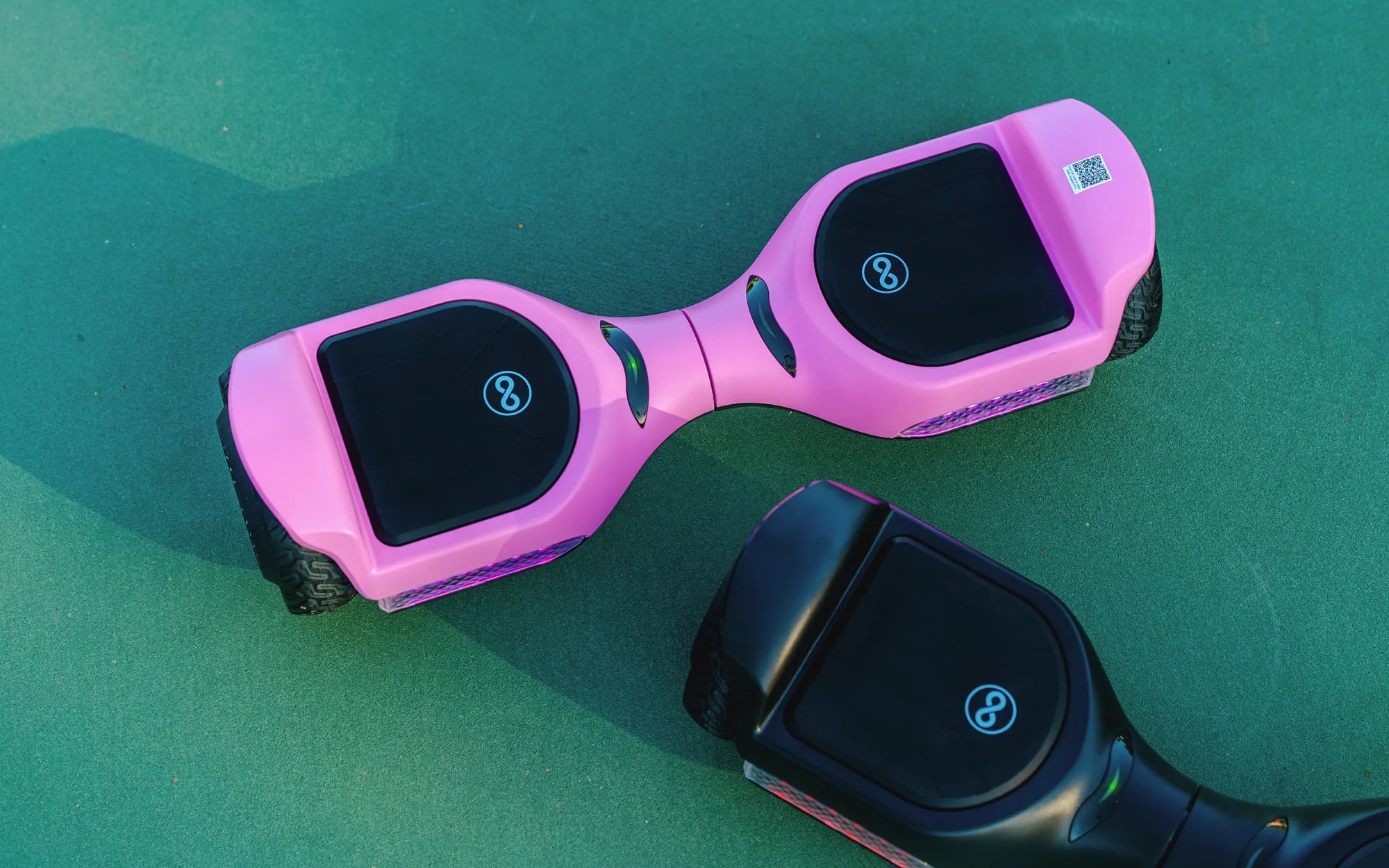
Ever wanted to blast your favorite tunes while cruising on your hoverboard? Connecting your phone to a Bluetooth hoverboard is easier than you think! Whether you're a tech newbie or a seasoned rider, this guide will walk you through the process step by step. Say goodbye to tangled wires and hello to wireless freedom.
Why Connect Your Phone to a Bluetooth Hoverboard?
Pairing your phone with your hoverboard unlocks a world of possibilities. From playing music to controlling speed settings, Bluetooth connectivity enhances your riding experience. Here’s why you should consider it:
- Wireless Music: Stream your favorite playlist without carrying extra speakers.
- Remote Control: Some hoverboards allow you to adjust settings via a companion app.
- Hands-Free Calls: Stay connected without stopping your ride.
Step-by-Step Guide to Connecting Your Phone
Follow these simple steps to pair your phone with your Bluetooth hoverboard:
Step 1: Turn On Your Hoverboard
Ensure your hoverboard is powered on and in pairing mode. Most models enter pairing mode automatically when turned on, but refer to your manual if unsure.
Step 2: Enable Bluetooth on Your Phone
Open your phone’s settings and turn on Bluetooth. Wait for your device to scan for available connections.
Step 3: Select Your Hoverboard
Look for your hoverboard’s name in the list of available devices. Tap to connect. Some models may require a PIN, usually "0000" or "1234."
Step 4: Confirm the Connection
Once paired, you’ll hear a confirmation sound or see a notification. Test the connection by playing music or using the hoverboard’s app.
Troubleshooting Common Issues
Having trouble connecting? Try these fixes:
- Restart Both Devices: Turn off your phone and hoverboard, then try again.
- Check Distance: Keep your phone within 10 feet of the hoverboard.
- Update Firmware: Ensure your hoverboard’s firmware is up to date.
Safety Tips for Bluetooth Hoverboarding
While enjoying your wireless ride, keep these safety tips in mind:
- Avoid max volume to stay aware of your surroundings.
- Don’t fiddle with your phone while riding.
- Secure your phone in a pocket or mount to prevent drops.
Ready to hit the streets with your phone and hoverboard in perfect sync? Follow these steps, and you’ll be grooving to your beats in no time. Wireless freedom has never been this fun—ride on!
Electric Smart Hoverboard: The Future of Personal Transportation
Hoverboard for 6 Year Old UK: The Ultimate Guide for Parents