



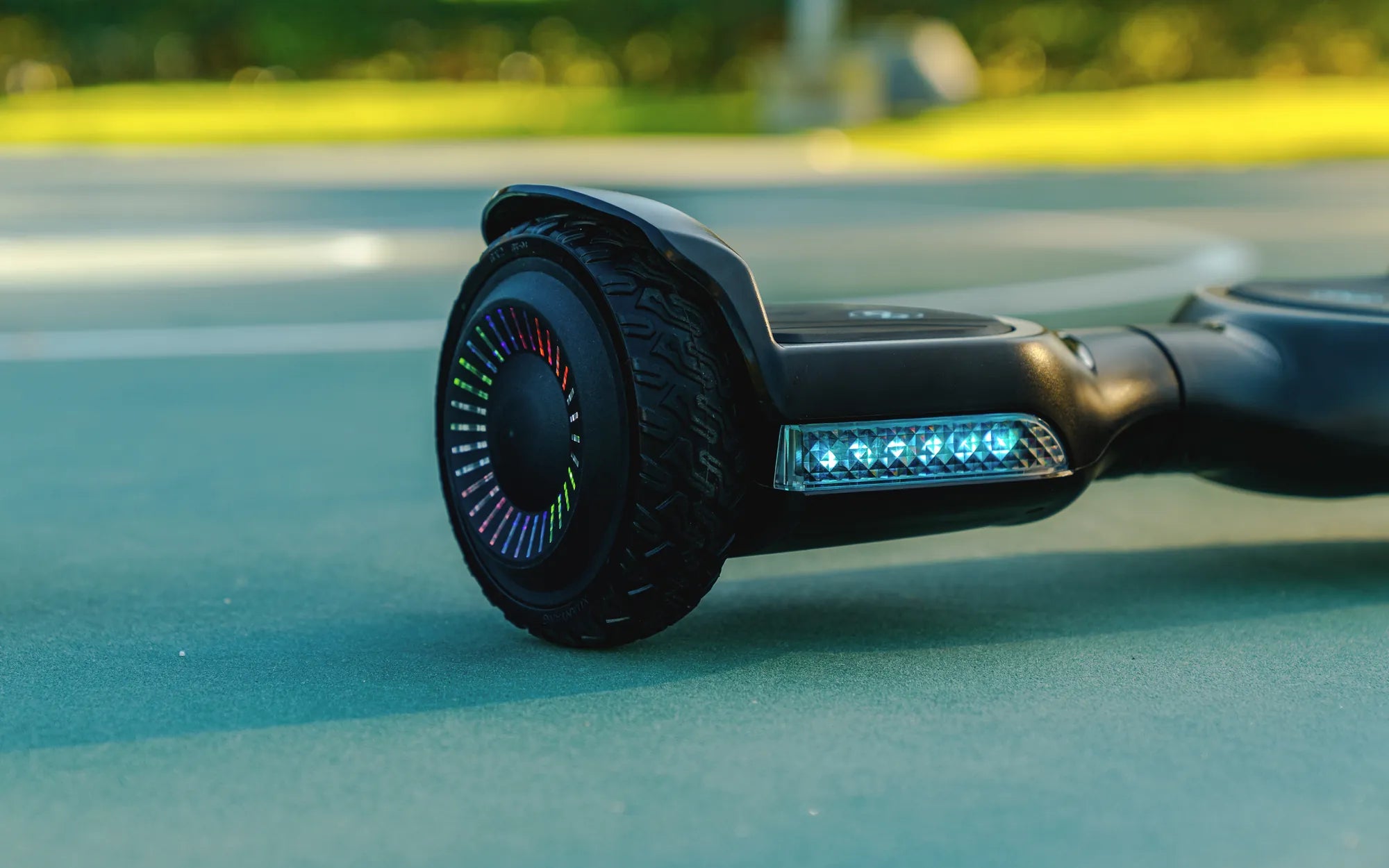
Getting Started with Your Hoverboard
So, you've just unboxed your shiny new hoverboard, and you're eager to glide around like a pro. But before you can start cruising, you need to know how to connect your hoverboard properly. Whether it's syncing with a mobile app, pairing with Bluetooth, or ensuring a stable connection, this guide will walk you through every step.
Step 1: Power On Your Hoverboard
The first step in connecting your hoverboard is turning it on. Locate the power button, usually found near the charging port or under the foot pads. Press and hold the button until you hear a beep or see LED lights flash. This indicates that your hoverboard is ready for pairing.
Step 2: Enable Bluetooth on Your Device
Most hoverboards connect via Bluetooth to a smartphone or tablet. Open your device's settings and turn on Bluetooth. Make sure your hoverboard is in pairing mode—this often involves pressing a dedicated button or holding the power button for a few extra seconds until the lights blink rapidly.
Step 3: Pair Your Hoverboard with the App
Download the official app for your hoverboard from the App Store or Google Play. Open the app and follow the on-screen instructions to pair your device. Once connected, you can access features like speed control, battery monitoring, and even custom LED light settings.
Step 4: Test the Connection
After pairing, take your hoverboard for a quick test ride. Ensure that all controls respond correctly and that the connection remains stable. If you experience any lag or disconnection, try restarting both your hoverboard and the app.
Troubleshooting Common Connection Issues
If your hoverboard won't connect, check these common fixes:
- Ensure your hoverboard is fully charged.
- Restart your smartphone or tablet.
- Move closer to the hoverboard to avoid signal interference.
- Update the app and your device's operating system.
Safety Tips for Riding Your Connected Hoverboard
Once your hoverboard is connected, safety should always come first. Wear protective gear, avoid crowded areas, and start at a slow speed until you're comfortable. A stable connection ensures smoother rides, so always double-check before hitting the road.
Maximizing Your Hoverboard Experience
Now that you know how to connect your hoverboard, it's time to explore its full potential. Customize your ride with app features, join hoverboard communities, and even try out new tricks. The possibilities are endless when your hoverboard is properly synced and ready to go.
Ready to take your hoverboard adventures to the next level? Follow these steps, and you'll be gliding effortlessly in no time. Happy riding!
Best Rated Adult Hoverboard: Top Picks for Smooth and Safe Riding
Hoverboard Manual Charging: The Ultimate Guide to Safe and Efficient Power Management