

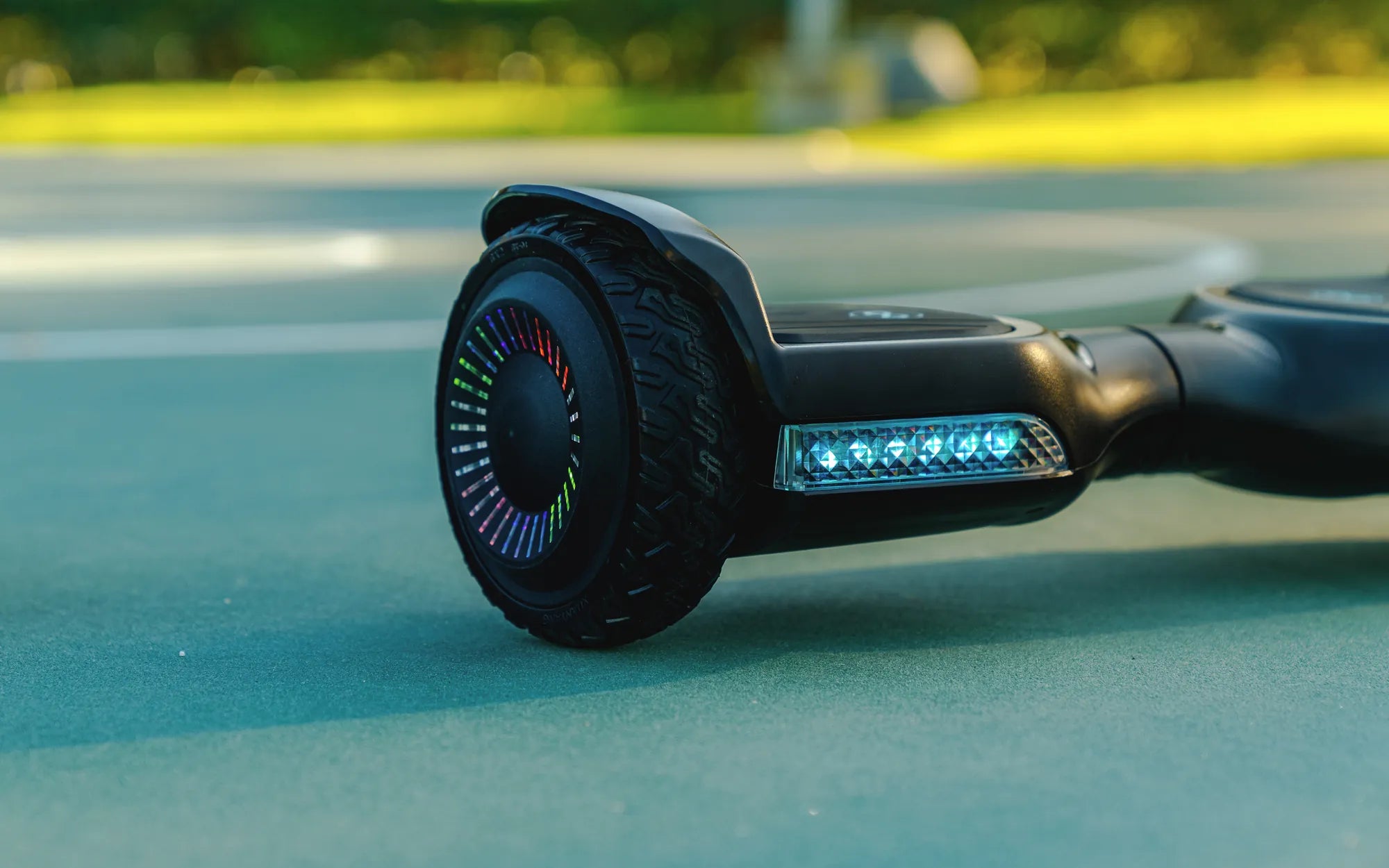
An unbalanced hoverboard can turn your fun ride into a frustrating experience. Whether it tilts to one side, vibrates excessively, or refuses to stay level, these issues can make your hoverboard unsafe to use. But don’t worry—fixing an unbalanced hoverboard is often simpler than you think. Follow this step-by-step guide to diagnose and resolve the problem, ensuring a smooth and stable ride every time.
Common Causes of an Unbalanced Hoverboard
Before diving into fixes, it’s essential to understand why your hoverboard might be unbalanced. Here are the most common culprits:
- Uneven Tire Pressure: If one tire is underinflated or overinflated, it can cause the hoverboard to tilt.
- Calibration Issues: The internal gyroscope may need recalibration to ensure proper balance.
- Worn-Out Tires: Uneven tread wear can lead to instability.
- Faulty Sensors: Damaged or misaligned sensors can disrupt balance detection.
- Battery Problems: Weak or unevenly distributed power can affect performance.
Step 1: Check Tire Pressure
Start by inspecting the tires. Use a pressure gauge to ensure both tires are inflated to the manufacturer’s recommended PSI. If one tire is significantly lower, inflate it to match the other. Uneven tire pressure is a quick fix that often resolves balance issues.
Step 2: Recalibrate the Hoverboard
If tire pressure isn’t the issue, recalibration might be necessary. Here’s how to do it:
- Turn off the hoverboard and place it on a flat, level surface.
- Press and hold the power button for 10-15 seconds until you hear a beep or see a flashing light.
- Release the button and wait for the hoverboard to reset.
- Turn it back on and test the balance.
Step 3: Inspect the Tires for Wear
Examine the tread on both tires. If one is significantly more worn than the other, it may be time to replace them. Worn tires can cause uneven weight distribution, leading to balance problems.
Step 4: Test the Sensors
Faulty sensors can misread your movements, causing imbalance. To check:
- Turn on the hoverboard and step onto it gently.
- Observe if one side responds slower or faster than the other.
- If sensors are faulty, consult a professional for repair or replacement.
Step 5: Check the Battery
A weak or dying battery can cause erratic behavior. Charge the hoverboard fully and test it again. If the problem persists, the battery may need replacement.
Preventive Measures to Avoid Future Imbalance
To keep your hoverboard balanced and functioning smoothly:
- Regularly check and maintain tire pressure.
- Recalibrate the hoverboard every few months.
- Avoid riding on uneven or rough surfaces.
- Store the hoverboard in a cool, dry place to preserve battery life.
An unbalanced hoverboard doesn’t have to ruin your ride. With these simple troubleshooting steps, you can quickly identify and fix the issue, ensuring a safe and enjoyable experience every time you step on your hoverboard.
What Kind of Battery Does a Hoverboard Use: A Complete Guide
Why Do Hoverboards Catch on Fire: The Shocking Truth Behind the Danger