



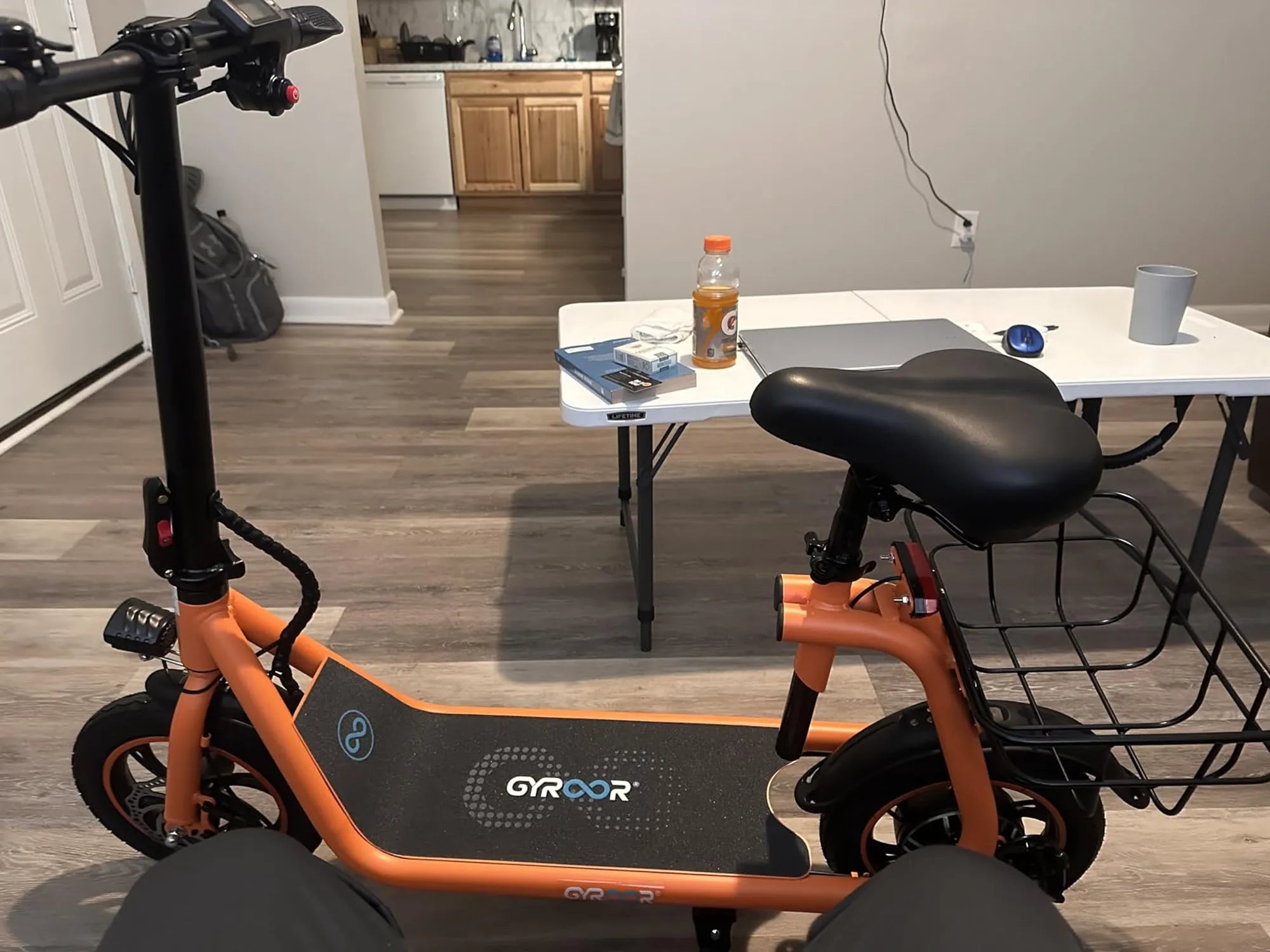
Is your electric scooter refusing to charge? A malfunctioning charging port can be frustrating, but don’t worry—you don’t always need a professional to fix it. With the right tools and a bit of patience, you can troubleshoot and repair the issue yourself. This guide will walk you through the steps to identify and fix common charging port problems, saving you time and money.
Common Causes of Charging Port Issues
Before diving into repairs, it’s essential to understand what might be causing the problem. Here are some common culprits:
- Loose or Damaged Wires: Over time, wires inside the charging port can become loose or frayed.
- Corrosion: Exposure to moisture can lead to rust or corrosion on the port’s contacts.
- Physical Damage: Dropping the scooter or mishandling the charger can bend or break the port.
- Dirt and Debris: Dust and grime can accumulate, preventing proper contact between the charger and port.
Tools You’ll Need
Gather these tools before starting your repair:
- Multimeter
- Screwdrivers (Phillips and flathead)
- Isopropyl alcohol and cotton swabs
- Soldering iron (if wiring repairs are needed)
- Replacement charging port (if necessary)
Step 1: Diagnose the Problem
First, determine whether the issue lies with the charging port or another component. Plug in the charger and check for these signs:
- Does the charger’s LED light turn on?
- Is there any visible damage to the port or charger?
- Does the scooter show any signs of receiving power?
If the charger’s light doesn’t turn on, the problem might be with the charger itself. Test it with another device if possible.
Step 2: Inspect the Charging Port
Turn off the scooter and remove the battery if accessible. Carefully examine the charging port for:
- Bent or broken pins
- Corrosion or rust
- Loose wires
- Dirt or debris
Use a flashlight for a better view. If you spot corrosion, clean the contacts with isopropyl alcohol and a cotton swab.
Step 3: Test the Port with a Multimeter
Set your multimeter to measure voltage. Insert the probes into the charging port’s terminals (refer to your scooter’s manual for the correct pins). A healthy port should show a voltage reading matching your charger’s output. If there’s no reading, the port or its wiring may be faulty.
Step 4: Repair or Replace the Charging Port
If the port is damaged beyond cleaning, you’ll need to repair or replace it:
- For Loose Wires: Re-solder any disconnected wires, ensuring a secure connection.
- For Broken Pins: Straighten bent pins gently with tweezers. If they’re broken, replace the port.
- For Severe Damage: Purchase a compatible replacement port and install it following the manufacturer’s guidelines.
Step 5: Reassemble and Test
Once repairs are complete, reassemble the scooter and plug in the charger. Check if the scooter starts charging. If it does, you’ve successfully fixed the issue! If not, double-check your work or consult a professional.
Preventive Measures
To avoid future charging port problems:
- Keep the port clean and dry.
- Handle the charger gently to prevent damage.
- Store the scooter in a dry place.
- Regularly inspect the port for signs of wear.
Don’t let a faulty charging port keep you off the road. By following these steps, you can restore your electric scooter’s charging capabilities and get back to riding in no time. Whether it’s a simple cleaning or a full replacement, tackling the issue yourself is easier than you think!
Fort William Scotland Mountain Biking: The Ultimate Adventure Guide
Fernie Alpine Resort Mountain Biking: A Thrilling Adventure in the Rockies