



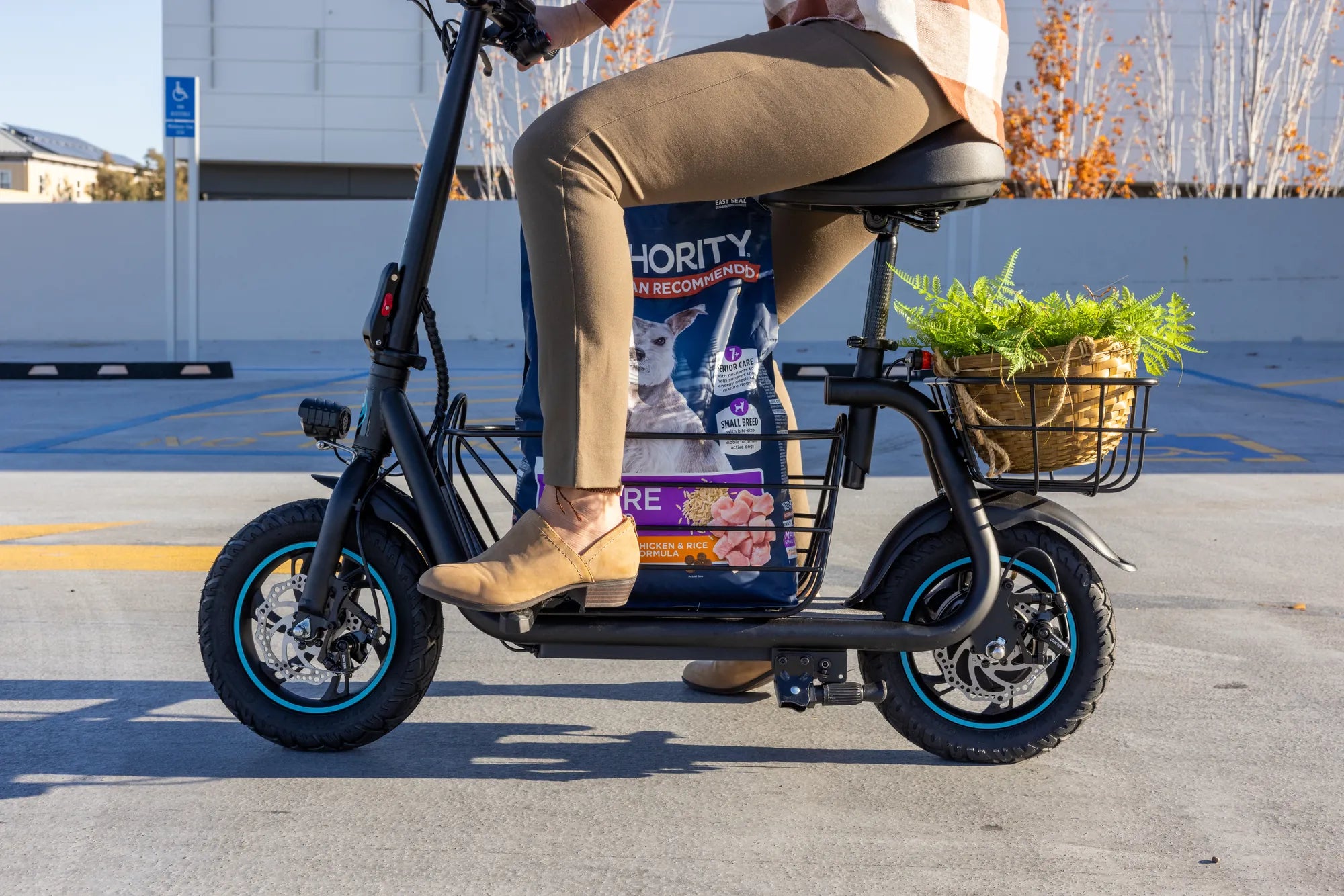
Nothing ruins a smooth ride like an unexpected error code flashing on your electric scooter's display. If you're staring at an F2 error, you're not alone—this common issue can stem from various causes, but the good news is that many fixes are simple and don't require professional help. Let's dive into the most effective ways to resolve the F2 error and get your scooter running like new again.
What Does the F2 Error Mean?
The F2 error typically indicates a communication problem between the scooter's throttle and the controller. This could be due to loose wiring, sensor malfunctions, or even software glitches. Understanding the root cause is the first step toward a solution.
Common Causes of the F2 Error
- Loose or Damaged Wiring: Check for frayed or disconnected wires near the throttle and controller.
- Faulty Throttle Sensor: A malfunctioning throttle can send incorrect signals to the controller.
- Controller Issues: The controller may fail to interpret signals correctly.
- Low Battery Voltage: Insufficient power can trigger error codes.
- Software Glitches: A system reset might resolve temporary bugs.
Step-by-Step Troubleshooting Guide
1. Inspect the Wiring
Start by turning off the scooter and unplugging the battery. Carefully examine all wires connected to the throttle and controller. Look for visible damage, loose connections, or corrosion. Secure any loose plugs and replace damaged wires if necessary.
2. Test the Throttle
If the wiring looks intact, the throttle might be the culprit. Use a multimeter to check the throttle's voltage output. If readings are inconsistent, the throttle may need replacement.
3. Check the Controller
A faulty controller can also cause the F2 error. Ensure it's receiving proper power and sending signals correctly. If you suspect a controller issue, consult the manufacturer's manual for testing procedures.
4. Reset the System
Sometimes, a simple reset can clear the error. Turn off the scooter, wait 30 seconds, and power it back on. If the error persists, try disconnecting the battery for a few minutes before reconnecting it.
5. Verify Battery Health
Low voltage can trigger error codes. Charge the battery fully and check its output with a multimeter. If the battery is old or damaged, consider replacing it.
Preventive Measures to Avoid Future F2 Errors
- Regularly inspect and maintain wiring connections.
- Keep the throttle and controller clean and dry.
- Avoid exposing the scooter to extreme temperatures or moisture.
- Follow the manufacturer's charging guidelines to prolong battery life.
When to Seek Professional Help
If you've tried all the above steps and the F2 error persists, it might be time to consult a technician. Persistent issues could indicate deeper electrical problems that require expert diagnosis.
Don't let the F2 error keep you off your electric scooter for long—with these troubleshooting tips, you'll likely solve the issue in no time. Whether it's a quick wire fix or a throttle replacement, taking action now ensures many more smooth rides ahead!
5000W Electric Scooter UK: The Ultimate Guide to High-Power Rides
5000W Electric Scooter UK: The Ultimate Guide to High-Power Rides