



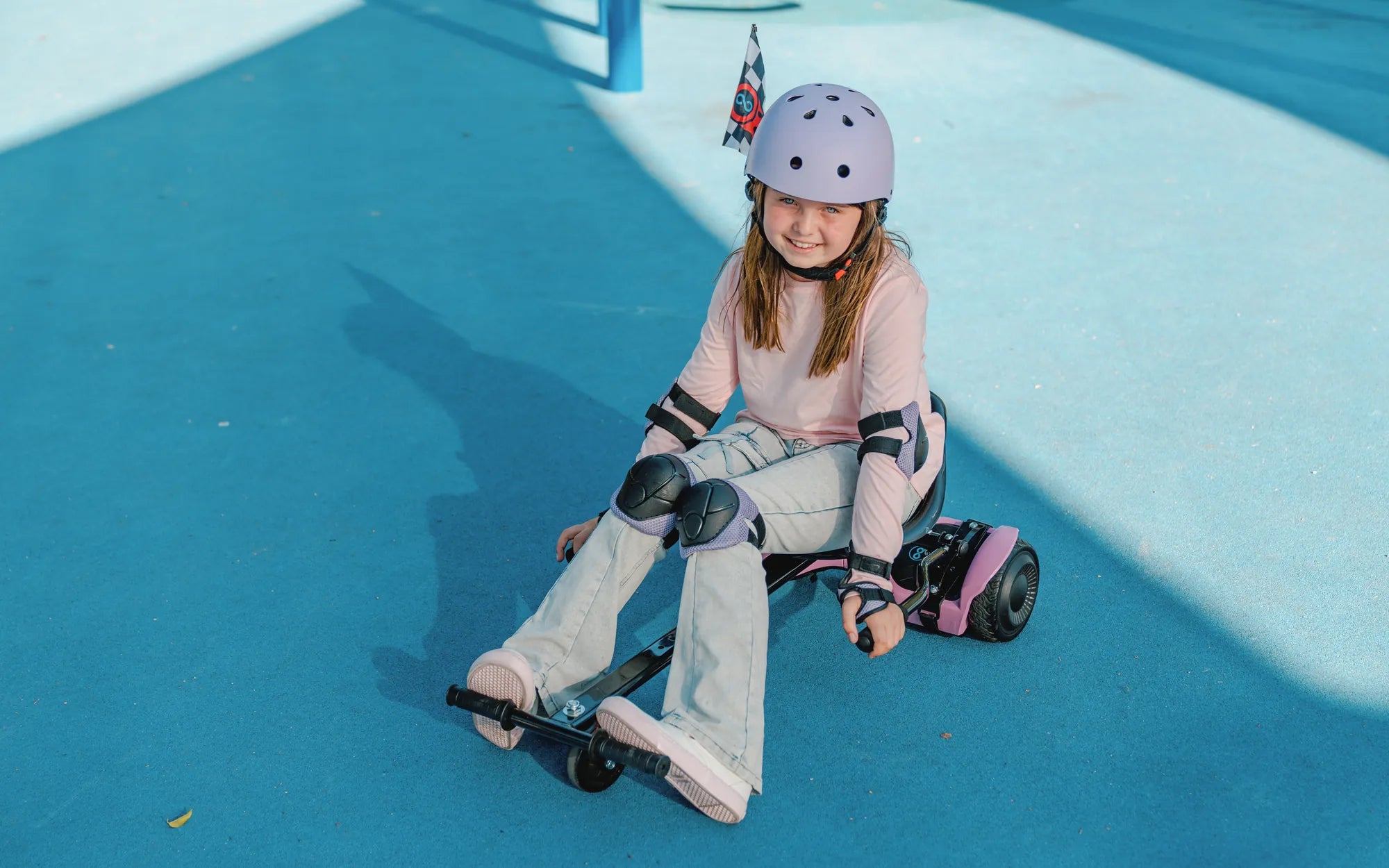
Is your hoverboard acting up, wobbling uncontrollably, or refusing to balance properly? The gyroscope is often the culprit behind these frustrating issues. Don’t worry—fixing it might be easier than you think. Follow this step-by-step guide to get your hoverboard back in perfect working order.
Understanding the Gyroscope in a Hoverboard
The gyroscope is a critical component in your hoverboard, responsible for maintaining balance and stability. It detects the board’s tilt and adjusts the motors accordingly to keep you upright. When the gyroscope malfunctions, your hoverboard may tilt unexpectedly, refuse to start, or behave erratically.
Common Signs of a Faulty Gyroscope
Before diving into repairs, it’s essential to confirm that the gyroscope is indeed the problem. Look for these telltale signs:
- The hoverboard wobbles or shakes uncontrollably.
- It tilts to one side without user input.
- The board fails to balance or turns off unexpectedly.
- Error lights or beeping sounds indicate a gyroscopic issue.
Tools You’ll Need
Gather these tools before starting the repair process:
- Screwdriver set (Phillips and flathead)
- Multimeter for testing electrical connections
- Replacement gyroscope (if necessary)
- Cleaning supplies (compressed air, rubbing alcohol)
Step 1: Power Off and Disassemble the Hoverboard
Safety first! Turn off the hoverboard and remove the battery if possible. Use your screwdriver to carefully open the casing, exposing the internal components. Take note of screw placements to avoid confusion during reassembly.
Step 2: Locate the Gyroscope
The gyroscope is typically a small, rectangular module near the center of the board. Refer to your hoverboard’s manual if you’re unsure of its exact location.
Step 3: Inspect for Physical Damage
Check the gyroscope for visible damage, such as cracks, loose wires, or burnt components. If you spot any, a replacement may be necessary.
Step 4: Test Electrical Connections
Use a multimeter to test the gyroscope’s connections. Ensure it’s receiving power and sending signals correctly. Faulty wiring or poor connections can often mimic gyroscope failure.
Step 5: Clean the Gyroscope
Dust and debris can interfere with the gyroscope’s functionality. Gently clean the module with compressed air and a small amount of rubbing alcohol on a cotton swab.
Step 6: Recalibrate the Gyroscope
Many hoverboards have a recalibration feature. Consult your manual for instructions on resetting the gyroscope to factory settings. This often involves pressing specific buttons or following a sequence of steps.
Step 7: Replace the Gyroscope (If Necessary)
If cleaning and recalibration don’t work, you may need to replace the gyroscope. Purchase a compatible replacement and carefully install it, ensuring all connections are secure.
Step 8: Reassemble and Test
Once repairs are complete, reassemble the hoverboard and power it on. Test the gyroscope by gently tilting the board to see if it responds correctly.
Preventive Maintenance Tips
To avoid future gyroscope issues, follow these tips:
- Avoid exposing your hoverboard to extreme temperatures or moisture.
- Regularly clean the internal components to prevent dust buildup.
- Handle the hoverboard with care to prevent physical damage.
Your hoverboard should now be as good as new! With a properly functioning gyroscope, you can enjoy smooth, stable rides without the fear of sudden tilts or shutdowns. Ready to hit the pavement with confidence? Get out there and ride!
Hoverboard with Pole: The Ultimate Guide to Modern Mobility
Best Low Cost Hoverboard: Affordable and Reliable Options for Every Rider