

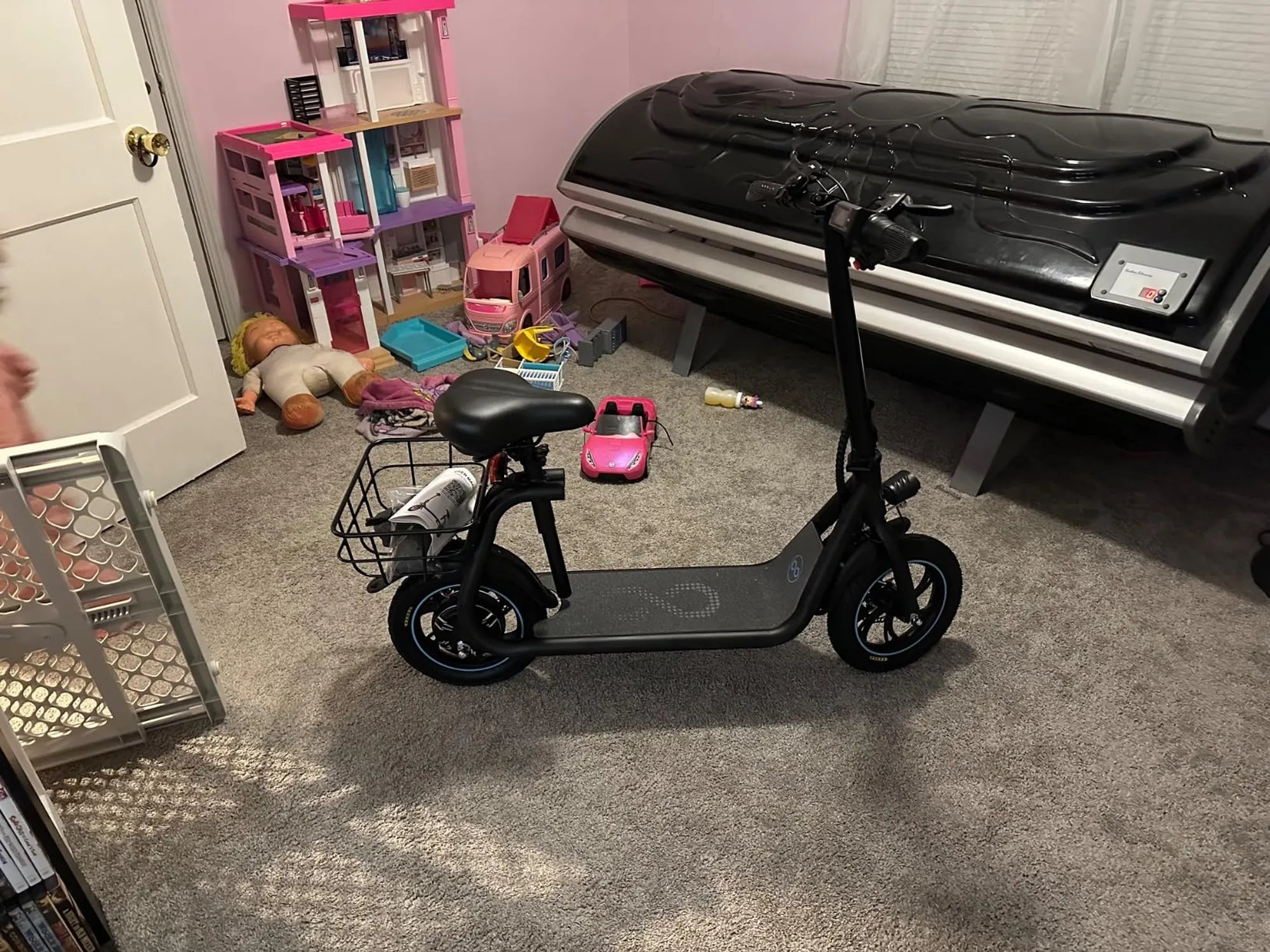
Is your electric scooter beeping incessantly, driving you crazy? That annoying sound isn't just frustrating—it could indicate an underlying issue that needs attention. Whether you're dealing with a simple alert or a serious malfunction, we'll show you how to make an electric scooter stop beeping once and for all.
Understanding Why Your Electric Scooter Beeps
Before silencing the beep, it's crucial to understand why your electric scooter is making noise in the first place. Most modern electric scooters use beeping sounds as an alert system for various conditions:
- Low battery warnings - The most common reason for beeping
- Speed alerts - Notifications when exceeding certain speeds
- Error codes - Indicators of technical issues
- Safety warnings - Alerts for improper use or potential hazards
- Anti-theft alarms - Security features on some models
Step-by-Step Solutions to Stop the Beeping
1. Check the Battery Level
The first thing to examine when your scooter won't stop beeping is the battery status. A continuous beep often means your battery is running low. Connect your scooter to the charger and see if the beeping stops once charging begins.
2. Reset the Scooter
Sometimes a simple reset can solve the problem:
- Turn off the scooter completely
- Wait 30-60 seconds
- Power it back on
3. Check for Error Codes
Many scooters use beep patterns to communicate error codes. Count the number of beeps and consult your user manual to identify the specific issue. Common patterns include:
- 2 beeps: Motor or controller issue
- 3 beeps: Brake system alert
- 4 beeps: Throttle or sensor problem
4. Inspect the Wiring Connections
Loose or damaged wiring can cause false alerts. Carefully examine all visible connections, especially around the handlebars and under the deck. Look for:
- Frayed wires
- Loose connectors
- Corrosion on contacts
5. Adjust the Speed Settings
Some scooters beep when exceeding certain speeds. Check if your model has speed limit alerts that can be adjusted in the settings menu or via the companion app.
6. Disable the Alarm System
If your scooter has an anti-theft alarm, it might be accidentally triggered. Refer to your manual for instructions on disabling this feature when not needed.
7. Update the Firmware
Outdated firmware can cause various issues, including unnecessary beeping. Check the manufacturer's website for updates and follow their instructions carefully.
8. Check the Brake System
Faulty brakes or engaged brake sensors can trigger warning beeps. Ensure your brakes are functioning properly and that the sensors aren't stuck.
When to Seek Professional Help
If none of these solutions work, or if the beeping is accompanied by other issues like loss of power or strange smells, it's time to consult a professional. Continuing to ride a scooter with serious electrical problems could be dangerous.
Preventive Maintenance Tips
Keep your scooter from developing beeping issues with these maintenance practices:
- Charge the battery regularly, even during off-seasons
- Store your scooter in a dry, temperature-controlled environment
- Clean your scooter regularly, especially after riding in wet conditions
- Check all bolts and connections periodically
- Avoid exposing your scooter to extreme temperatures
Silencing your electric scooter doesn't have to be a mystery. By following these troubleshooting steps, you'll not only stop the annoying beeps but also ensure your ride remains in top condition. Remember that persistent beeping often means your scooter is trying to tell you something important—don't ignore it!
How to Prepare for Mountain Biking: A Complete Guide for Beginners and Enthusiasts
Downhill Mountain Biking Racing: The Ultimate Adrenaline Rush