



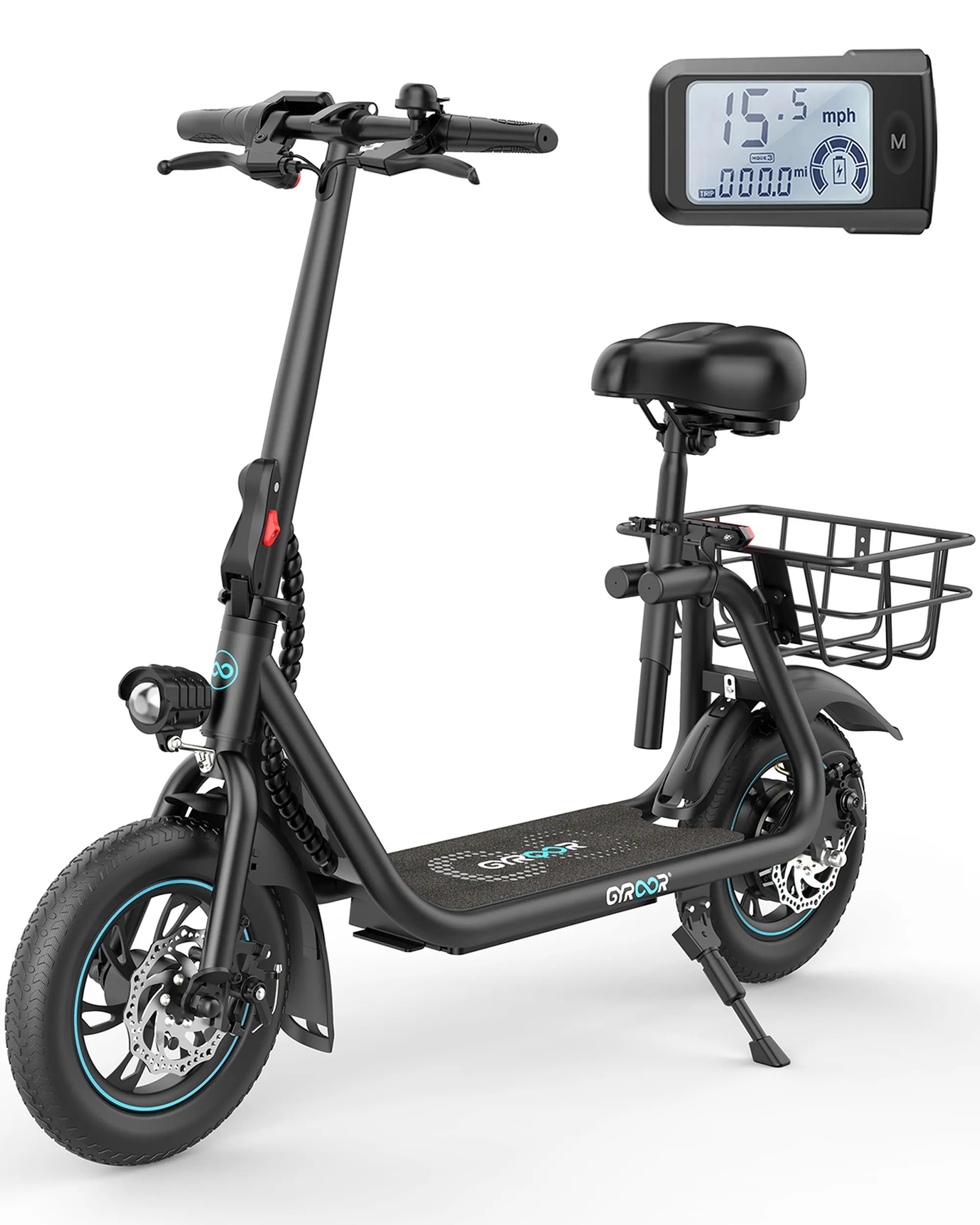
Is your self-balancing scooter acting up? Don't let a minor issue turn into a major headache. Whether it's a dead battery, a faulty motor, or a mysterious error code, this guide will walk you through the steps to get your scooter running smoothly again. No need to spend a fortune on repairs—most fixes are easier than you think!
Common Self-Balancing Scooter Problems
Before diving into repairs, it's essential to identify the issue. Here are some of the most common problems:
- Battery Not Charging: If your scooter won't power on or loses charge quickly, the battery may be the culprit.
- Motor Issues: Strange noises, jerky movements, or complete failure to move indicate motor problems.
- Error Codes: Many scooters display error messages that can help diagnose the issue.
- Wobbly or Unstable Ride: This could be due to misaligned wheels or a faulty gyroscope.
- Power Button Not Working: A non-responsive power button might mean a wiring issue or a dead battery.
Tools You'll Need
Before starting any repair, gather these essential tools:
- Screwdrivers (Phillips and flathead)
- Multimeter for testing electrical components
- Replacement parts (if needed)
- Cleaning supplies (compressed air, soft cloth)
- Lubricant for moving parts
Step-by-Step Repair Guide
1. Fixing Battery Issues
If your scooter won't charge or holds very little power, follow these steps:
- Check the charger and charging port for damage.
- Use a multimeter to test the battery voltage. If it's significantly lower than the rated voltage, the battery may need replacement.
- Inspect the battery connections for corrosion or loose wires.
- If the battery is swollen or leaking, replace it immediately—it's a safety hazard.
2. Troubleshooting Motor Problems
A malfunctioning motor can cause your scooter to stop moving or behave erratically. Here's how to diagnose and fix it:
- Listen for unusual noises when the scooter is running. Grinding or clicking sounds may indicate debris or a damaged motor.
- Check the motor connections for loose or frayed wires.
- Test the motor with a multimeter. If it doesn't show continuity, the motor may need replacement.
- Clean the motor housing and lubricate moving parts if necessary.
3. Resolving Error Codes
Many self-balancing scooters display error codes to indicate specific issues. Refer to your user manual to decode the message. Common fixes include:
- Resetting the scooter by holding the power button for 10+ seconds.
- Checking sensor connections and recalibrating the gyroscope.
- Ensuring the battery is properly connected.
4. Fixing a Wobbly Ride
If your scooter feels unstable, try these solutions:
- Check tire pressure and inflate if necessary.
- Inspect the wheels for damage or misalignment.
- Recalibrate the gyroscope according to the manufacturer's instructions.
- Tighten any loose screws or bolts in the frame.
5. Repairing a Non-Responsive Power Button
If the power button doesn't work, follow these steps:
- Check the battery charge—it might be completely drained.
- Inspect the button for physical damage or debris.
- Test the wiring connected to the button with a multimeter.
- If the button is faulty, consider replacing it.
Preventive Maintenance Tips
To avoid frequent repairs, follow these maintenance practices:
- Store your scooter in a dry, cool place.
- Clean the scooter regularly to prevent dirt buildup.
- Avoid overcharging the battery.
- Check tire pressure and wheel alignment monthly.
- Update firmware if your scooter supports it.
With these troubleshooting steps and maintenance tips, your self-balancing scooter will stay in top shape for years. Don't let minor issues keep you off the road—grab your tools and get started today!
Electric Scooter Price in Jaipur: A Comprehensive Guide for Buyers
Electric Scooter Price in Jaipur: A Comprehensive Guide for Buyers