



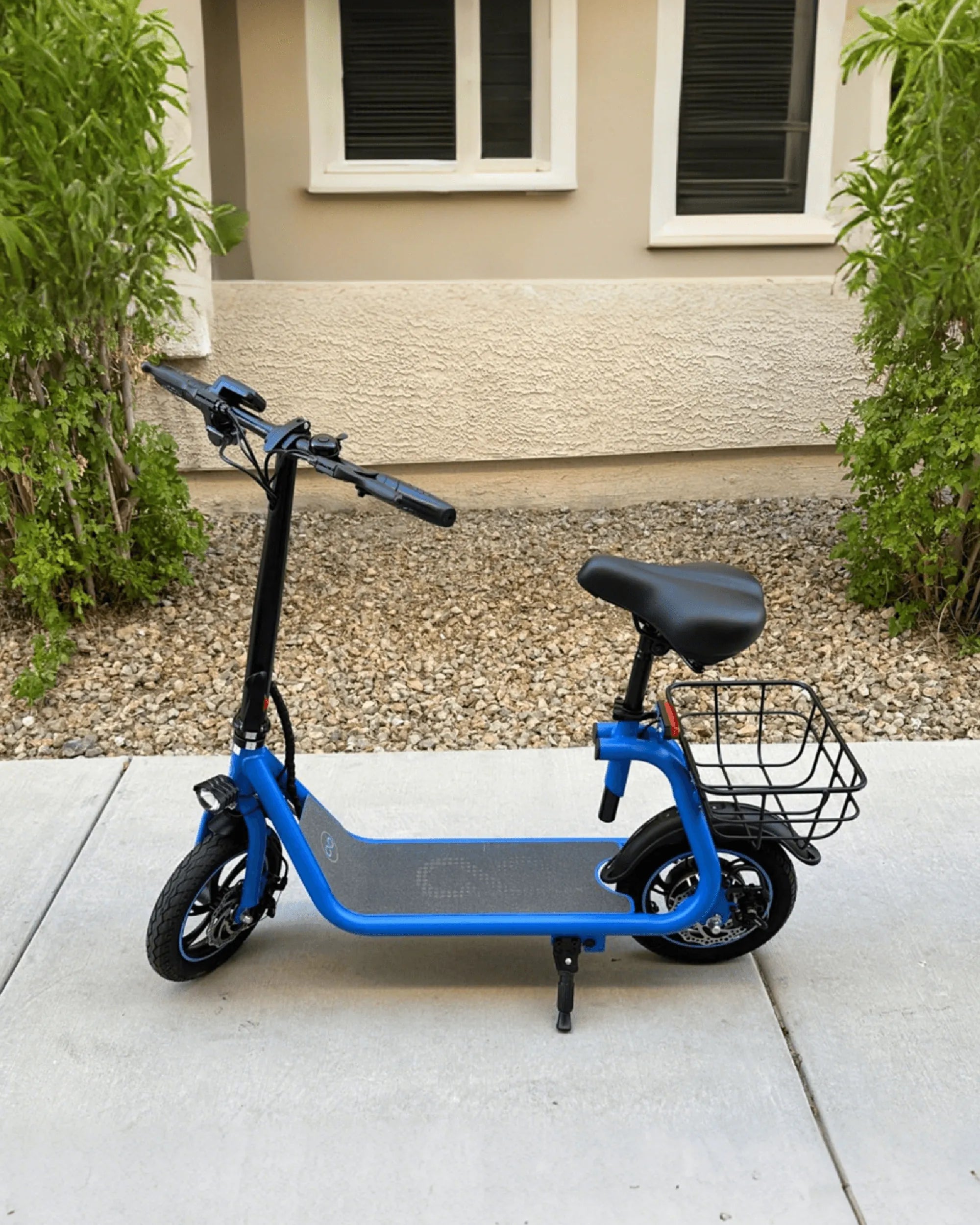
If your e-scooter is acting up or you're planning to sell it, knowing how to reset it can be a game-changer. Whether you're troubleshooting glitches or wiping personal data, a reset can restore your scooter to its original state. Follow this detailed guide to learn the safest and most effective way to reset your e-scooter.
Why You Might Need to Reset Your E-Scooter
Resetting an e-scooter can resolve various issues, from software bugs to connectivity problems. Common reasons include:
- Performance issues: Sluggish acceleration, unresponsive controls, or erratic behavior.
- Battery problems: Inaccurate battery readings or sudden power drops.
- Software glitches: Frozen displays or unresponsive apps.
- Preparing for resale: Removing personal data and restoring default settings.
Step-by-Step Guide to Resetting Your E-Scooter
Before resetting, ensure your scooter is charged and in a safe location. Follow these steps carefully:
1. Power Off the Scooter Completely
Turn off the scooter using the power button and wait for all lights to go dark. Disconnect it from any charging cables.
2. Locate the Reset Button (If Available)
Some models have a small reset button, often near the charging port or under the deck. Use a paperclip or pin to press and hold it for 5-10 seconds.
3. Perform a Hard Reset (Manual Method)
If there's no reset button, try this manual method:
- Hold the power and brake levers simultaneously for 15-20 seconds.
- Release and wait for the scooter to reboot.
- Check if settings have reverted to factory defaults.
4. Reset via Companion App (If Applicable)
Many e-scooters connect to apps for advanced settings. Open the app, navigate to settings, and select Factory Reset or Restore Defaults.
5. Recalibrate After Resetting
After a reset, recalibrate the throttle, brakes, and sensors for optimal performance. Refer to your scooter's manual for calibration steps.
What to Do If the Reset Fails
If your scooter doesn't reset properly, try these troubleshooting tips:
- Ensure the battery is above 20% before resetting.
- Check for firmware updates that might fix reset issues.
- Contact customer support if the problem persists.
Precautions to Take Before Resetting
Avoid common mistakes by following these precautions:
- Back up ride data or custom settings if possible.
- Remove the scooter from paired devices (Bluetooth, apps).
- Perform the reset on a flat, stable surface.
Resetting your e-scooter doesn't have to be daunting—with the right steps, you can refresh its performance in minutes. Whether you're fixing a glitch or passing it on to a new owner, this guide ensures a smooth reset process. Ready to hit the road with a like-new ride? Follow these steps and enjoy a seamless e-scooter experience!
Most Reliable E Scooter Brands for a Smooth and Safe Ride
Can I Carry E Scooter on Plane? Your Ultimate Travel Guide