


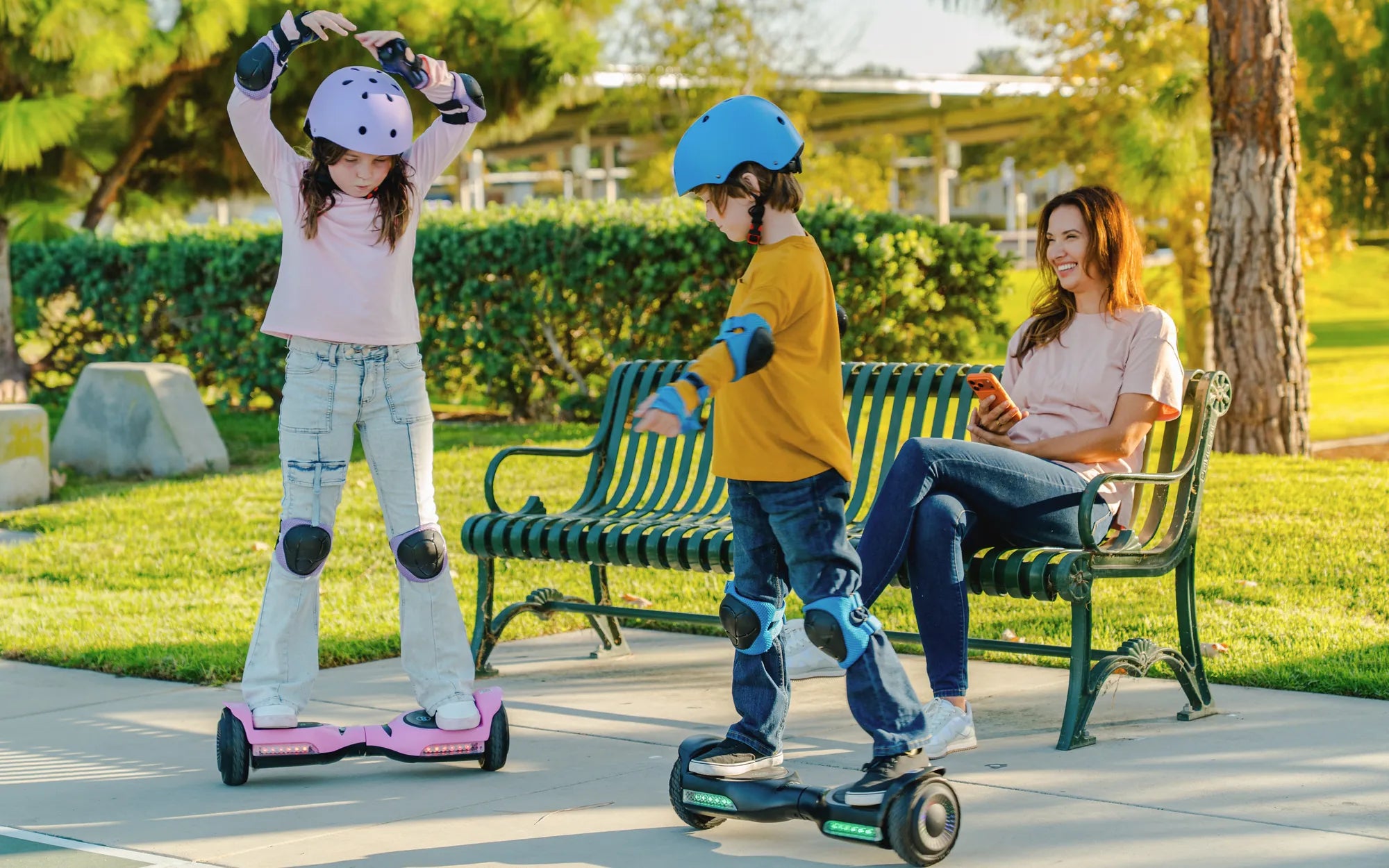
Is your high roller hoverboard acting up? Don't worry—resetting it might be the solution you need. Whether it's unresponsive, beeping unexpectedly, or just not performing as it should, a reset can often bring it back to life. In this guide, we'll walk you through the steps to reset your high roller hoverboard safely and effectively.
Why Resetting Your Hoverboard Might Be Necessary
Hoverboards, like any electronic device, can sometimes encounter glitches or performance issues. Resetting your high roller hoverboard can help resolve problems such as:
- Unresponsive controls
- Unexpected beeping or error sounds
- Battery or charging issues
- Calibration problems
A reset essentially reboots the system, clearing minor software hiccups and restoring default settings.
Step-by-Step Guide to Resetting Your High Roller Hoverboard
Follow these steps carefully to reset your hoverboard:
Step 1: Turn Off the Hoverboard
Ensure the hoverboard is powered off. If it's unresponsive, hold the power button for 10-15 seconds to force a shutdown.
Step 2: Locate the Reset Button
Most high roller hoverboards have a small reset button, usually found near the charging port or under a rubber cover. Use a paperclip or a similar tool to press it.
Step 3: Press and Hold the Reset Button
Press and hold the reset button for about 5-10 seconds. You may hear a beep or see the lights flash, indicating the reset is in progress.
Step 4: Power the Hoverboard Back On
After releasing the reset button, turn the hoverboard back on. Wait a few moments for it to boot up completely.
Step 5: Test the Hoverboard
Take a short test ride to ensure the reset resolved the issue. If problems persist, you may need to repeat the process or check for other troubleshooting steps.
Additional Troubleshooting Tips
If resetting doesn't fix the problem, try these additional steps:
- Check the battery and ensure it's fully charged.
- Inspect the wheels and sensors for obstructions.
- Update the hoverboard's firmware if possible.
- Consult the user manual for model-specific advice.
Safety Precautions
Always prioritize safety when handling your hoverboard:
- Perform resets on a flat, stable surface.
- Avoid resetting while riding or in motion.
- Keep the hoverboard away from water during the process.
Ready to get your high roller hoverboard back in action? Follow these steps, and you'll be gliding smoothly in no time. If issues continue, consider reaching out to a professional for further assistance.
Hoverboard Technologies Skateboard: The Future of Personal Transportation
Hoverboard Technologies Skateboard: The Future of Personal Transportation