


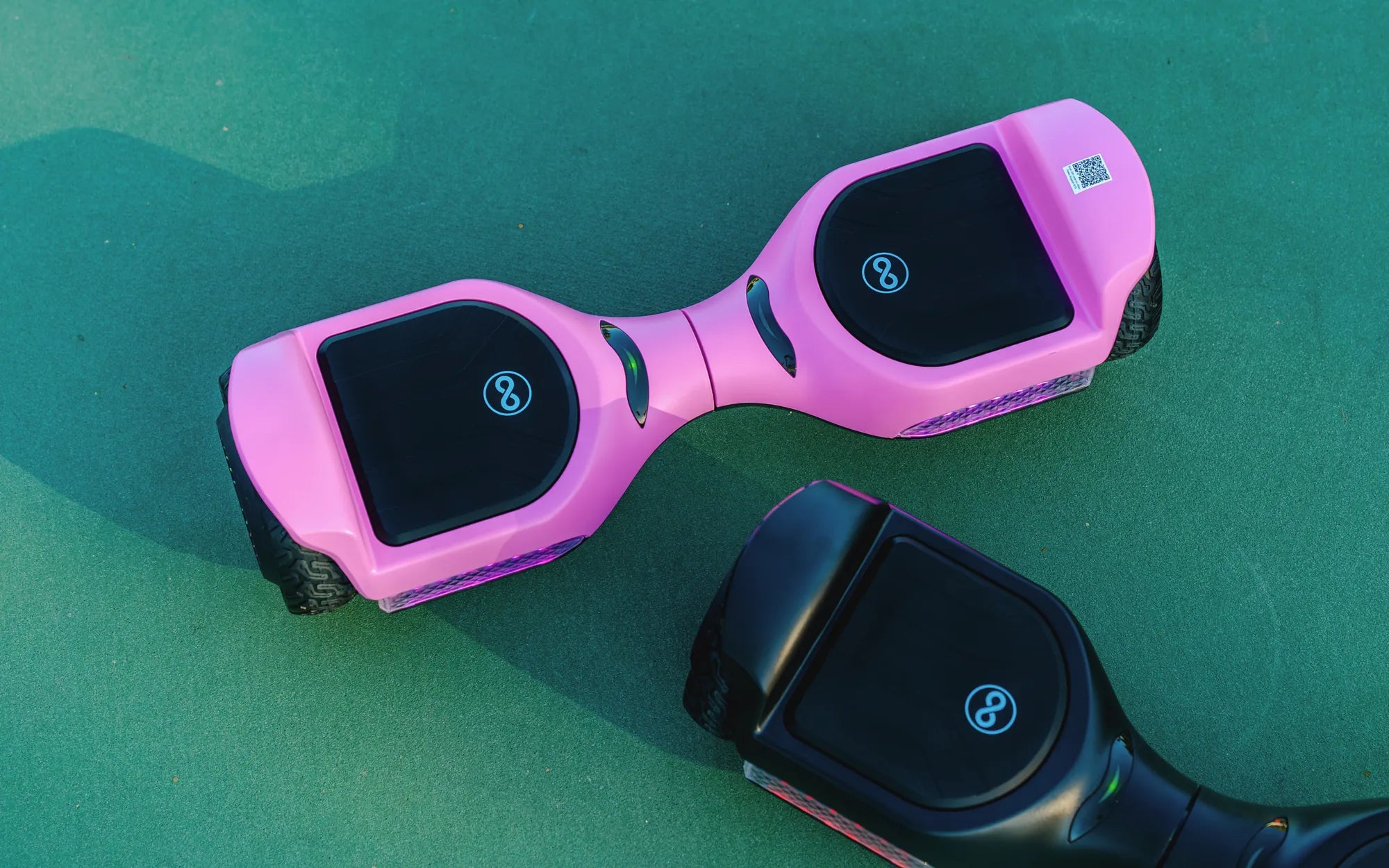
Hoverboards are a thrilling way to get around, but the constant beeping and loud music can quickly become irritating. Whether you're trying to enjoy a peaceful ride or avoid disturbing others, knowing how to adjust the volume is essential. This guide will walk you through the steps to turn the volume down on your hoverboard effortlessly.
Why Adjusting Hoverboard Volume Matters
Hoverboards come with built-in speakers that emit sounds for alerts, music, and other functions. While these features enhance the riding experience, they can also be disruptive—especially in quiet areas or late at night. Lowering the volume ensures a more enjoyable ride without unnecessary noise.
Step 1: Locate the Power Button
Most hoverboards have a power button that also controls volume settings. Press and hold the power button for a few seconds to access the sound settings. Some models may require a combination of button presses, so refer to your user manual if needed.
Step 2: Use the Volume Control Buttons
Once in the settings menu, look for volume control buttons. These are often labeled with + and - symbols. Press the - button repeatedly until the volume reaches your desired level. Some hoverboards may also have a mute option.
Step 3: Test the Adjustments
After lowering the volume, test the changes by playing music or triggering an alert. If the sound is still too loud, repeat the process until it’s comfortable. Make sure to save the settings if prompted.
Alternative Methods for Volume Control
If your hoverboard doesn’t have physical buttons, check for a companion app. Many modern hoverboards connect to smartphones via Bluetooth, allowing you to adjust volume and other settings remotely. Download the app, pair it with your hoverboard, and navigate to the sound settings.
Troubleshooting Common Issues
If the volume won’t decrease, try resetting the hoverboard by turning it off and on again. Ensure the firmware is up to date, as outdated software can cause glitches. If problems persist, consult the manufacturer’s support team for assistance.
Riding a hoverboard should be fun, not noisy. With these simple steps, you can easily turn the volume down and enjoy a smoother, quieter experience. Say goodbye to annoying beeps and hello to peaceful rides!
Hoverboard 1 Side Not Working: Causes, Fixes, and Prevention Tips
Where Can I Buy a Hoverboard in Store: A Complete Shopping Guide