



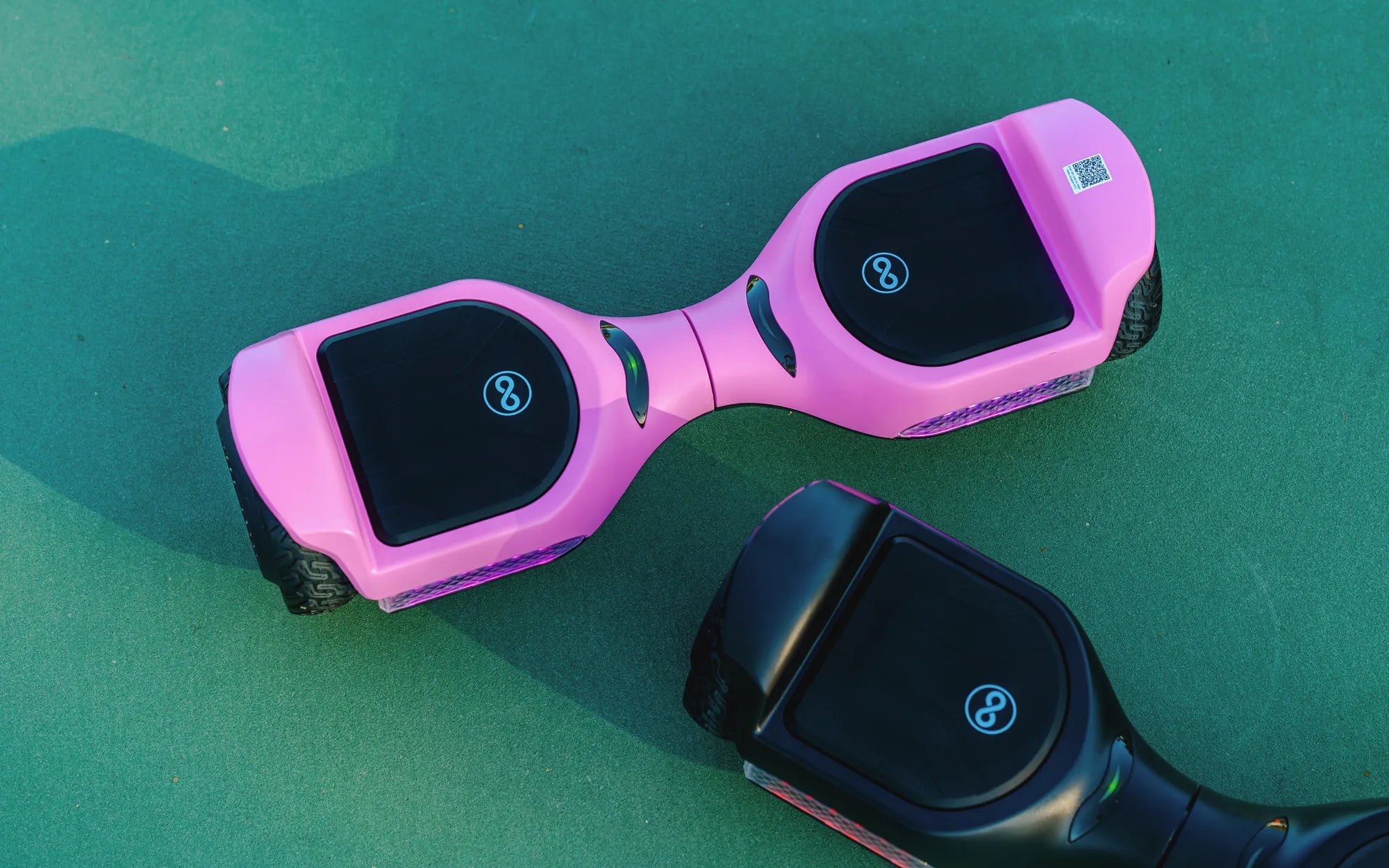
Few things are as frustrating as plugging in your hoverboard only to realize it won’t charge. Whether you rely on it for fun or daily commutes, a dead hoverboard can throw a wrench in your plans. Before you consider replacing it, let’s dive into the possible reasons and solutions to get your hoverboard back in action.
Common Reasons Why Your Hoverboard Won’t Charge
Several factors could be preventing your hoverboard from charging. Here are the most common culprits:
- Faulty Charger: The charger might be damaged or not supplying the correct voltage.
- Dead Battery: Over time, hoverboard batteries degrade and may stop holding a charge.
- Loose Connections: Wires or charging ports may be loose or corroded.
- Power Source Issues: The outlet or power strip you’re using might not be working.
- Internal Circuit Problems: A blown fuse or damaged circuitry can prevent charging.
Step-by-Step Troubleshooting Guide
1. Check the Power Source
Before blaming the hoverboard, ensure the outlet or power strip is functional. Plug in another device to confirm. If the outlet is dead, try a different one.
2. Inspect the Charger
Examine the charger for visible damage, frayed wires, or bent pins. If possible, test with another compatible charger to rule out a faulty power adapter.
3. Examine the Charging Port
Dirt, debris, or bent pins in the charging port can disrupt the connection. Use a flashlight to inspect the port and gently clean it with a dry cloth or compressed air.
4. Test the Battery
If your hoverboard still won’t charge, the battery might be the issue. Look for signs of swelling or leakage. If the battery is old or damaged, replacement may be necessary.
5. Check for Loose Wiring
Open the hoverboard’s casing (if comfortable) and inspect internal wiring. Loose or disconnected wires can prevent charging. Reconnect any loose cables securely.
6. Reset the Hoverboard
Some hoverboards have a reset button. Press and hold it for 10-15 seconds to reboot the system. This can sometimes resolve charging issues.
Preventive Measures to Avoid Future Charging Problems
To keep your hoverboard charging smoothly, follow these tips:
- Always use the manufacturer-recommended charger.
- Avoid overcharging—unplug once fully charged.
- Store the hoverboard in a cool, dry place.
- Regularly clean the charging port.
- Replace the battery every 1-2 years if used frequently.
When to Seek Professional Help
If you’ve tried all troubleshooting steps and your hoverboard still won’t charge, it’s time to consult a professional. Internal circuitry or battery issues may require expert repair.
Don’t let a non-charging hoverboard ruin your day. With these troubleshooting steps, you can diagnose and fix the problem—or at least determine if it’s time for a replacement. Get back to gliding effortlessly by addressing the issue head-on!
Smart Move Hoverboard: The Future of Personal Transportation
What Size Hoverboard Should I Get? A Complete Guide to Choosing the Right Fit