


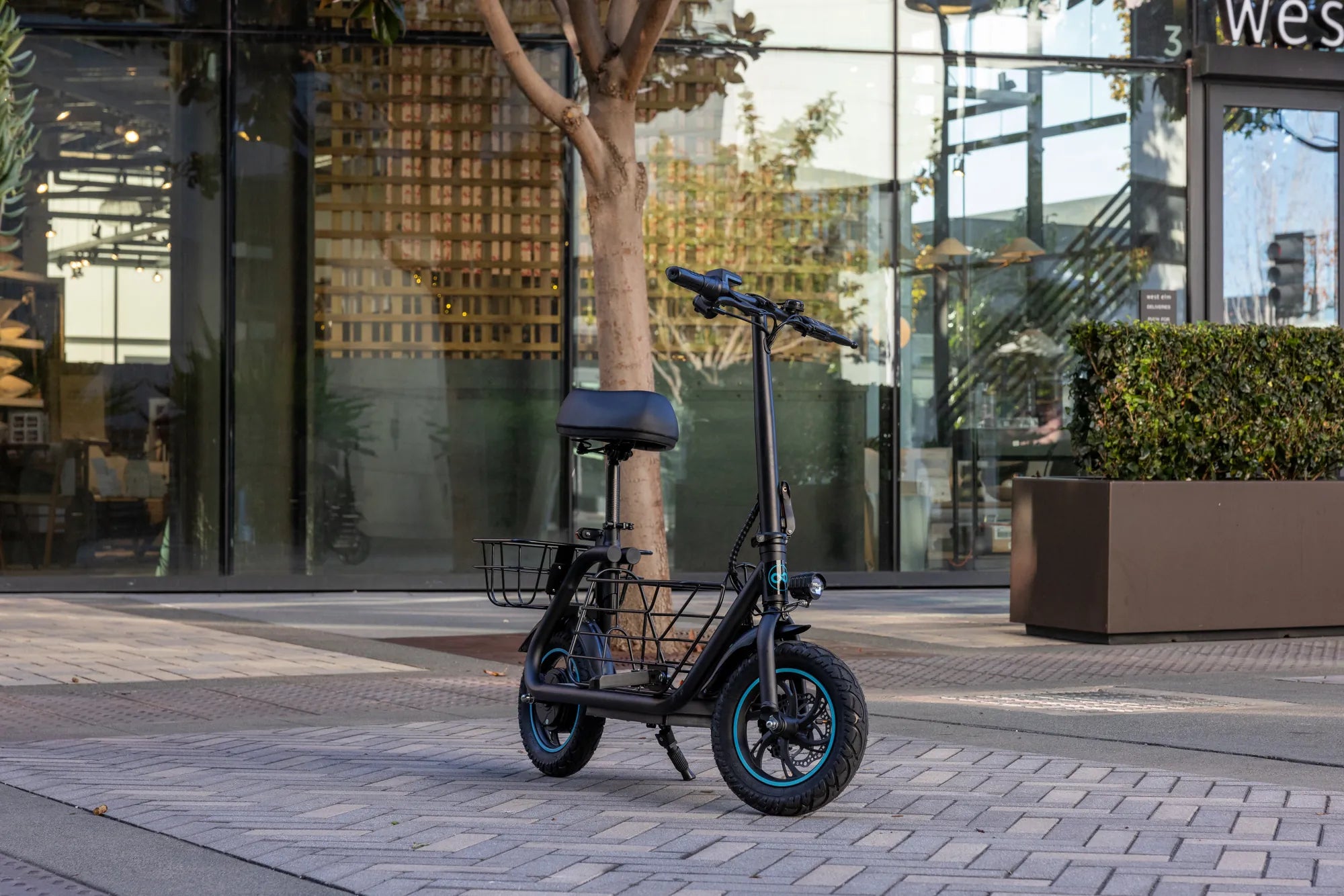
Introduction: Diagnosing a Non-Starting Electric Scooter
You press the power button, and nothing happens. The familiar hum of the motor is absent, and your commute or leisure ride is suddenly on hold. A scooter that won't start is a universal frustration for riders, but it's rarely a death sentence for your vehicle. More often than not, the cause is a simple, fixable issue. This guide provides a systematic, safety-first approach to diagnosing why your scooter won't start, moving from the most common culprits to more complex electrical faults.
We will help you identify whether you're dealing with a dead battery, a loose connection, a tripped safety switch, or a component failure. For riders of reliable brands like Gyroor, known for UL-certified batteries and robust construction, many starting issues are resolved with basic checks. By following this logical sequence, you can avoid unnecessary repairs and get back on the road safely and efficiently. Let's begin with the absolute fundamentals: safety and the instant checks anyone can perform.
Initial Safety and Basic Checks: The First Responder Protocol
Before touching any components, your first priority is safety. Ensure the scooter is powered completely off. Place it on a stable, level surface, and disconnect it from any charger. Never attempt to troubleshoot or repair the scooter while it is plugged in. Visually inspect the scooter for any obvious signs of damage, such as a cracked deck, severed wires, or a visibly damaged battery compartment. If you see significant physical damage, especially after a crash, do not attempt to power it on.
Wear protective gloves if you plan to inspect connections. The goal of these initial checks is to rule out the simple, user-correctable issues that account for a significant percentage of "my scooter won't start" cases. These are the problems you can diagnose in under a minute. By methodically eliminating them, you save time and avoid the frustration of overlooking an easy fix before diving into complex diagnostics.
The "Big Three" Instant Checks
First, confirm the scooter is truly powered on. This may sound obvious, but a faulty power button or a control panel with a dead backlight can be misleading. Press and hold the power button for 2-3 seconds, as some models require a long press. Look for any faint LED indicators on the deck or handlebar. Second, verify the battery charge. Most scooters have a battery indicator on the display or deck. If it shows empty or one blinking bar, the battery is likely too depleted to start the motor, even if it powers the lights.
Third, check for an engaged lock or transport mode. Many modern scooters, including several Gyroor models, feature an electronic lock or a transport mode that disables the motor to prevent accidental activation. Consult your manual to see if your model has this feature and how to disable it. It's often a specific button sequence. Ensuring your scooter isn't in one of these modes is a critical step before proceeding.
Diagnosing Power and Electrical System Failures
If the "Big Three" checks come up empty, the issue likely lies within the scooter's power delivery system. This encompasses the battery, all wiring connections, the main fuse, and the controller. Diagnosing this requires a more hands-on approach but follows a clear logical path. Electrical problems are the most common root cause when a scooter won't start, but they are often repairable. We'll start with the heart of the system: the battery and its connections.
A systematic approach here is key. Jumping straight to suspecting the motor or controller is premature. The power flow must be traced from its source. By checking each link in the chain—battery voltage, terminal connections, fuse integrity, and controller input—you can isolate the faulty component. For riders, understanding this flow demystifies the scooter and makes troubleshooting less daunting.
Battery and Connection Troubleshooting
The battery is the single most likely component to fail. Begin by inspecting the physical battery compartment and connections. If your scooter has a removable battery, take it out (with the scooter off). Look for any signs of corrosion on the metal terminals—a white or greenish powder. Check that the terminals are not bent or loose. Gently clean any corrosion with a dry cloth. For internal batteries, you may need to open the deck, but only if you are comfortable and the warranty allows it.
Next, test the charger and charging port. Plug the charger into a wall outlet and check if its indicator light turns on. Then, plug it into the scooter's charging port. A light on the charger should change color (e.g., from green to red) to indicate it's delivering power. If the charger light does not change, the charging port on the scooter may be damaged or the battery is not accepting a charge. For a definitive test, a multimeter is invaluable. Set it to DC voltage (usually 20V or 200V range) and touch the probes to the battery terminals. A fully charged 36V battery should read around 42V; a 48V battery around 54V. If the voltage is below 30V for a 36V system, the battery is deeply discharged and may need a specialized charger to recover, or it may have reached the end of its life. Gyroor's UL-certified batteries are tested for over 500 charge cycles, but all batteries degrade with time and use.
Fuse and Controller Inspection
Between the battery and the controller, there is almost always an inline fuse. Its sole job is to protect the circuit from a power surge. Locate the fuse holder—it's often a small, cylindrical plastic component near the battery pack. Carefully open it and remove the glass or ceramic fuse. Hold it up to the light; the thin metal wire inside should be intact. If it is broken or the glass is blackened, the fuse is blown. Replace it with an identical fuse of the same amperage (e.g., 20A, 30A). A blown fuse is a symptom, not a cause. It often indicates a short circuit elsewhere, so if the new fuse blows immediately, stop and seek professional help.
If the battery voltage is good and the fuse is intact, the problem may be the controller. The controller is the scooter's brain; it regulates power from the battery to the motor. Symptoms of a faulty controller include a completely dead display (no lights at all) even with a good battery, or an error code on the display. Controller diagnosis for a non-starting scooter typically requires professional tools. However, you can perform a visual check: look for burn marks, melted plastic, or a burnt smell coming from the controller box (usually under the deck). Controller issues are a primary reason to leverage your manufacturer's warranty, as incorrect replacement can cause further damage.
Investigating Mechanical and Safety Cut-Off Systems
Modern electric scooters are packed with safety features designed to prevent accidental acceleration. These features work by creating electrical cut-off switches. If one of these switches is malfunctioning—stuck in the "on" position—it will tell the controller that an unsafe condition exists, and the controller will refuse to start the motor. This is a very common reason a scooter with full battery power won't respond to the throttle. Diagnosing these is often a process of inspection and elimination.
Unlike electrical faults, these issues are often mechanical in nature: a sticky brake lever, a misaligned sensor magnet, or a bent kickstand. The troubleshooting is less about voltage and more about movement, alignment, and connection. Riders should familiarize themselves with these safety systems, as they are a frequent source of starting problems that are simple and inexpensive to fix, restoring full functionality without deep electrical work.
Brake Sensor and Kickstand Safety Switches
Most scooters have two critical safety cut-offs: the brake sensor and the kickstand switch. The brake sensor is usually a small button or magnetic hall sensor located inside the brake lever assembly. When you pull the brake lever, it presses this button (or moves a magnet away from a sensor), which cuts power to the motor. If this button gets stuck in the depressed position, or the sensor fails, the scooter thinks the brakes are always applied and will not start. Gently pull and release the brake lever several times, listening for a faint click. Inspect the wiring leading to the lever for pinches or cuts.
The kickstand switch is similar. When the kickstand is down, a switch is engaged, telling the controller not to allow motor operation. If this switch is faulty or misaligned, it can permanently signal "kickstand down." Try lifting and lowering the kickstand a few times while attempting to start the scooter. Sometimes, riding on rough terrain can bend the kickstand or its mounting bracket, preventing the switch from disengaging fully. A visual inspection can reveal this issue.
Throttle and Motor Connection Checks
The throttle is your direct interface with the motor. A faulty throttle will send no signal or an erroneous signal to the controller. First, check the throttle for physical damage. Is it cracked? Does it snap back smoothly when released? Next, inspect the throttle cable where it enters the handlebar and runs down the stem. Look for any severe kinks, cuts, or places where the wire might be pinched. A damaged throttle wire can break the signal circuit.
Finally, listen closely when you attempt to start the scooter. With the scooter powered on and lifted off the ground (be careful!), gently press the throttle. Do you hear any sound from the motor hub at all? A faint click, hum, or grinding noise? A clicking sound might indicate the motor is trying to engage but is blocked (a hall sensor issue in the motor). Complete silence from the motor, while the display lights up, points back to a throttle or controller problem. A grinding noise suggests physical motor damage, which is a serious issue requiring professional service.
Advanced Troubleshooting and Professional Support Pathways
If you've worked through all the previous sections—checking power, connections, fuses, and safety switches—and your scooter still won't start, you're likely dealing with an advanced electrical fault. This is not a cause for alarm but a clear signal to shift from DIY troubleshooting to leveraging professional resources. Attempting complex repairs on motor controllers or internal motor wiring without expertise can be dangerous and may void your warranty. The next steps involve interpreting built-in diagnostics and formally engaging with manufacturer support.
This phase is about working smarter, not harder. Manufacturers build diagnostic tools and support systems for this exact scenario. Your goal is to gather as much specific information as possible to provide to a technician. This dramatically speeds up the repair process. For a brand like Gyroor, with a dedicated US-based support team and a comprehensive 1-year warranty, this pathway is designed to be straightforward and effective, ensuring you get a reliable repair or replacement.
Interpreting Error Codes (If Applicable)
Many modern scooters, including higher-end models, have diagnostic systems that display error codes on the LCD screen. If your display shows a code like "E02," "E05," or "ERR," this is a crucial piece of data. These codes are specific to the manufacturer and model. An "E02" might indicate a communication error between the throttle and controller, while an "E05" could signal a motor hall sensor fault. The first action is to consult your user manual, which should have an error code appendix.
If you've lost your manual, visit the manufacturer's website. Gyroor, for instance, provides downloadable PDF manuals for all its models on its support site. Write down the exact error code and the conditions under which it appears (e.g., appears immediately on power-up, appears only when throttle is pressed). This precise information is invaluable for technical support and can often lead to a remote diagnosis, saving you the cost and time of an unnecessary repair shop visit.
Leveraging Your Gyroor Warranty and Support
For issues beyond basic fixes, your warranty is your best tool. Gyroor offers a 1-year comprehensive warranty covering manufacturing defects in the battery, motor, controller, and frame. Before contacting support, gather your information: the scooter's model number (on the frame or manual), your proof of purchase (receipt or order number), and a concise summary of the problem and all the troubleshooting steps you've already completed (e.g., "Battery reads 41V, fuse is good, brake lever not stuck, error code E-03 displays").
Contact Gyroor's support team via their website. Providing clear, organized information from the start allows their technicians to quickly assess whether the issue can be resolved via guidance, if a part needs to be shipped to you, or if the scooter needs to be sent in for service. With over 100,000 riders served, their support system is designed to handle these exact scenarios efficiently, ensuring you get back to riding a safe, fully functional scooter as soon as possible.
Comparative Analysis: Common Starting Issues Across Scooter Types
Understanding how different scooter designs prioritize components can help diagnose starting problems. Commuter-focused scooters often emphasize robust battery systems and safety cut-offs, while performance models may have more complex controllers and sensors. The table below contrasts common failure points related to a non-starting condition across three general scooter categories.
| Scooter Type | Primary Power System Focus | Most Common "Won't Start" Culprit | Typical Safety Cut-Offs | Diagnostic Complexity |
|---|---|---|---|---|
| Basic Commuter (e.g., Gyroor F1 Pro) | Reliable, removable battery | Depleted battery, loose battery connection | Basic brake lever sensor | Low (User-friendly design) |
| Performance/Foldable (e.g., Gyroor Z8) | Integrated high-capacity battery, compact controller | Blown fuse (from power surge), faulty throttle | Brake sensor, kickstand switch, folding latch sensor | Medium (More integrated systems) |
| Off-Road/High-Power | Dual motors, high-amperage controller | Controller overload, motor hall sensor failure | Advanced brake sensors, tilt sensors | High (Specialized components) |
This comparison shows that as scooter capability increases, so does the potential complexity of the system. However, the fundamental troubleshooting sequence remains the same: start with power and simple checks before proceeding to advanced components. Knowing your scooter's type helps set realistic expectations for repair.
Frequently Asked Questions (FAQ)
Q1: My scooter was working fine, then died suddenly and won't start. What's the most likely cause?
A: A sudden death while riding most commonly points to a blown main fuse (protecting against a short circuit) or a critical connection that vibrated loose, such as the main battery terminal. Check the fuse first, then inspect all major power connections.
Q2: The display lights up, but the motor doesn't engage when I throttle. What should I check?
A: This classic symptom indicates power is reaching the display but not the motor. Your priority checks are: 1) Brake lever sensor (is it stuck?), 2) Throttle connection and mechanism, 3) Kickstand safety switch. One of these safety cut-offs is likely active.
Q3: How can I tell if my electric scooter battery is dead permanently vs. just deeply discharged?
A> A deeply discharged battery may show a very low voltage (e.g., below 30V for a 36V system) but might recover with a long, uninterrupted charge on the correct charger. A permanently dead (failed) battery will not hold a voltage, may show physical swelling, or will not accept any charge at all. A multimeter test after several hours on the charger is the best check.
Q4: I replaced a blown fuse, but it blew again immediately. What does this mean?
A: This indicates a serious short circuit in the system. The short is drawing excessive current, blowing the fuse to protect the wiring. Do not keep replacing fuses. The fault could be in the controller, motor wiring, or damaged cable insulation. This requires professional diagnostic repair.
Q5: Does water damage cause a scooter to not start? What are the signs?
A> Yes, water ingress is a major cause of failure. Signs include: corrosion on connectors or battery terminals, moisture under the display lens, and failure after riding in heavy rain or through deep puddles. Scooters with high water resistance ratings like IPX5 (a standard met by many Gyroor models) are far more resilient, but no scooter is fully waterproof. If you suspect water damage, disconnect the battery and let the scooter dry thoroughly for 48+ hours before attempting to power it on again.
Conclusion: A Methodical Path to Resolution
Diagnosing why your scooter won't start is a process of logical elimination, not guesswork. Begin with the simplest explanations: is it on, is it charged, is it unlocked? From there, follow the flow of electricity from the battery through its connections and fuse, then to the safety cut-offs and throttle. This structured approach solves the vast majority of starting issues. For riders, understanding this process empowers you to perform basic maintenance and communicate effectively with support teams.
When you encounter a problem beyond your comfort or skill level, especially involving the controller, internal motor wiring, or persistent electrical shorts, seeking professional help is the safest and most cost-effective choice. Leveraging the manufacturer's warranty, as offered by Gyroor for a full year, ensures your scooter is repaired correctly with genuine parts. Don't let a non-starting scooter end your riding journey. Use this guide, be patient, and you'll likely identify the fix or the right path forward. Ready for reliable performance? Browse the full collection of durable, UL-certified electric scooters and e-bikes at gyroorboard.com.
2 or 3 Wheel Scooter for 5 Year Old: The Ultimate Parent's Guide
Pro Scooter Under $100: The Complete Value Guide