



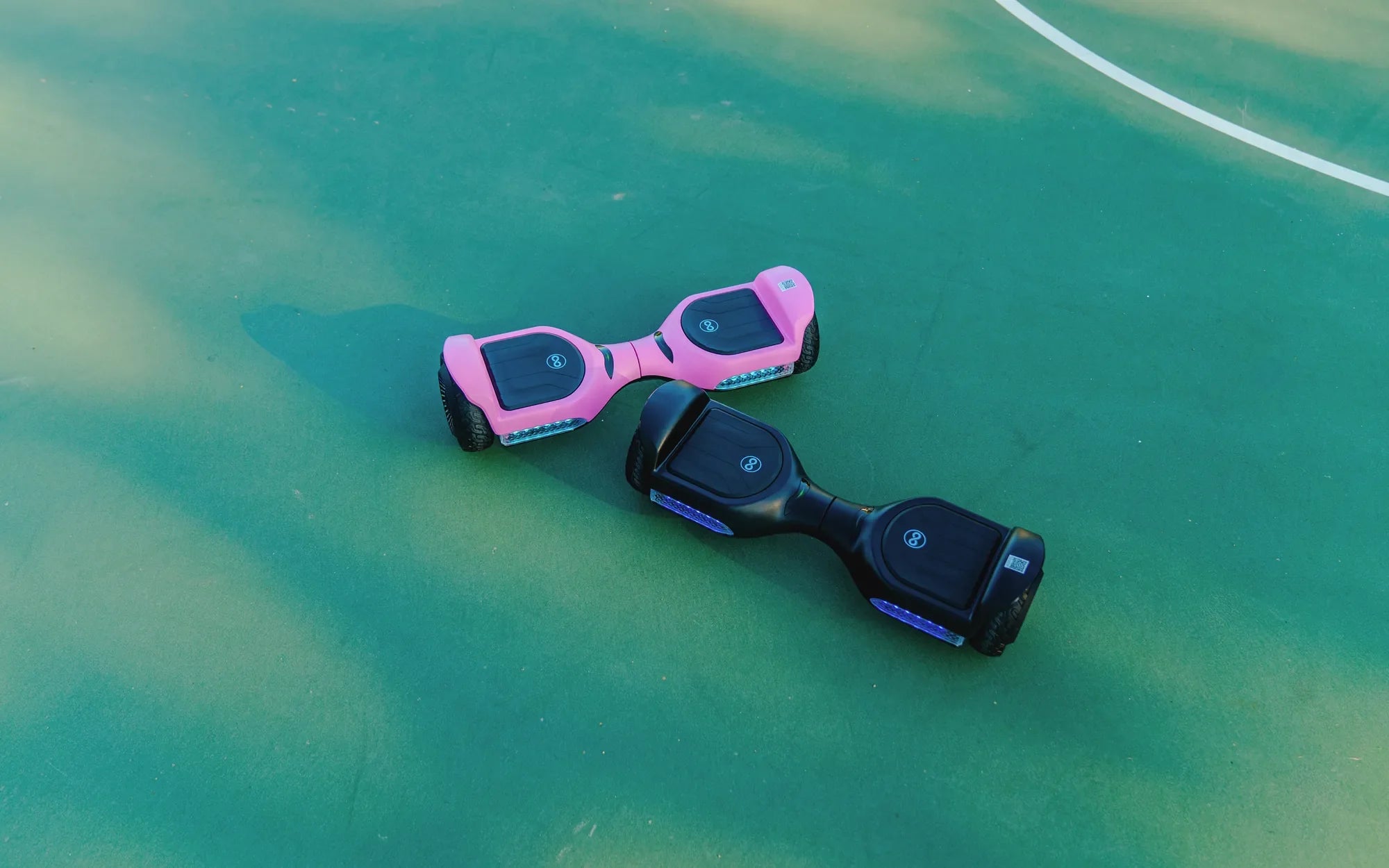
Few things are as frustrating as hopping on your hoverboard only to realize one side isn’t working. Whether it’s a sudden failure or a gradual decline in performance, a malfunctioning hoverboard can ruin your ride. But before you toss it aside, let’s dive into the possible reasons and solutions to get you gliding smoothly again.
Common Causes of One Side Not Working
When one side of your hoverboard fails, the issue usually stems from a few key areas. Identifying the root cause is the first step toward a fix.
1. Battery Issues
A weak or imbalanced battery can cause one side to underperform. If the hoverboard’s battery isn’t charging evenly, one motor may not receive enough power.
2. Motor Malfunction
The motor on the non-working side might be damaged due to wear and tear, water exposure, or electrical faults. A burnt-out motor won’t respond, no matter how much you tilt the footpad.
3. Loose or Damaged Wiring
Internal wiring connects the battery, motors, and control board. If a wire is loose, frayed, or disconnected, one side may stop functioning.
4. Faulty Gyroscope or Sensor
Hoverboards rely on gyroscopes and sensors to detect movement. If one sensor fails, the corresponding side may not respond to your commands.
5. Overheating
Prolonged use or excessive load can cause the hoverboard to overheat, leading to temporary shutdowns on one side.
How to Troubleshoot and Fix the Issue
Before you call for professional help, try these DIY solutions to revive your hoverboard.
1. Check the Battery
Ensure the hoverboard is fully charged. If one side still lags, try recalibrating the battery by leaving it plugged in for an extended period.
2. Inspect the Motors
Spin the wheels manually. If one feels stiff or makes grinding noises, the motor may need replacement.
3. Examine the Wiring
Open the hoverboard (if possible) and check for loose or damaged wires. Reconnect or replace them as needed.
4. Reset the Gyroscope
Turn off the hoverboard, place it on a flat surface, and hold the power button for 10-15 seconds to reset the sensors.
5. Cool Down the Hoverboard
If overheating is the issue, let it rest for 30-60 minutes before attempting to use it again.
Preventive Measures to Avoid Future Problems
Keeping your hoverboard in top shape reduces the chances of one side failing. Follow these tips to extend its lifespan.
1. Regular Charging
Avoid letting the battery drain completely. Charge it after every use to maintain balance.
2. Avoid Water Exposure
Hoverboards and water don’t mix. Keep it away from puddles and wet surfaces to prevent motor and electrical damage.
3. Store Properly
Keep your hoverboard in a dry, cool place when not in use. Extreme temperatures can harm the battery and electronics.
4. Routine Inspections
Check the wheels, motors, and wiring periodically for signs of wear or damage.
5. Don’t Overload
Stick to the recommended weight limit. Overloading strains the motors and battery, leading to uneven performance.
A hoverboard with one side not working doesn’t have to be a lost cause. With the right troubleshooting steps and maintenance habits, you can restore its functionality and enjoy countless smooth rides ahead. Don’t let a minor hiccup keep you from gliding effortlessly—take action today!
How to Craft a Hoverboard: A Step-by-Step Guide to Building Your Own
Hoverboard in Romania: The Rise of Smart Personal Transportation