



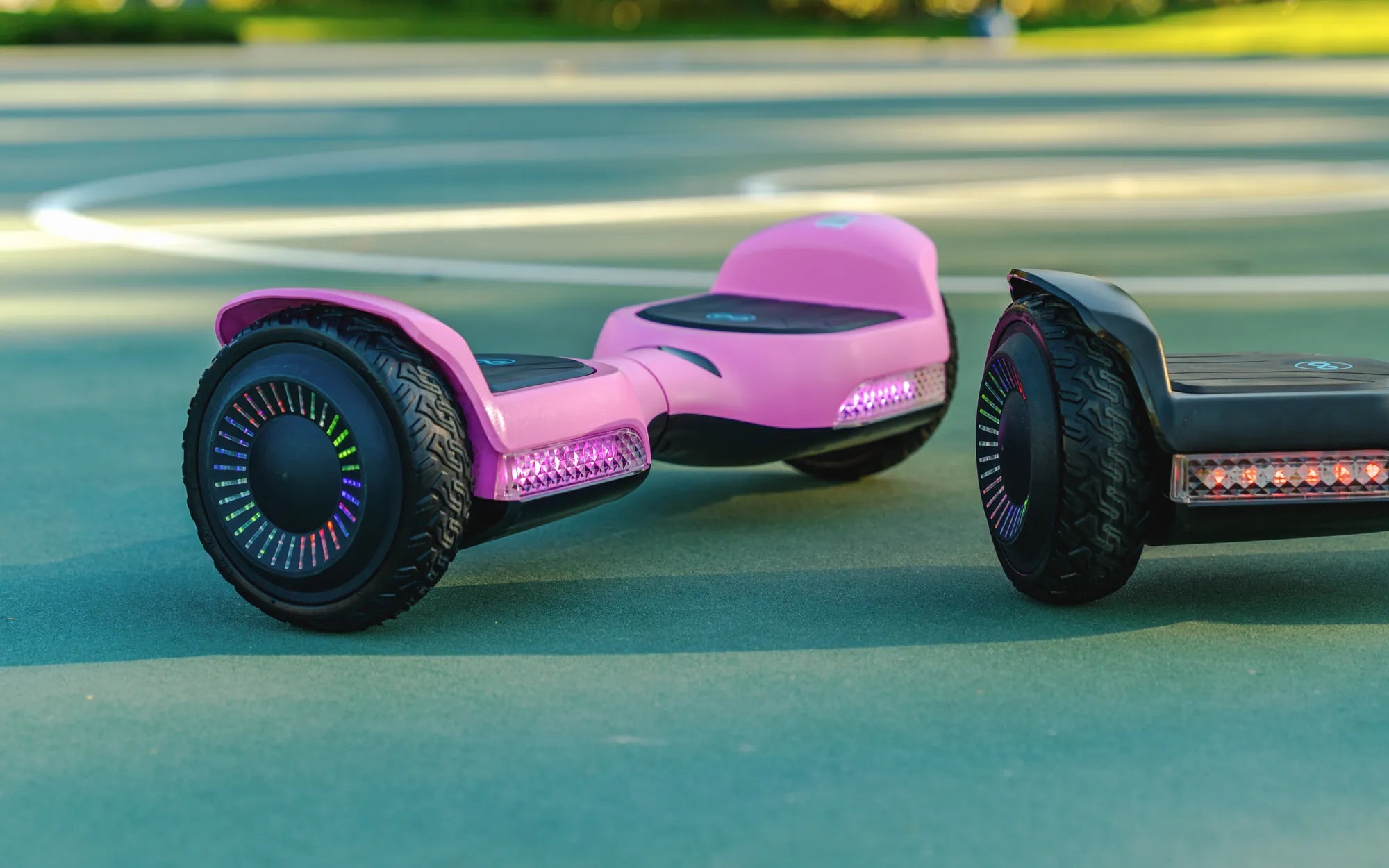
Is your hoverboard refusing to charge? A damaged or faulty charging port could be the culprit. Whether it's due to wear and tear, accidental damage, or poor connections, a replacement charging port for your hoverboard can bring your ride back to life. In this comprehensive guide, we'll walk you through everything you need to know—from diagnosing the problem to installing a new port with ease.
Why Your Hoverboard Charging Port Might Fail
Hoverboard charging ports can fail for several reasons. Frequent plugging and unplugging can wear out the internal connectors, while accidental drops or exposure to moisture can cause physical damage. Poor-quality charging cables or power surges may also contribute to port failure. If your hoverboard isn't charging despite a functional battery and charger, the port is likely the issue.
Signs You Need a Replacement Charging Port
How do you know if your charging port is the problem? Look for these telltale signs:
- The charger doesn't stay securely plugged in.
- Charging is inconsistent or stops abruptly.
- Visible damage, such as bent or broken pins inside the port.
- No charging indicator light when plugged in.
Choosing the Right Replacement Charging Port
Not all charging ports are the same. Before purchasing a replacement, check your hoverboard's model and specifications. Most hoverboards use standard micro-USB or proprietary ports, so ensure compatibility. Look for durable, high-quality ports with positive reviews to avoid future issues.
Step-by-Step Guide to Replacing the Charging Port
Replacing a hoverboard charging port is a straightforward process if you follow these steps:
- Disconnect the Battery: Safety first! Unplug the battery to avoid electrical hazards.
- Remove the Hoverboard Casing: Use a screwdriver to open the hoverboard's outer shell.
- Locate the Charging Port: Identify the damaged port, usually connected to the mainboard.
- Desolder the Old Port: Carefully remove the old port using a soldering iron.
- Solder the New Port: Attach the replacement port, ensuring proper alignment.
- Reassemble the Hoverboard: Secure the casing and test the new port with your charger.
Safety Tips for DIY Repairs
Working with electronics requires caution. Always wear anti-static gloves, use the right tools, and avoid rushing the process. If you're uncomfortable with soldering, consider seeking professional help to prevent further damage.
Preventing Future Charging Port Issues
To extend the life of your new charging port, follow these best practices:
- Avoid yanking the charger out forcefully.
- Keep the port clean and free from dust or debris.
- Use only the recommended charger for your hoverboard.
Don't let a faulty charging port keep your hoverboard grounded! With the right tools and a bit of patience, you can easily replace it and get back to gliding smoothly. Whether you're a DIY enthusiast or a first-time fixer, this guide ensures your hoverboard stays powered up and ready to ride.
Hoverboards and Hoverboard Go Karts: The Future of Personal Mobility
How Much Does It Cost to Buy a Hoverboard? A Complete Guide