


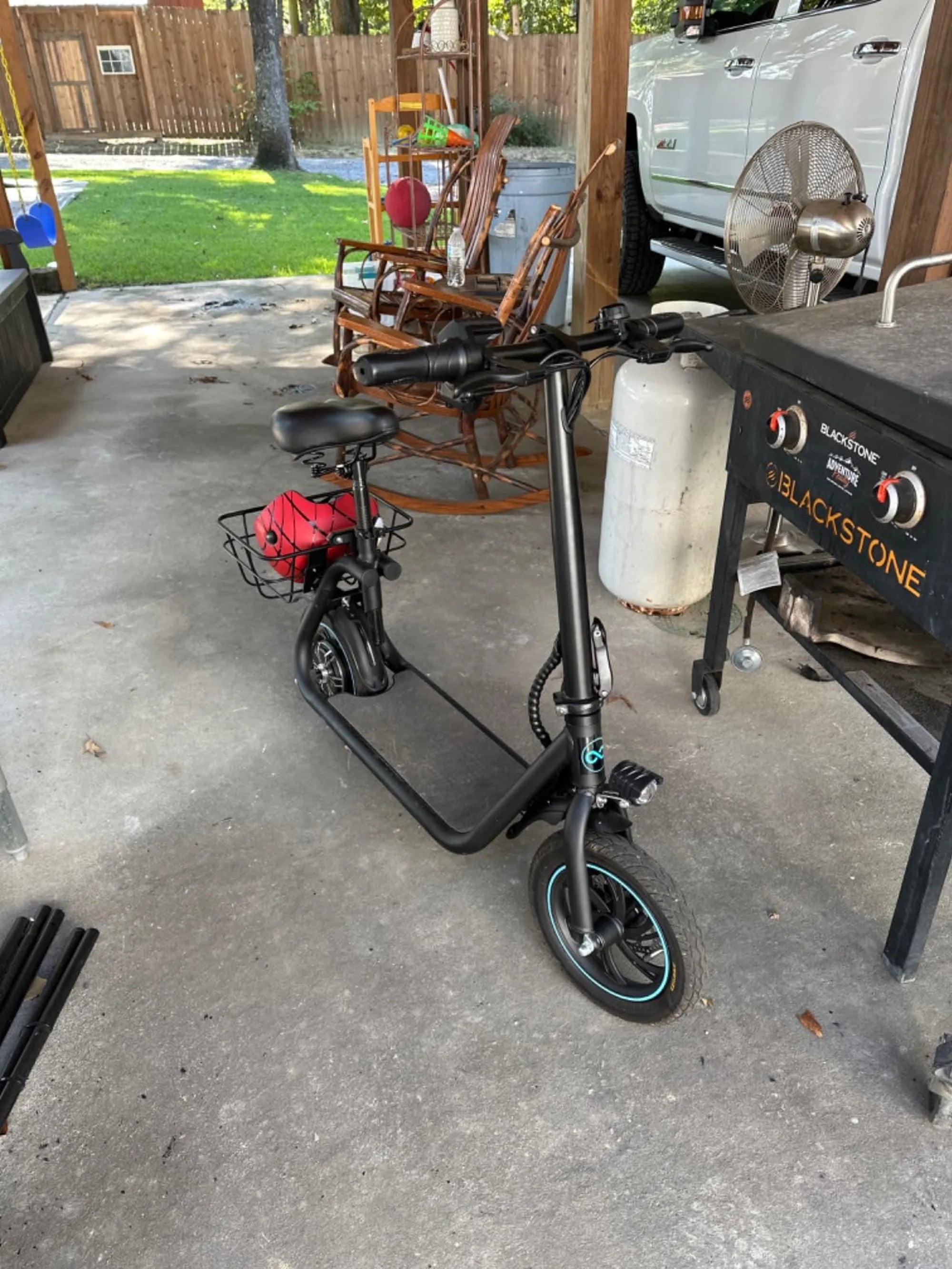
Smart balance scooters have revolutionized personal mobility, offering a fun and efficient way to get around. But like any electronic device, they aren’t immune to problems. Whether you’re a seasoned rider or a newbie, understanding common smart balance scooter problems can save you time, money, and frustration. Let’s dive into the most frequent issues and how to troubleshoot them.
Battery and Charging Issues
One of the most common smart balance scooter problems revolves around the battery. Riders often report that their device won’t charge, holds a charge for a short time, or dies unexpectedly. Here’s what you can do:
- Check the Charger: Ensure the charger is properly connected to both the scooter and the power outlet. A faulty charger can often be the culprit.
- Inspect the Battery: Over time, batteries degrade. If your scooter is older, consider replacing the battery.
- Avoid Overcharging: Leaving your scooter plugged in for too long can damage the battery. Unplug it once fully charged.
Connectivity and Calibration Problems
Another frequent issue is connectivity or calibration errors, which can make the scooter unstable or unresponsive. Follow these steps to resolve them:
- Reboot the Scooter: Turn it off and on again. This simple step can reset minor glitches.
- Recalibrate: Most smart balance scooters have a calibration mode. Refer to the manual for instructions on how to recalibrate.
- Check for Firmware Updates: Some models allow firmware updates via a mobile app. Ensure your scooter is running the latest software.
Motor and Wheel Malfunctions
If your scooter isn’t moving smoothly or one wheel isn’t working, the motor or wheels might be the issue. Here’s how to troubleshoot:
- Clean the Wheels: Dirt and debris can obstruct movement. Clean the wheels regularly.
- Inspect the Motor: Listen for unusual noises. A grinding or clicking sound may indicate motor damage.
- Check for Loose Connections: Open the scooter (if possible) and ensure all wires are securely connected.
Safety Concerns and Overheating
Smart balance scooters can overheat, especially during prolonged use or in hot weather. Overheating can lead to safety hazards, including fires. To prevent this:
- Avoid Extreme Temperatures: Don’t leave your scooter in direct sunlight or freezing conditions.
- Monitor Usage: Take breaks during long rides to let the scooter cool down.
- Use Certified Chargers: Cheap, uncertified chargers can cause overheating. Stick to manufacturer-recommended accessories.
Uneven Terrain and Stability Issues
Smart balance scooters are designed for smooth surfaces. Riding on uneven terrain can cause stability problems, leading to falls or damage. To stay safe:
- Stick to Paved Surfaces: Avoid gravel, sand, or bumpy roads.
- Adjust Your Stance: Keep your feet evenly spaced and your weight centered.
- Upgrade Tires: If you frequently ride on rough terrain, consider all-terrain tires for better stability.
Bluetooth and App Connectivity Problems
Many smart balance scooters come with Bluetooth connectivity for features like speed tracking or LED customization. If your scooter isn’t pairing with your phone:
- Restart Both Devices: Turn off Bluetooth on your phone and reboot the scooter.
- Check Compatibility: Ensure your phone’s OS is compatible with the scooter’s app.
- Reinstall the App: Sometimes, a fresh install can resolve connectivity issues.
Smart balance scooters are a blast to ride, but they’re not without their quirks. By knowing how to troubleshoot these common problems, you can extend the life of your scooter and enjoy a smoother, safer ride. Don’t let minor issues ruin your fun—stay informed and keep rolling!
Top 20 Electric Scooter Company in India: Leaders Shaping the Future of Mobility
Adult Commuting Electric Scooters: The Future of Urban Transportation