

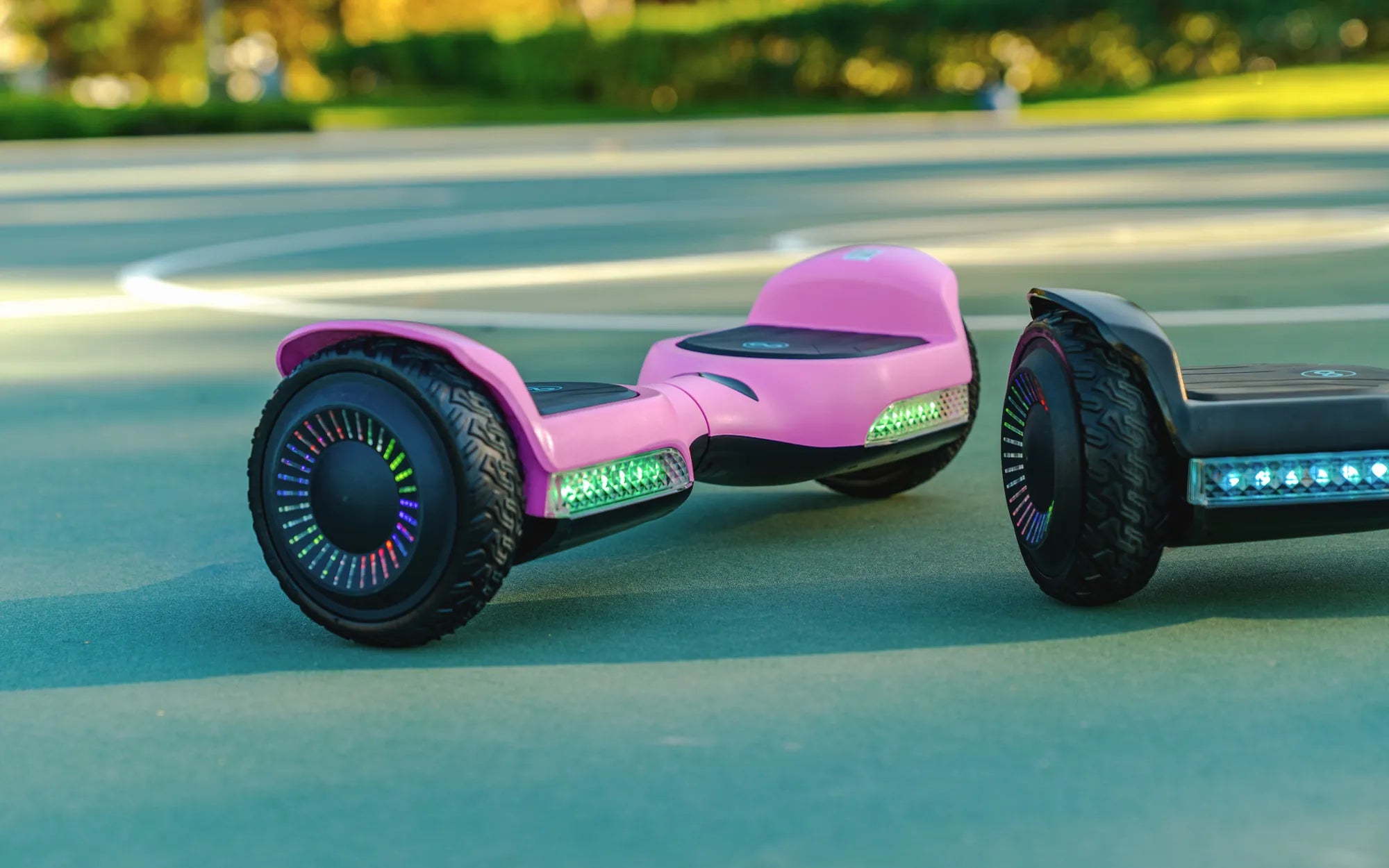
Why Won't My Hoverboard Charge?
Few things are more frustrating than plugging in your hoverboard only to find it refuses to charge. Whether you rely on it for fun or commuting, a dead hoverboard can ruin your plans. Before you panic, there are several troubleshooting steps you can take to diagnose and potentially fix the issue yourself.
Check the Power Source
First, ensure the problem isn't with your outlet or charger. Plug another device into the same outlet to confirm it's working. If the outlet is fine, inspect the charger for visible damage like frayed wires or bent prongs. Try using a different compatible charger if available.
Examine the Charging Port
Dirt, debris, or bent pins in the charging port can prevent proper connection. Use a flashlight to inspect the port and gently clean it with compressed air or a soft brush. Never insert metal objects that could cause damage.
Test the Battery
Hoverboard batteries degrade over time. If your device is older, the battery may need replacement. Some models have indicator lights that show battery status - consult your manual. For advanced users, a multimeter can test battery voltage against manufacturer specifications.
Look for Overheating Issues
If your hoverboard gets excessively hot during charging or use, it may have entered protective shutdown mode. Allow it to cool completely before attempting to charge again. Persistent overheating indicates serious battery issues requiring professional attention.
Reset Your Hoverboard
Many models have a reset button or sequence that can resolve charging glitches. Typically this involves holding the power button for 10-30 seconds. Refer to your specific model's instructions for proper reset procedures.
When to Seek Professional Help
If you've tried all basic troubleshooting without success, or notice swelling batteries, burning smells, or sparking, stop immediately and consult a repair specialist. Attempting to force charge a damaged hoverboard can be dangerous.
Prevent Future Charging Problems
To extend your hoverboard's lifespan, always use the correct charger, avoid overcharging, store in moderate temperatures, and keep the device clean. Regular maintenance prevents many common charging issues before they start.
Don't let a non-charging hoverboard keep you grounded! With these troubleshooting tips, you'll likely identify the issue and get back to gliding in no time. Remember that safety comes first - if you're ever uncertain about repairs, professional help is just a phone call away.
Cool Things to Do on a Hoverboard: Fun and Creative Ways to Ride
Hoverboard Keeps Going in Circles: Causes and Solutions