



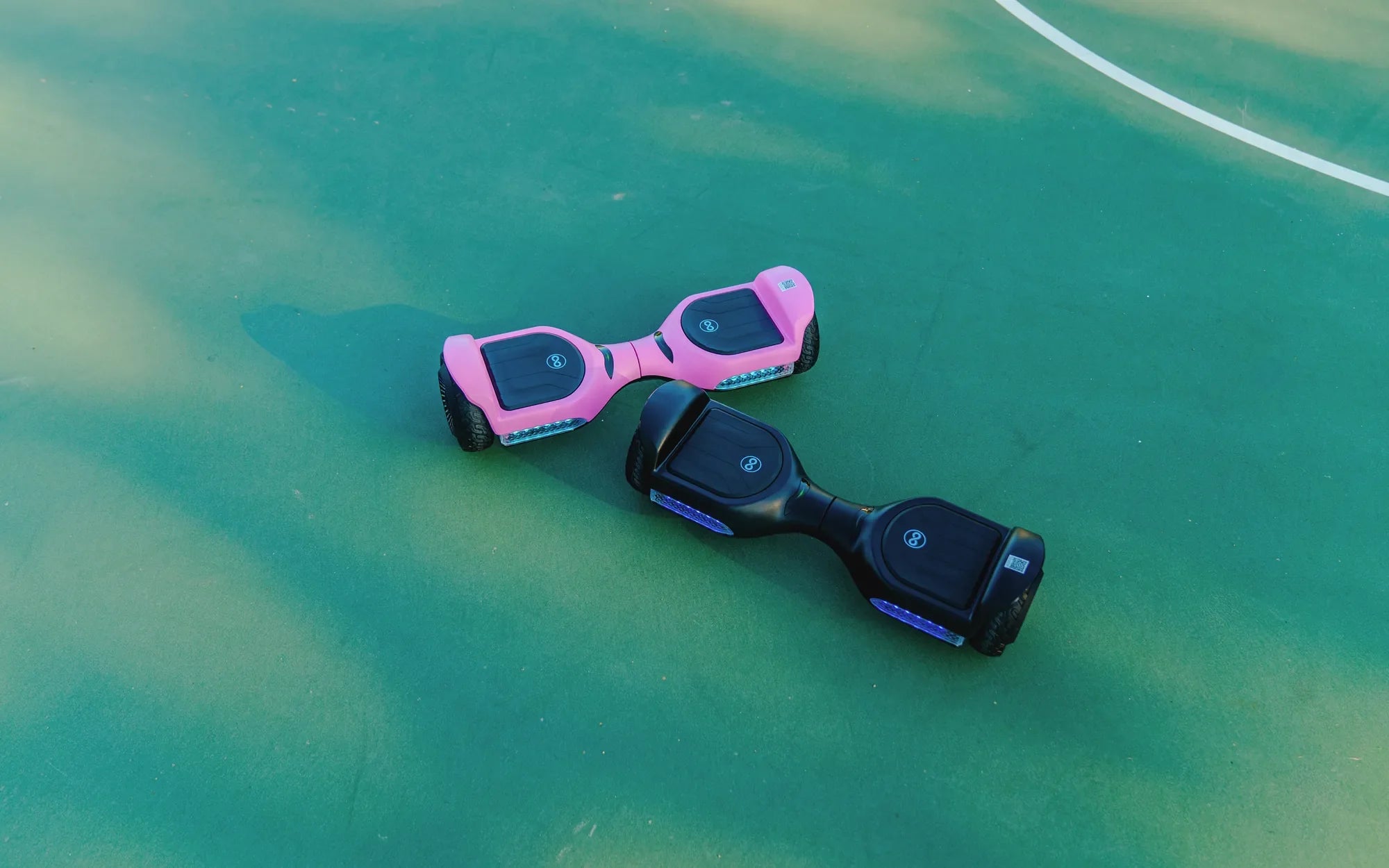
Hearing your hoverboard beep can be alarming, especially if you're unsure what it means. Is it a warning sign? A malfunction? Or just a simple notification? Understanding the reasons behind these beeps can help you address potential issues before they escalate. In this guide, we'll explore the common causes of hoverboard beeping and provide actionable solutions to keep your ride safe and enjoyable.
Common Reasons Why Your Hoverboard Is Beeping
Hoverboards are equipped with built-in safety features that often trigger audible alerts. Here are some of the most common reasons your device might be beeping:
- Low Battery: A frequent beeping sound often indicates that your hoverboard's battery is running low. Charging the device should resolve this issue.
- Overheating: Prolonged use or exposure to high temperatures can cause the hoverboard to overheat, triggering a warning beep.
- Uneven Surface: If the hoverboard is on an uneven or unstable surface, it may beep to alert you of potential instability.
- Faulty Sensors: Malfunctioning tilt or speed sensors can cause the hoverboard to beep unexpectedly.
- Overload: Exceeding the weight limit can strain the motors, leading to beeping sounds.
How to Troubleshoot a Beeping Hoverboard
If your hoverboard is beeping, follow these steps to diagnose and fix the problem:
- Check the Battery: Plug in the charger and ensure the battery is fully charged. If the beeping persists, the battery may need replacement.
- Inspect for Overheating: Turn off the hoverboard and let it cool down for at least 30 minutes before using it again.
- Stabilize the Surface: Move the hoverboard to a flat, level surface to see if the beeping stops.
- Reset the Device: Many hoverboards have a reset button. Press and hold it for a few seconds to reboot the system.
- Consult the Manual: Refer to the user manual for specific error codes or beep patterns that can help identify the issue.
Preventive Measures to Avoid Future Beeping
To minimize the chances of your hoverboard beeping unexpectedly, follow these preventive tips:
- Charge the hoverboard after each use to maintain battery health.
- Avoid riding on rough or uneven terrain to prevent sensor errors.
- Store the hoverboard in a cool, dry place to prevent overheating.
- Regularly clean the wheels and sensors to ensure optimal performance.
- Never exceed the recommended weight limit to avoid motor strain.
When to Seek Professional Help
If your hoverboard continues to beep despite troubleshooting, it may indicate a more serious issue. Consider contacting a professional technician if:
- The beeping is accompanied by a burning smell or smoke.
- The hoverboard fails to power on or respond to commands.
- You notice physical damage to the battery or wiring.
- The device behaves erratically or shuts down unexpectedly.
Don't ignore persistent beeping—your hoverboard is trying to tell you something important. By addressing the issue early, you can extend the lifespan of your device and ensure a safer riding experience. Whether it's a simple battery alert or a more complex sensor problem, understanding the cause of the beeping will help you take the right steps to fix it.
How to Use the Bluetooth on a Hoverboard: A Step-by-Step Guide
Price of Hoverboard in USA: What You Need to Know Before Buying