



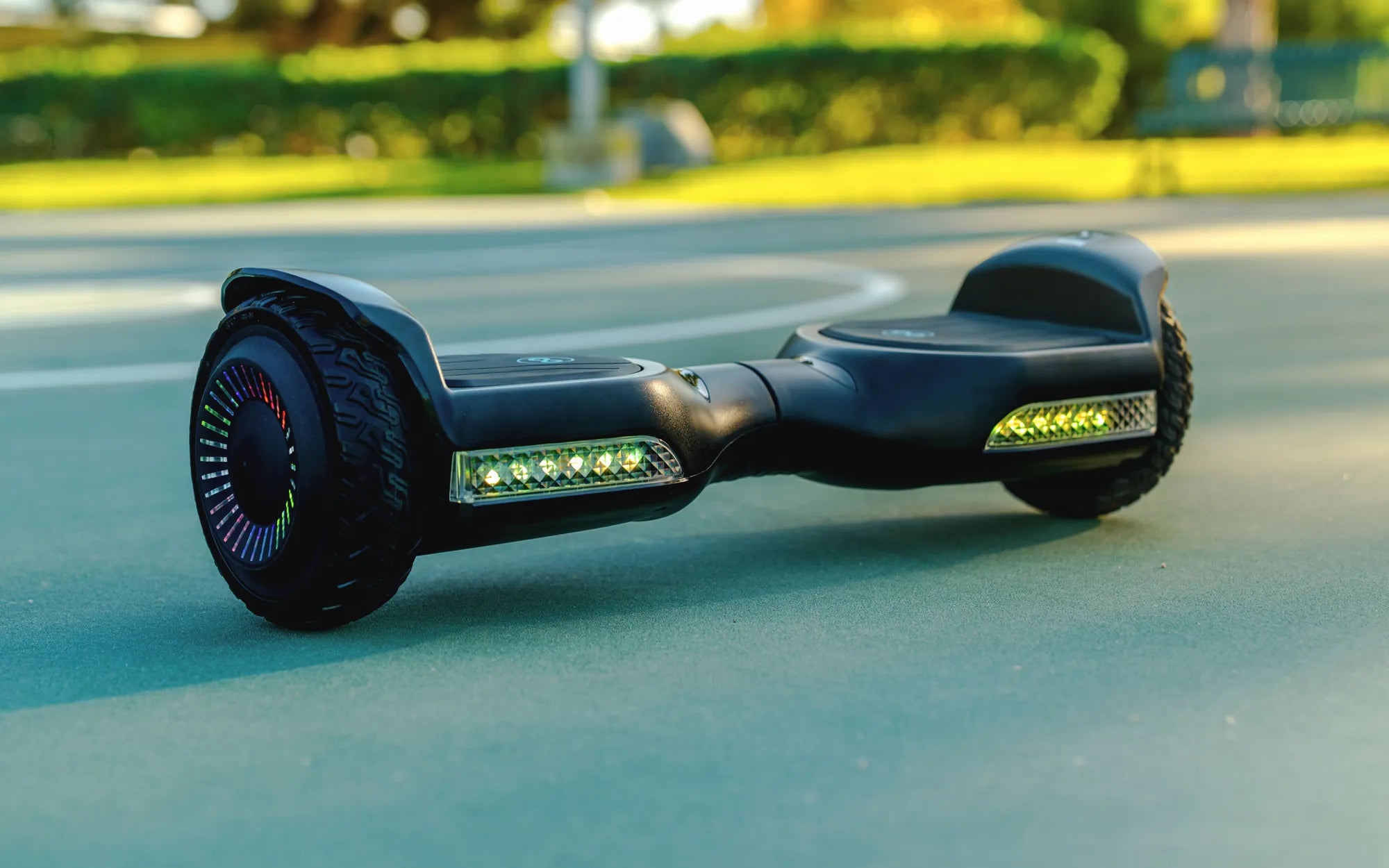
Hoverboards are a fun and convenient way to get around, but like any electronic device, they can sometimes malfunction. One of the most frustrating issues is when one side of your hoverboard stops working. If you're facing this problem, don't panic—there are several potential causes and solutions. Let's dive into what might be going wrong and how you can get your hoverboard back in action.
Common Causes of One Side Not Working
When one side of your hoverboard fails, it's usually due to one of the following reasons:
- Motor Issues: The motor on the non-working side may have burned out or become disconnected.
- Wiring Problems: Loose or damaged wires can disrupt power to one side of the hoverboard.
- Battery Problems: A faulty or imbalanced battery can cause one side to lose power.
- Gyroscope Malfunction: The gyroscope, which helps balance the hoverboard, may be misaligned or damaged.
- Firmware Glitches: Outdated or corrupted firmware can lead to uneven performance.
How to Diagnose the Issue
Before attempting any repairs, it's important to diagnose the problem accurately. Here's how:
- Check the Power: Ensure the hoverboard is fully charged and the battery is functioning properly.
- Inspect the Wheels: Spin the wheels manually to see if there's any resistance or unusual noise.
- Test the Motors: Listen for any unusual sounds when powering on the hoverboard.
- Examine the Wiring: Look for loose or frayed wires, especially around the non-working side.
- Reset the Hoverboard: Try turning it off and on again or performing a factory reset.
Potential Fixes for One Side Not Working
Depending on the cause, here are some solutions you can try:
1. Recalibrate the Hoverboard
Sometimes, a simple recalibration can resolve the issue. Follow these steps:
- Turn off the hoverboard and place it on a flat surface.
- Press and hold the power button for about 10 seconds until you hear a beep.
- Release the button and wait for the hoverboard to recalibrate.
- Turn it back on and test both sides.
2. Check and Replace the Battery
If the battery is the culprit, you may need to replace it. Here's how to check:
- Open the hoverboard's casing to access the battery.
- Use a multimeter to test the voltage of each battery cell.
- If any cell shows significantly lower voltage, the battery may need replacement.
3. Inspect and Repair Wiring
Damaged wiring can often be repaired without replacing the entire hoverboard:
- Carefully open the hoverboard to expose the internal wiring.
- Look for loose connections or frayed wires.
- Reconnect or solder any broken wires, ensuring they're secure.
4. Replace the Motor
If the motor is faulty, replacement might be necessary:
- Identify the motor on the non-working side.
- Disconnect the old motor and install a new one.
- Test the hoverboard to ensure both sides are functioning.
Preventive Measures to Avoid Future Issues
To keep your hoverboard running smoothly, follow these tips:
- Regular Maintenance: Clean the wheels and check the wiring periodically.
- Proper Charging: Avoid overcharging the battery and use the correct charger.
- Safe Riding: Avoid rough terrain and excessive weight to prevent motor strain.
- Firmware Updates: Keep the hoverboard's firmware up to date for optimal performance.
Dealing with a hoverboard that has one side not working can be frustrating, but with the right approach, you can often fix the issue yourself. Whether it's a simple recalibration or a more involved repair, understanding the root cause is the first step to getting back on the road. Don't let a malfunction slow you down—use this guide to troubleshoot and restore your hoverboard's full functionality!
How to Fix Your Hoverboard When It Won't Turn On: A Step-by-Step Guide
How to Fix Your Hoverboard When It Won't Turn On: A Step-by-Step Guide