

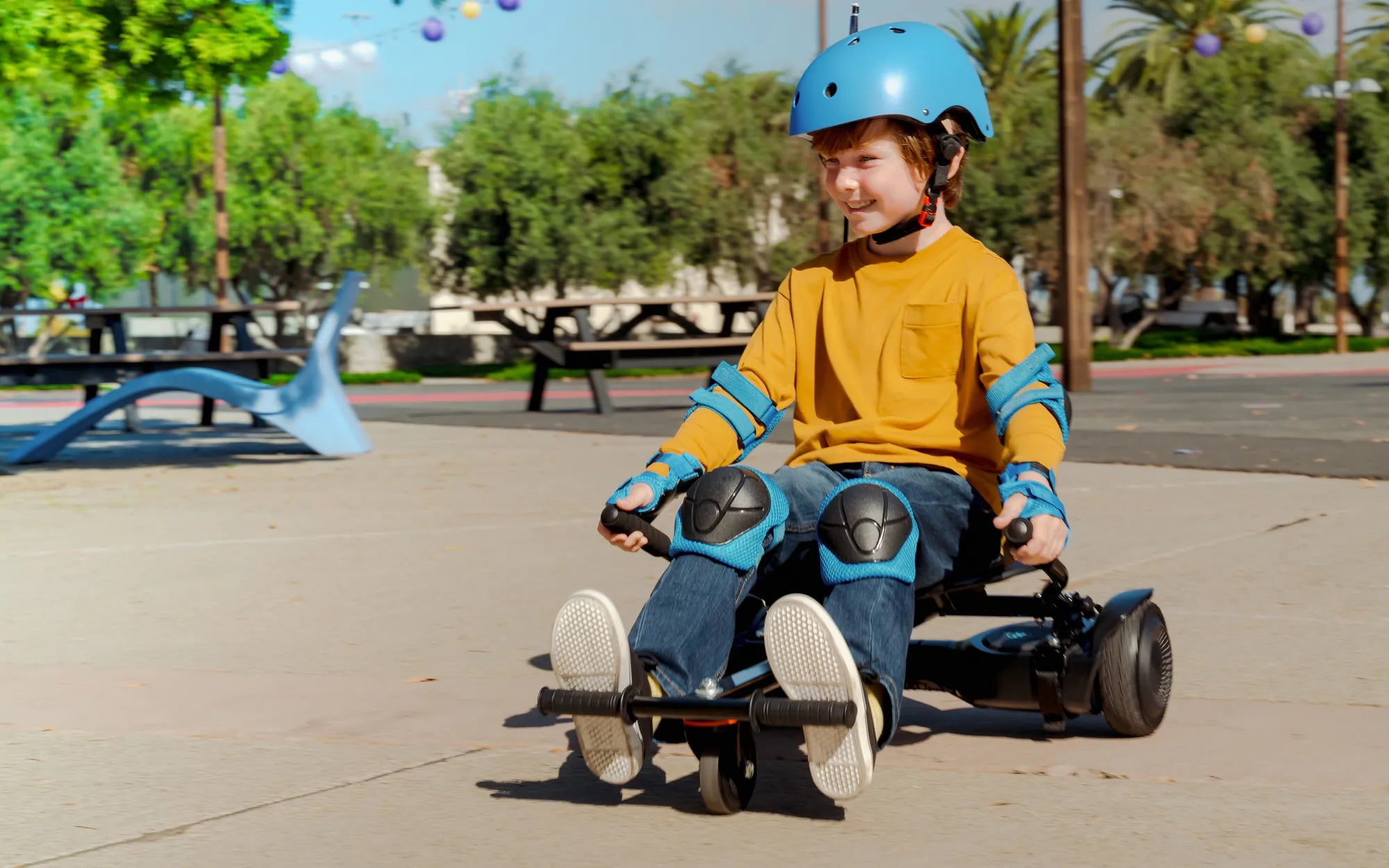
If your hoverboard has suddenly started vibrating, you're probably wondering what's going on. Is it a minor glitch or a sign of a serious problem? Vibrations in hoverboards can stem from various causes, ranging from simple imbalances to more complex mechanical issues. Understanding the root cause is the first step to resolving the problem and ensuring your ride remains smooth and safe.
Common Causes of Hoverboard Vibrations
Hoverboards are designed to provide a seamless riding experience, but vibrations can disrupt that. Here are some of the most common reasons why your hoverboard might be vibrating:
1. Uneven or Loose Wheels
One of the primary culprits behind hoverboard vibrations is uneven or loose wheels. If the wheels aren't aligned properly or if they've become loose due to wear and tear, the hoverboard may vibrate excessively. Check the wheels for any visible damage or misalignment and tighten them if necessary.
2. Low Tire Pressure
Just like a car, a hoverboard with low tire pressure can cause an uneven ride. If the tires are underinflated, the hoverboard may vibrate as it struggles to maintain balance. Ensure the tires are inflated to the recommended pressure level for optimal performance.
3. Motor Issues
The motors are the heart of your hoverboard, and any malfunction can lead to vibrations. If one motor is working harder than the other or if there's a wiring issue, the hoverboard may vibrate. Inspect the motors for any signs of damage or overheating.
4. Loose or Damaged Internal Components
Internal components, such as screws, bearings, or wiring, can become loose over time. If any of these parts are damaged or not securely fastened, they can cause vibrations. A thorough internal inspection may be necessary to identify and fix the issue.
How to Troubleshoot and Fix Vibrations
Now that you know the potential causes, here's how you can troubleshoot and fix the vibrations:
1. Check the Wheels and Tires
Start by inspecting the wheels and tires. Ensure they are properly aligned and tightened. If the tires are underinflated, use a pump to inflate them to the correct pressure. Replace any damaged wheels or tires immediately.
2. Test the Motors
Turn on the hoverboard and listen for any unusual sounds coming from the motors. If one motor seems louder or less responsive than the other, it may need repair or replacement. Avoid riding the hoverboard if the motors are malfunctioning.
3. Tighten Loose Components
Open the hoverboard casing (if possible) and check for any loose screws or wiring. Tighten any loose components and ensure all connections are secure. If you're not comfortable doing this yourself, seek professional help.
4. Calibrate the Hoverboard
Sometimes, recalibrating the hoverboard can resolve vibration issues. Refer to the user manual for instructions on how to calibrate your specific model. This process usually involves placing the hoverboard on a flat surface and pressing specific buttons.
Preventive Measures to Avoid Vibrations
Prevention is always better than cure. Here are some tips to keep your hoverboard vibration-free:
- Regularly inspect and maintain the wheels, tires, and motors.
- Avoid riding on rough or uneven surfaces that can damage the hoverboard.
- Keep the hoverboard clean and free from dirt and debris.
- Store the hoverboard in a dry and safe place to prevent internal damage.
When to Seek Professional Help
If you've tried all the troubleshooting steps and the vibrations persist, it's time to consult a professional. Continuing to ride a vibrating hoverboard can lead to further damage or even accidents. A certified technician can diagnose and repair the issue safely.
Don't let vibrations ruin your hoverboard experience. By understanding the causes and taking the right steps, you can enjoy a smooth and safe ride every time. Whether it's a simple tire adjustment or a motor repair, addressing the issue promptly will keep your hoverboard in top condition.
Share:
How Much Is a Bluetooth Hoverboard: A Complete Pricing Guide
My Hoverboard Won't Charge: Troubleshooting and Fixes for a Dead Battery