

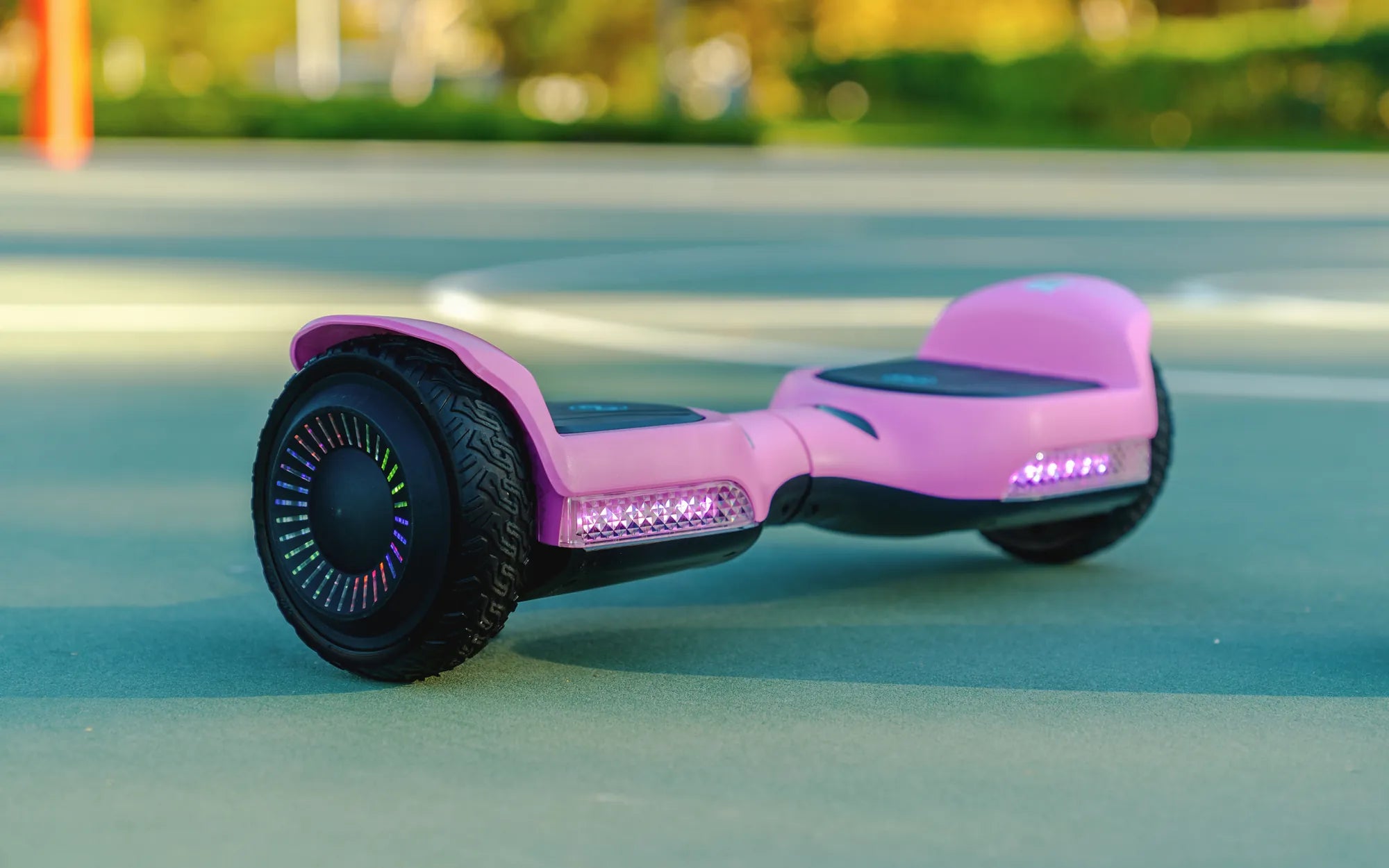
Have you ever been cruising on your hoverboard when suddenly a red circle light appears, leaving you puzzled and concerned? This mysterious indicator can be frustrating, especially if you're unsure what it means or how to fix it. Don't worry—we've got you covered. In this comprehensive guide, we'll decode the red circle light on your hoverboard and provide actionable solutions to get you back on the move.
Understanding the Red Circle Light on Your Hoverboard
The red circle light on a hoverboard is a warning indicator designed to alert you to potential issues. While the exact meaning can vary slightly depending on the model, it generally signals one of the following problems:
- Low Battery: The most common reason for the red light is a critically low battery. When the power drops below a certain threshold, the hoverboard alerts you to recharge.
- Overheating: Prolonged use or exposure to high temperatures can cause the hoverboard's internal components to overheat, triggering the red light.
- Motor or Sensor Issues: If the motors or gyroscopic sensors malfunction, the red light may appear as a safety precaution.
- Charging Problems: A faulty charger or charging port can also activate the red light.
How to Troubleshoot the Red Circle Light
Before panicking, follow these steps to diagnose and resolve the issue:
1. Check the Battery Level
If the red light appears while riding, stop immediately and plug in the hoverboard to charge. A full charge typically takes 2-3 hours. If the light persists after charging, the battery may need replacement.
2. Inspect for Overheating
Turn off the hoverboard and let it cool down for at least 30 minutes. Avoid using it in direct sunlight or on rough terrain, as these conditions can exacerbate overheating.
3. Examine the Motors and Sensors
Listen for unusual noises or vibrations while riding. If the hoverboard feels unbalanced or unresponsive, the motors or sensors may need professional servicing.
4. Test the Charger and Port
Try using a different charger or cleaning the charging port with a dry cloth. Corrosion or debris can interfere with proper charging.
Preventive Measures to Avoid Future Issues
To minimize the chances of encountering the red circle light, follow these best practices:
- Charge the hoverboard after each use and avoid draining the battery completely.
- Store it in a cool, dry place away from extreme temperatures.
- Regularly clean the wheels and underside to prevent dirt buildup.
- Avoid overloading the hoverboard beyond its weight limit.
When to Seek Professional Help
If the red light continues to appear despite troubleshooting, it's time to consult a technician. Persistent issues could indicate deeper electrical or mechanical problems that require expert attention.
Don't let the red circle light ruin your hoverboard experience. By understanding its causes and solutions, you can keep your device running smoothly and safely. Whether it's a simple battery recharge or a more complex repair, addressing the issue promptly ensures you'll be back to gliding in no time!
Easy Roller Hoverboard: The Ultimate Guide to Effortless Riding
How Do You Know When Your Hoverboard Is Dying: Warning Signs and Solutions