


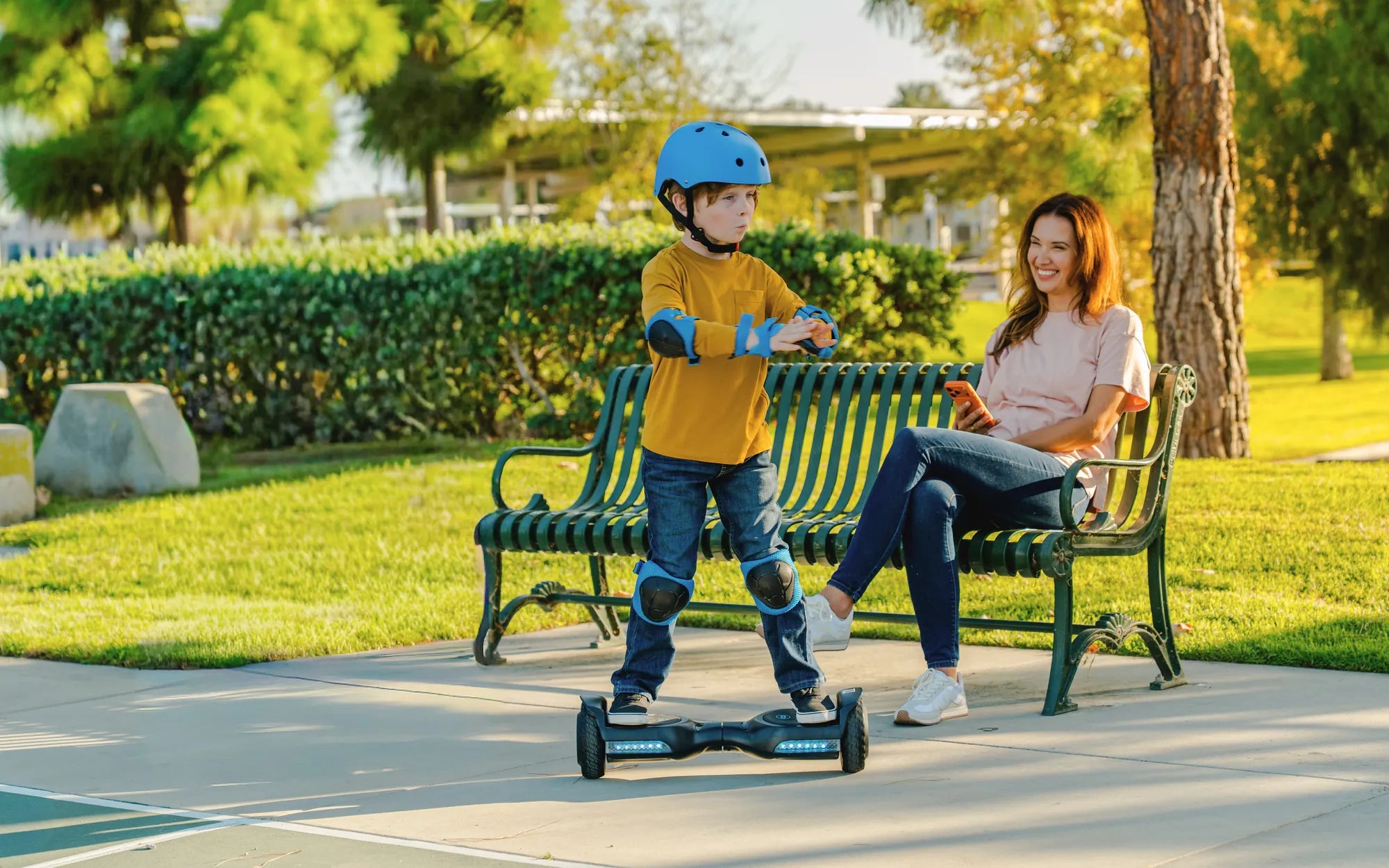
Hoverboards with Bluetooth are revolutionizing personal transportation, offering a seamless blend of fun and functionality. Whether you're a tech enthusiast or just looking for a smarter ride, Bluetooth-enabled hoverboards provide music, app connectivity, and real-time performance tracking. But with so many options available, how do you choose the right one? This guide breaks down everything you need to know about hoverboards with Bluetooth.
Why Choose a Hoverboard with Bluetooth?
Bluetooth connectivity transforms a standard hoverboard into a smart device. With built-in speakers, you can play your favorite tunes while cruising. Many models also sync with mobile apps, allowing you to monitor speed, battery life, and even customize LED lights. This feature-rich experience makes Bluetooth hoverboards a top choice for riders who want more than just basic transportation.
Key Features to Look For
When shopping for a hoverboard with Bluetooth, consider these essential features:
- Sound Quality: High-quality speakers ensure clear audio even at higher speeds.
- App Compatibility: Look for models that sync with user-friendly apps for performance tracking.
- Battery Life: Bluetooth usage can drain power, so opt for hoverboards with long-lasting batteries.
- Safety Certifications: Ensure the hoverboard meets safety standards to avoid overheating or electrical issues.
Top Bluetooth Hoverboard Models
While we won't name specific brands, the best Bluetooth hoverboards share common traits. They offer stable connections, intuitive controls, and durable builds. Some even include anti-theft features and customizable ride modes. Research customer reviews and expert recommendations to find a model that fits your needs.
How to Connect Your Hoverboard to Bluetooth
Pairing your hoverboard with a smartphone is usually straightforward. First, enable Bluetooth on your phone and turn on the hoverboard. Search for available devices in your phone's Bluetooth settings and select your hoverboard. Some models require a PIN, which is often "0000" or "1234." Once connected, you can control music, check battery levels, and more through the companion app.
Maintenance Tips for Bluetooth Hoverboards
To keep your hoverboard in top condition, follow these tips:
- Regularly update the hoverboard's firmware via the app for optimal performance.
- Clean the speakers and charging ports to prevent dust buildup.
- Avoid exposing the hoverboard to extreme temperatures, which can damage the battery and Bluetooth components.
Ready to elevate your ride? A Bluetooth hoverboard combines cutting-edge technology with the thrill of gliding effortlessly. Whether you're commuting or just having fun, these smart devices deliver an unmatched experience. Don't settle for ordinary—explore the world of Bluetooth hoverboards today!
Really Cheap Hoverboards: Are They Worth the Risk?
Really Cheap Hoverboards: Are They Worth the Risk?